Seedance 2.0 能將文字、圖片、影片和音訊轉換為最長 15 秒、聲音同步的鏡頭片段。Seedance 2.0 提示詞如果寫得太模糊,就可能把點數浪費在臉部變形、鏡頭亂動,或聲音對不上畫面的結果上。範本能減少大部分摸索,因為不同創意都能沿用相同的元素順序與參考素材語法,只需更換主體、場景和上傳的檔案。
第 1 部分:如何撰寫 Seedance 2.0 提示詞
好的 Seedance 2 提示詞就像一份精簡的創意簡報,清楚交代畫面裡有什麼、發生什麼事,以及最終影片的視覺與聲音效果。以下 6 個要素提供簡單的架構,幫你把想法轉化成明確、易於控制的影片提示詞:
- 明確描述主體: 說明畫面中出現的人或物,並補充服裝、年齡層、外觀或材質等實用細節。
- 描述動作: 每個鏡頭安排一個清楚可見的動作,例如「將茶倒入玻璃杯」,避免一次堆疊多個動作。
- 設定場景: 交代地點、時段和天氣,建立場景環境,並為光線設定提供依據。
- 指定運鏡: 選擇具體的鏡頭移動方式,例如緩慢向前推進、環繞或跟拍,不要只寫「電影感運鏡」。
- 設定視覺風格: 將想要的風格與明確光源搭配描述,例如「35mm 底片顆粒、溫暖的鎢絲燈光」。
- 規劃聲音: 如果場景需要同步音訊,請描述台詞、音效、環境聲和音樂氛圍。
你可以依檔案上傳順序,使用 @Image1、@Video1 或 @Audio1 等 @ 標記來引用素材。清楚的 Seedance 2.0 提示詞應為每份參考素材指定一個用途,例如定義角色、首幀畫面、視覺風格或運鏡方式。
想建立穩定好用的結構,可以先列出參考素材,再依序描述場景、動作、運鏡、視覺風格和聲音。較長的 10–15 秒片段,也可以分成 0–4 秒、4–9 秒和 9–15 秒等時間區段,每一段安排不同的鏡頭。
第 2 部分:10 組 Seedance 2.0 提示詞範例與技巧
套用經過驗證的結構,比每次從零開始更省時,這也是可重複使用的 Seedance 2.0 提示詞指南的價值所在。[product] 或 [city] 等方括號中的佔位文字,會清楚標示你可以自訂的內容。參考以下 10 組提示詞,依照你的主體、場景和影片風格調整各範本的內容。
1. 文字生成電影感鏡頭
純文字 Seedance 提示詞最適合用來生成一個描述完整的鏡頭,包含單一主體、動作與運鏡方式。短片段盡可能聚焦在一個主要動作上,因為在幾秒內塞入多個互不相關的動作,可能讓畫面不夠清楚,也降低一致性。
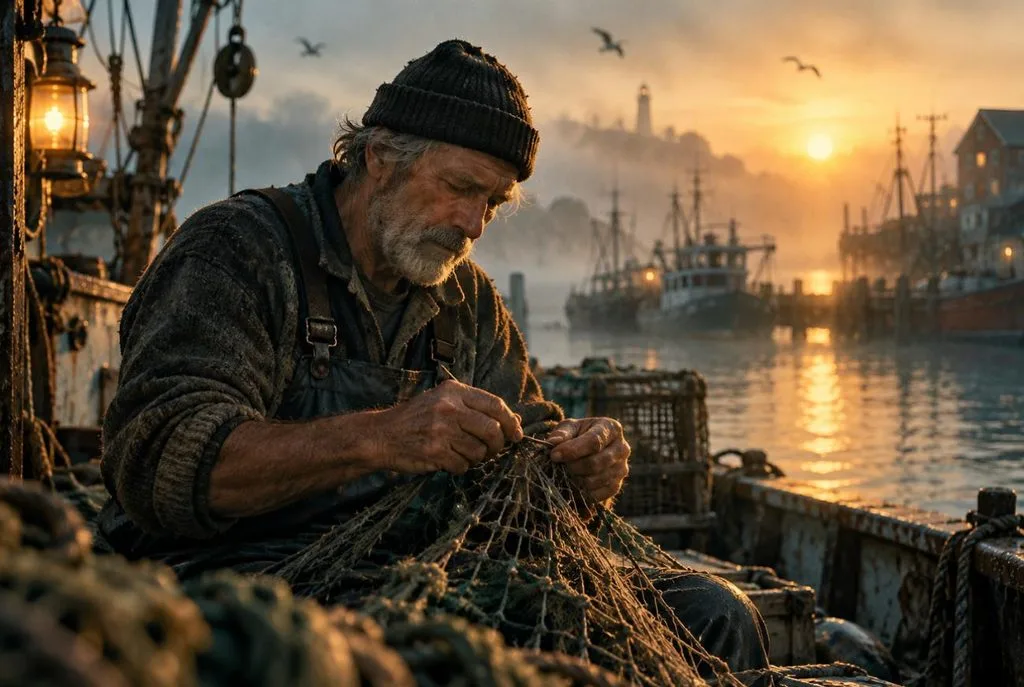
範本: A [weathered fisherman] [mends a net] on [a foggy harbor at dawn]. Slow dolly-in from a medium shot to a close-up of his hands. Soft golden side light, muted teal palette, 35mm film grain. Creaking boats and lapping water.
2. 用時間標記安排多鏡頭片段
生成較長的影片時,需要明確的時間軸,否則多個想法可能擠在同一個混亂的鏡頭裡。將風格與聲音描述放在最後,就能讓它們套用到每個片段。
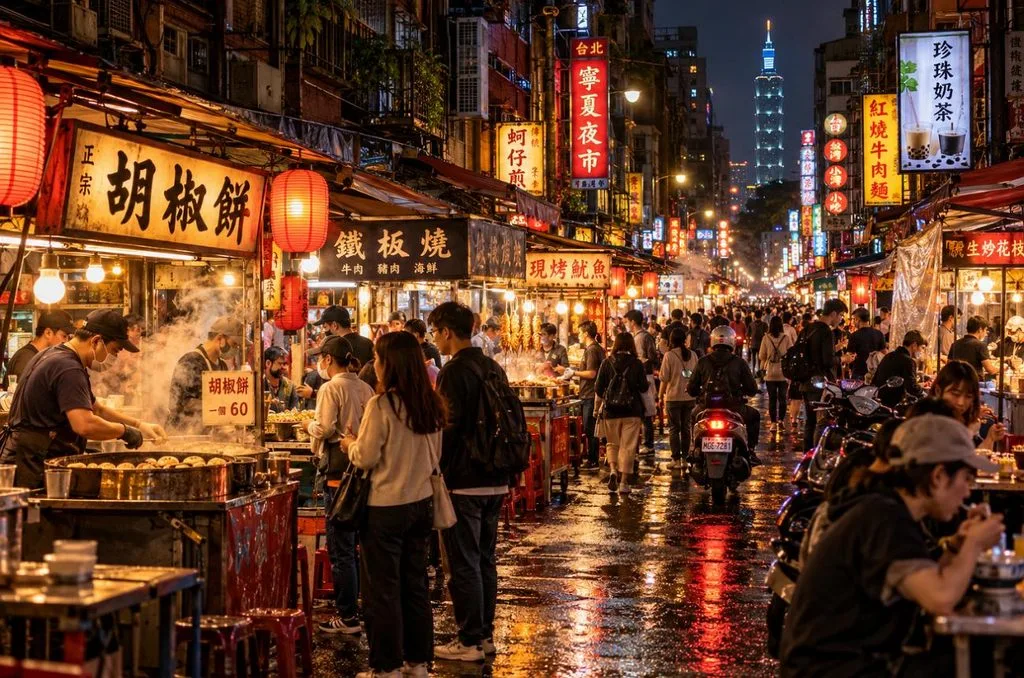
範本: 0-4s, wide shot of [a night market in Taipei], steam rising from food stalls. 4-9s, medium shot of [a young cook] flipping noodles in a flaming wok. 9-15s, close-up of the finished bowl as the camera pulls back. Warm neon light, handheld documentary feel, sizzling pans and crowd chatter.
3. 以首幀圖片生成影片
任何「Seedance 2.0 圖片生成影片提示詞指南」的首要原則,都是把重點放在動態描述上,因為圖片已經決定了視覺外觀。重新描述畫面中已有的服裝或顏色,反而可能讓生成結果偏離原圖。

範本: @Image1 as the first frame. The [cartoon fox] looks up from its book and waves as [autumn leaves drift past the window]. Gentle push-in, warm lamp light matching the image. Soft pages turn and wind outside.
4. 首尾幀轉場
提供一組關鍵影格,就能讓 Seedance 2.0 規劃兩者之間的變化過程,很適合用來呈現揭曉效果與縮時畫面。讓首尾兩幀保持相同的拍攝角度,可避免中間過程出現動態扭曲。
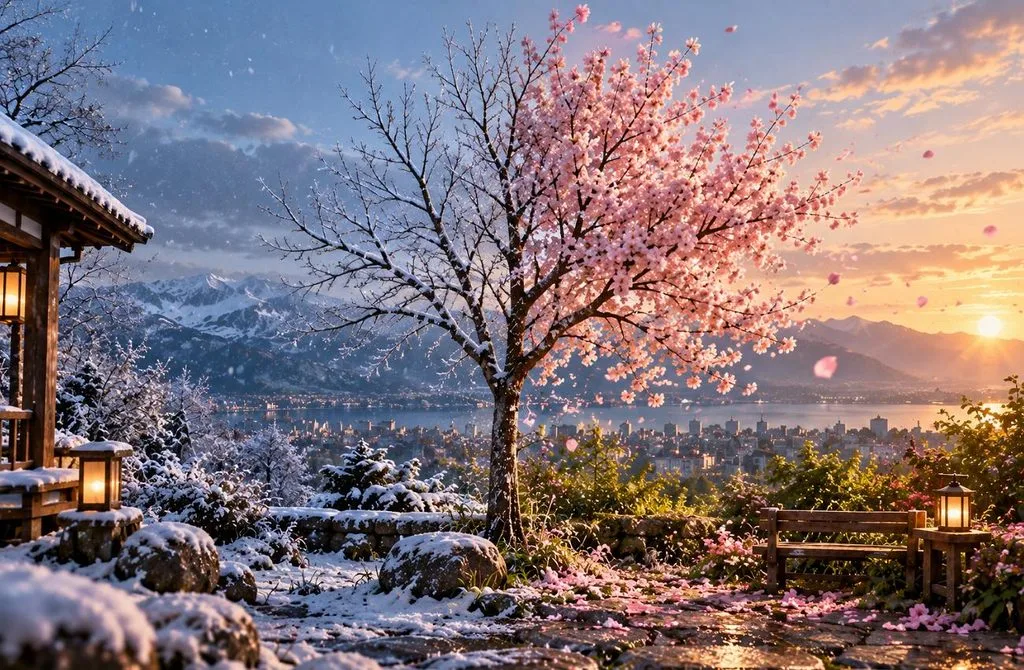
範本: @Image1 as the first frame and @Image2 as the last frame. A [bare sapling] grows into [a blossoming cherry tree] as winter turns to spring. Locked-off wide shot, time-lapse pacing, soft daylight. Rising birdsong and a light breeze.
5. 使用參考圖片維持角色一致性
每張參考圖片各自負責一項特徵,例如臉部或服裝,就能讓反覆出場的角色維持辨識度。插畫或 AI 生成的角色通常更可靠,因為真人照片經常會受到限制,無法使用。
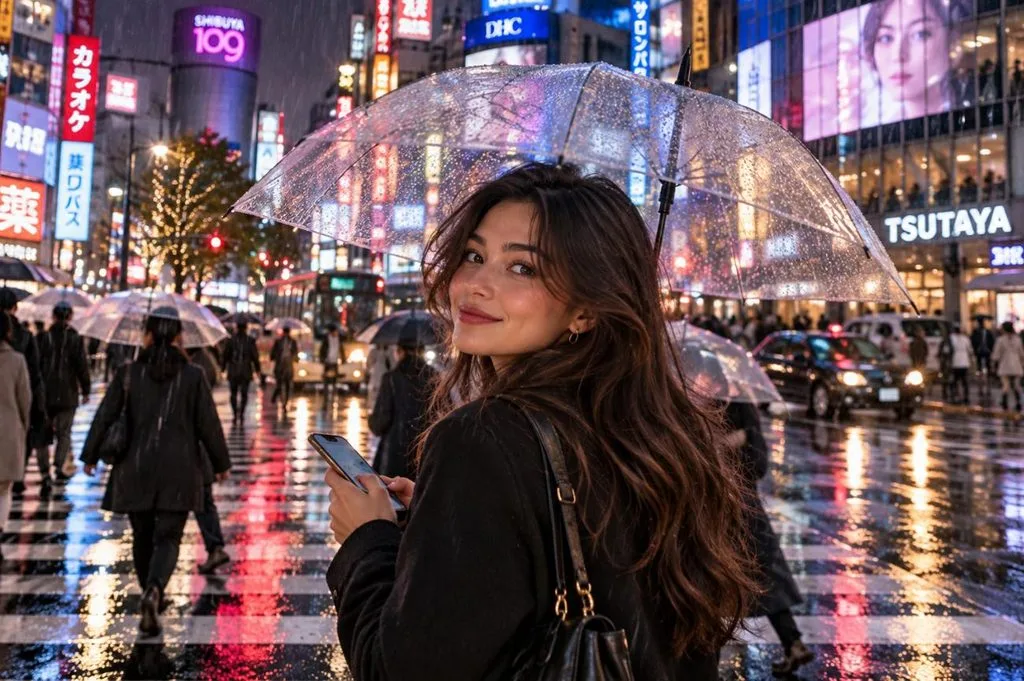
範本: @Image1 is [the heroine’s face and hairstyle], and @Image2 is [her red rain jacket]. She crosses [a rainy Tokyo intersection], checks her phone, and looks up at the camera. Shoulder-height tracking shot, neon reflections. Traffic hum and rain on umbrellas.
6. 參考影片的運鏡方式
Seedance 提示詞可以直接參考短片中的複雜運鏡,不必完全靠文字描述。加上「camera movement only」,就能避免參考影片裡的人物和物件出現在生成結果中。
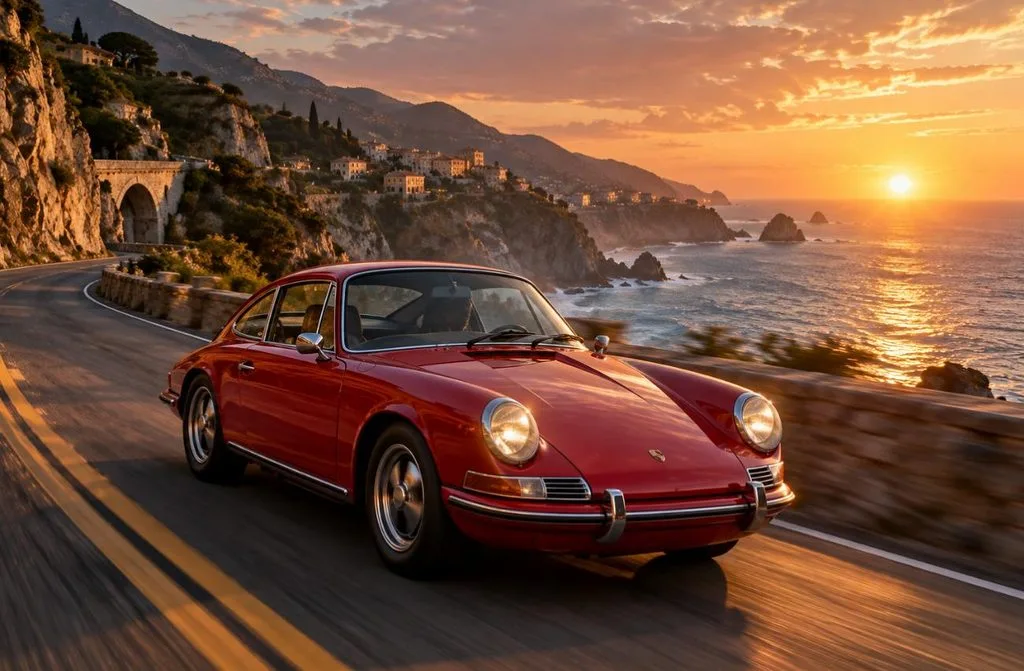
範本: Reference @Video1 for camera movement and pacing only. The subject is @Image1, [a red vintage sports car] on [a coastal cliff road]. Match the orbit speed of @Video1 and keep the car’s shape and color from @Image1. Engine rumble and ocean wind.
7. 台詞與嘴型同步
語音與嘴部動作會和畫面一起生成,因此台詞要直接寫進提示詞。每句台詞都加上引號,並明確標示說話者,可避免兩個角色同框時聲音混淆。

範本: The [barista in a green apron] leans on the counter, smiles, and says, “Morning! First coffee is on the house today.” Medium close-up, shallow depth of field, warm café light. Espresso machine hiss and soft jazz.
8. 依音軌節奏生成影片
上傳的音軌可以決定剪接節奏,讓切鏡與動作對準節拍。音訊參考素材的總長度上限為 15 秒,因此最好選用節奏明確、帶有清楚落點的短版音樂精華片段。
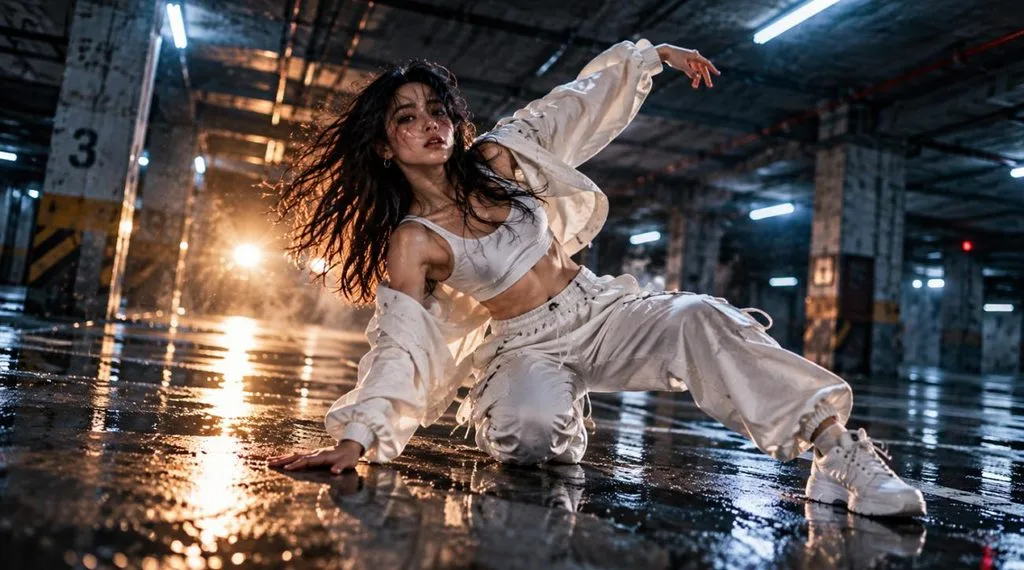
範本: Use @Audio1 as the soundtrack and cut on its beats. A [dancer in white] moves through [an empty parking garage], with a new angle on every downbeat. Flashing light, high contrast, handheld energy, and a slow-motion hold on the final beat.
9. 多角度產品廣告
分別提供產品各個角度的參考圖片,有助於讓整段影片中的標誌、形狀和材質保持準確。再加上「keep the logo and shape unchanged」這類指示,就能為廣告多加一層保障。
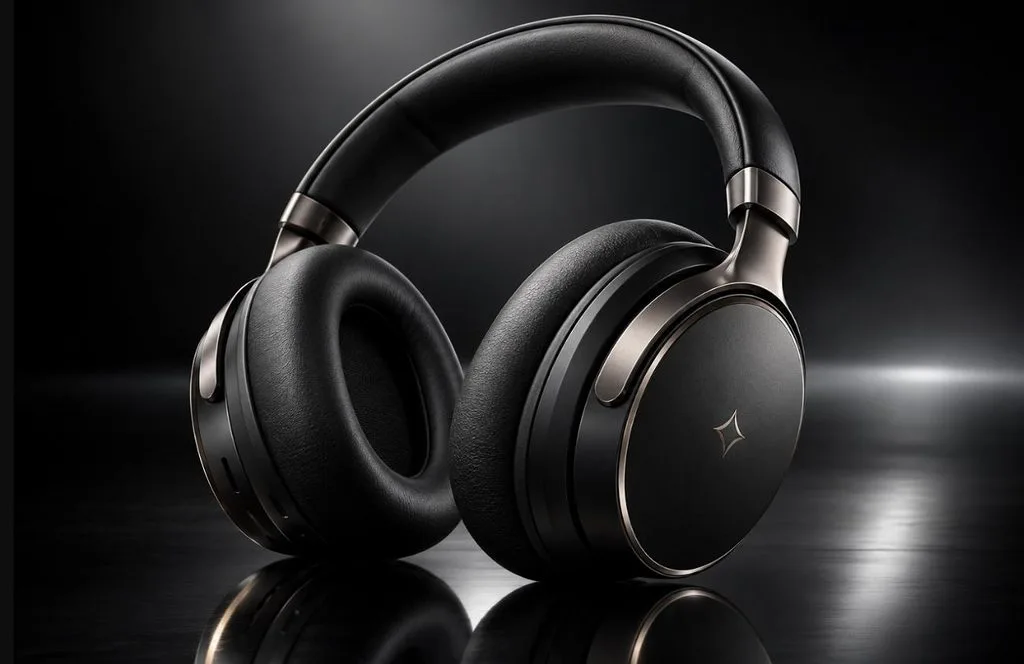
範本: @Image1 is the front of [the wireless headphones], and @Image2 shows [the side and logo]. The product rotates slowly on [a reflective black surface] as a light sweep crosses it. Macro orbit, studio lighting, dark gradient background. A soft whoosh on each light pass.
10. 延長現有片段
用於編輯的 Seedance 2 提示詞,應以現有素材為基礎,只描述需要改動的部分。寫清楚要延長幾秒,以及哪些內容必須維持一致,能讓新增畫面自然銜接原始影片。
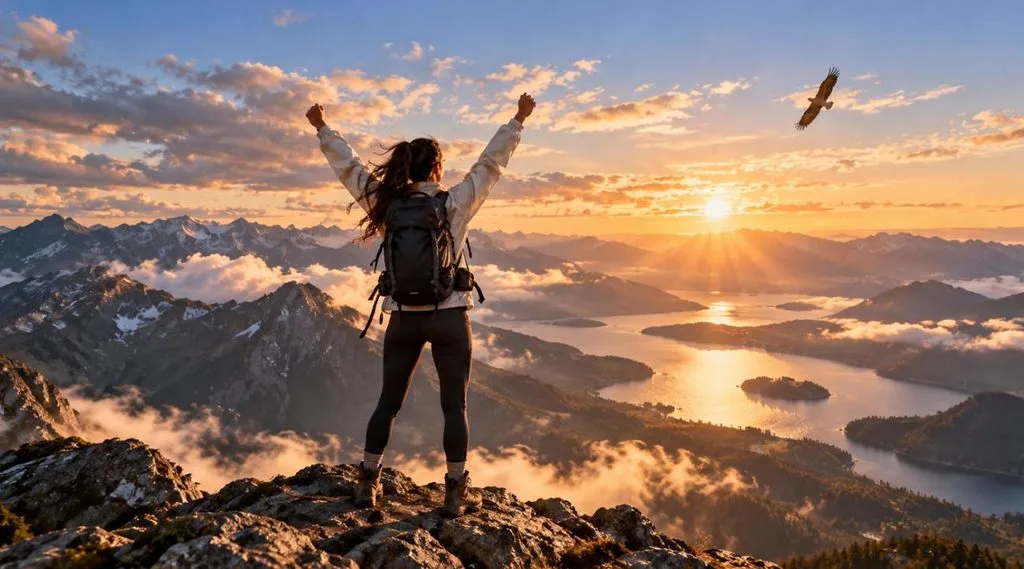
範本: Extend @Video1 by [5] seconds. The camera continues its slow rise as [the hiker reaches the summit and raises both arms]. Keep lighting, color, and the hiker’s appearance identical to @Video1. Wind gusts and a distant eagle call.
第 3 部分:如何寫出更好的 Seedance 2.0 提示詞
有時只要微調措辭,就能從反覆重試變成第一次生成就有可用的結果。多數 Seedance 2 提示詞指南都遵循相同的核心原則。想讓提示詞更清楚、模型更容易理解,可以養成以下 5 個實用習慣:
- 先寫主要動作: 在第一句就交代主體與主要動作,讓核心場景一目了然。
- 為每份參考素材指定用途: 為每個上傳檔案設定一個明確角色,例如角色參考、首幀畫面、風格或運鏡。
- 依片長安排場景: 5 秒片段應聚焦在一個動作上,較長的影片則可安排多個有明確時間標記的鏡頭。
- 使用具體的視覺細節: 用精確的光線、質感、動態和氛圍描述,取代「漂亮」或「史詩感」等模糊用語。
- 每次只調整一個細節: 每次生成之間只更動一個要素,才能判斷究竟是哪項調整改善了最終影片。
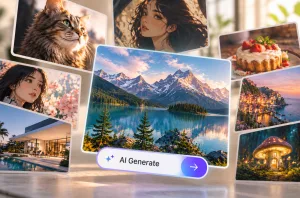
當專案超過一段 15 秒片段時,逐一為每個鏡頭撰寫新提示詞就會變得費時。 MagicLight AI 在 Seedance 2.0 引擎選項的使用上,將它整合至 Image to Video。拖入一張圖片、輸入簡短的動態提示詞,再將引擎切換為 Seedance 2.0,即可開始。
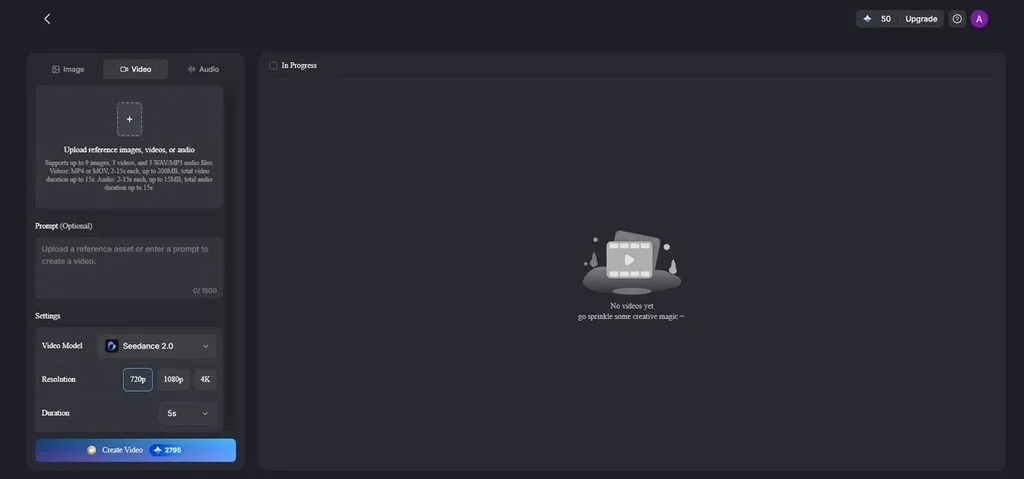
將引擎設為 Seedance 2.0 後, Story to Video 就能作為內建的 Seedance 2.0 提示詞產生器,將劇本轉換為連貫的場景指示。角色在不同場景中維持一致,旁白與字幕也一併提供,第一次試做還能使用免費點數。
結語
有效的 Seedance 2.0 提示詞會交代主體、一個動作、場景、一種運鏡方式、風格和聲音。每份上傳檔案都有明確用途,時間標記則能讓較長的片段井然有序。對於超過單一片段的專案,MagicLight AI 能將 Seedance 2.0 與依劇本編排的場景、 一致的角色及旁白結合。
常見問題
1. 如何寫出好的 Seedance 2.0 提示詞?
先交代主體與一個動作,再加入場景、一種運鏡方式、風格及所需聲音。為每份上傳素材標明用途,例如首幀或運鏡參考。BytePlus 也為使用 ModelArk 的開發者提供官方 Seedance 2.0 提示詞指南。
2. Seedance 2.0 可以使用圖片、影片和音訊作為參考嗎?
Seedance 2.0 每次生成最多可接受 3 段影片、3 個音訊檔和 9 張圖片,檔案總數上限為 12 個。影片參考素材與音訊參考素材的總長度各自最多為 15 秒,並可在提示詞中用 @Image1 或 @Audio1 等名稱引用。
3. Seedance 2.0 提示詞應該寫多長?
沒有固定的理想長度。提示詞只要足夠詳細,能交代主體、動作、場景、鏡頭、風格和限制,並避免重複資訊即可。較長的多鏡頭影片可以使用時間標記,或依時間順序下達指示,安排各個場景。