



Client timelines keep shrinking, and AI now handles much of the early concept work in branding, packaging, and social design. Choosing an AI tool for designers means weighing editable output, brand control, and usage rights alongside image quality. The right match depends on the files a project must deliver.
Part 1. What Designers Should Look for in an AI Tool
Not every AI tool for designers fits the same workflow. Before paying for one, check what you can change after generation, where the files can go, and what the license actually allows.
- Editable Design Files: Vector formats, layers, and live text reduce the need to rebuild flattened outputs.
- Brand Consistency Controls: Style references, color palettes, and brand kits help keep campaigns visually consistent.
- Design Software Compatibility: Plugins and exports for Figma, Illustrator, or Photoshop make generated work easier to continue editing.
- Animation and Video Support: Motion tools can turn static concepts into social content, ads, or client presentations.
- Commercial Usage Terms: Free plans may restrict commercial work or publicize generations, making licensing terms important.
Part 2. 6 Best AI Tools for Designers to Try
The 6 tools below cover those workflows from different angles, making it easier to match each platform with a specific creative need:
1. MagicLight AI
Best For: Illustrators and brand designers turning static artwork into animated or narrated video.
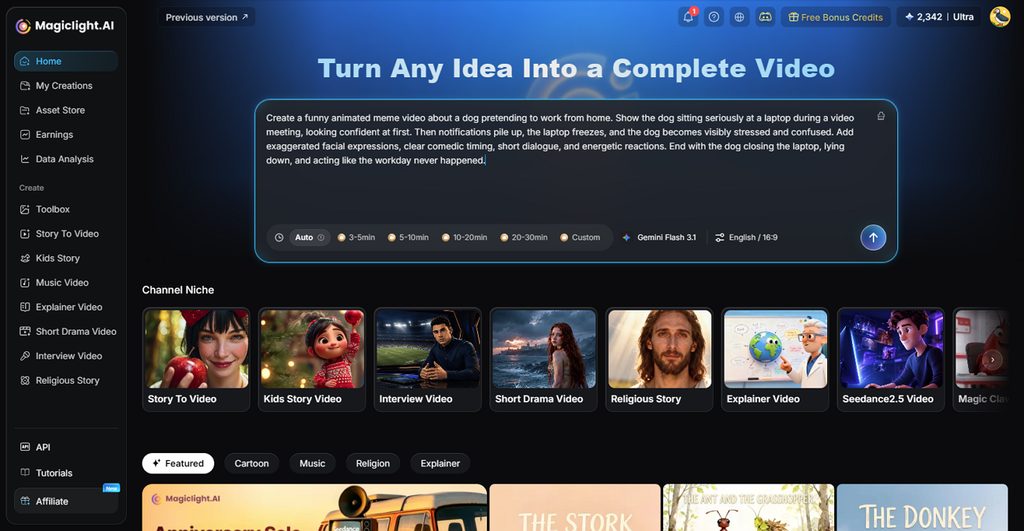
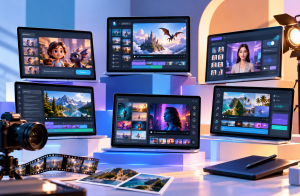
Designs that need to move, speak, or tell a story fit MagicLight AI, which turns concepts, illustrations, and characters into narrated video. Brand mascots, storyboard frames, and product renders all feed into short clips or full explainers.
Image to Video lets creators animate existing visuals with reference media and written direction. A project can include up to 9 images, 3 videos, and 3 audio files, giving designers more control over characters, motion, sound, and scene consistency. Video references can run up to 30-60 seconds, while audio references also support up to 30 seconds.
Key Features
- Multi-Model Image Creation: Supports 5 image models and several JPEG, PNG, or WEBP references up to 20MB each, with four aspect ratios.
- 20 Video Generation Models: Offers 20 video models that support different motion and visual styles, with Seedance 2.5 available for image-to-video and other generation workflows.
- Shot-Level Storyboard Editing: Nano Storyboard lets users adjust wardrobe, pose, expression, and individual scenes without regenerating the entire project.
- Voice, Music, and Subtitle Tools: Narration includes 37 voices or voice cloning in 11 languages, alongside 40 music tracks and 16 subtitle styles.
Pros
- Concept images and finished animation share one MagicLight subscription.
- Automatically adds relevant sound effects to your creations, making creation seamless.
Con
- Video exports stop at 1080p, with no 4K option.
2. Adobe Firefly
Best For: Creative Cloud users who build brand systems across Illustrator and Photoshop.
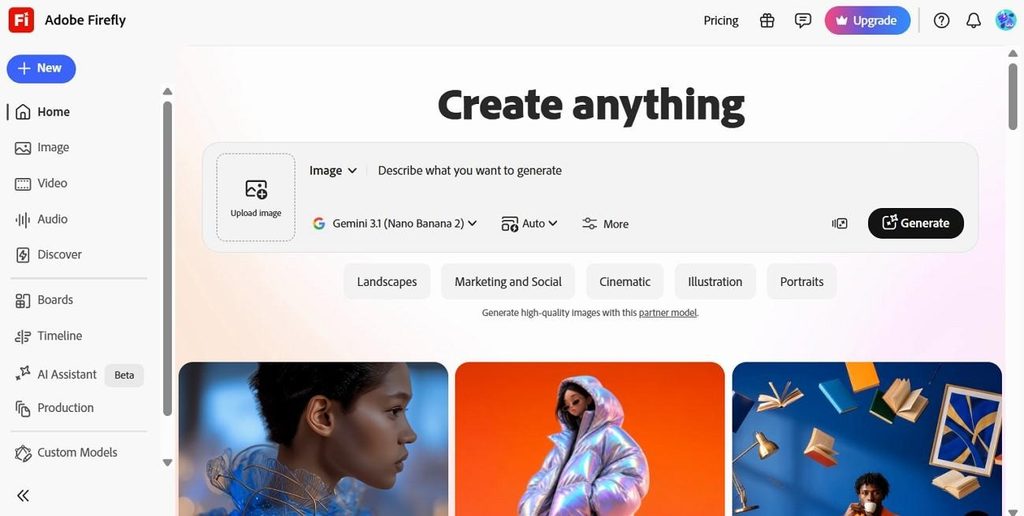
Brand teams already working in Creative Cloud can use Adobe Firefly to turn one prompt into a logo direction, color palette, and type system. Among AI tools for designers, those assets can be saved to a Creative Cloud brand and reused across Express and other Adobe apps.
Key Features
- The free AI vectorizer and text-to-vector tool export SVG files that open directly in Illustrator.
- Design Intelligence learns brand colors, fonts, logos, and layouts, then applies them through Illustrator.
Pros
- Pro runs $19.99 a month and adds Photoshop on web and mobile.
- Private custom models, now in beta, learn a brand’s own aesthetic.
Cons
- Many headline features, including the AI Assistant, remain in beta.
- Seedance and Kling prompts are sent to their Chinese developers.
3. Canva
Best For: Marketing teams producing high volumes of on-brand social and print assets.
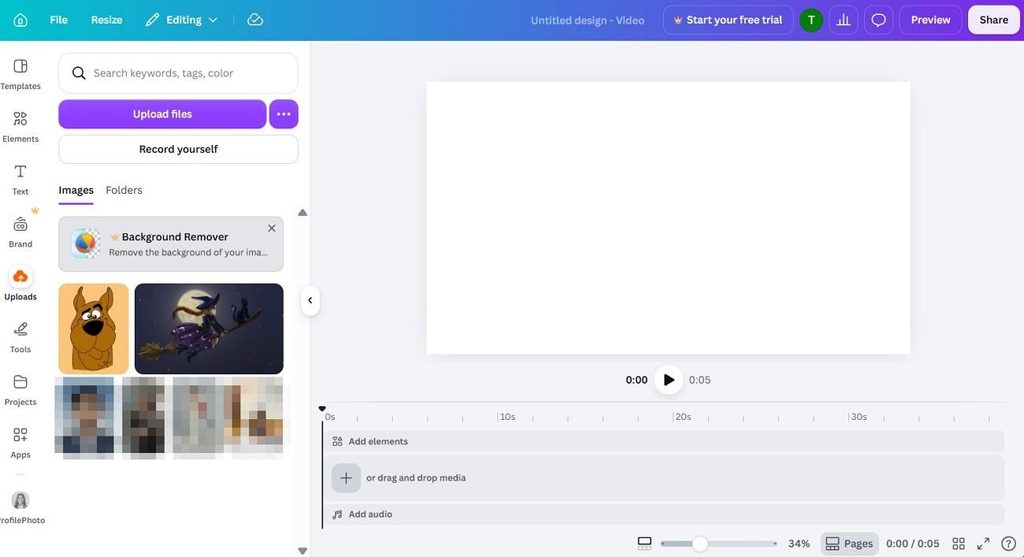
Canva keeps everyday design work moving by making AI output easier to edit instead of flattening everything into one image. Magic Layers separates text and objects, while its wider toolkit makes it one of the more flexible AI tools for designers working on fast campaign content.
Key Features
- Style Match converts photos into on-brand graphics using a chosen style.
- Magic Resize swaps formats, languages, and dimensions for a whole campaign.
Pros
- Paid plans export MP4 video in 4K on desktop.
- Canva’s terms allow commercial use of AI outputs on every plan.
Cons
- Pro caps Ultra AI tools, including video clips, at 20 uses a month.
- Magic Layers is still in beta and separates photos less cleanly.
4. Midjourney
Best For: Creative teams shaping distinctive campaign visuals, concepts, textures, and illustration styles.
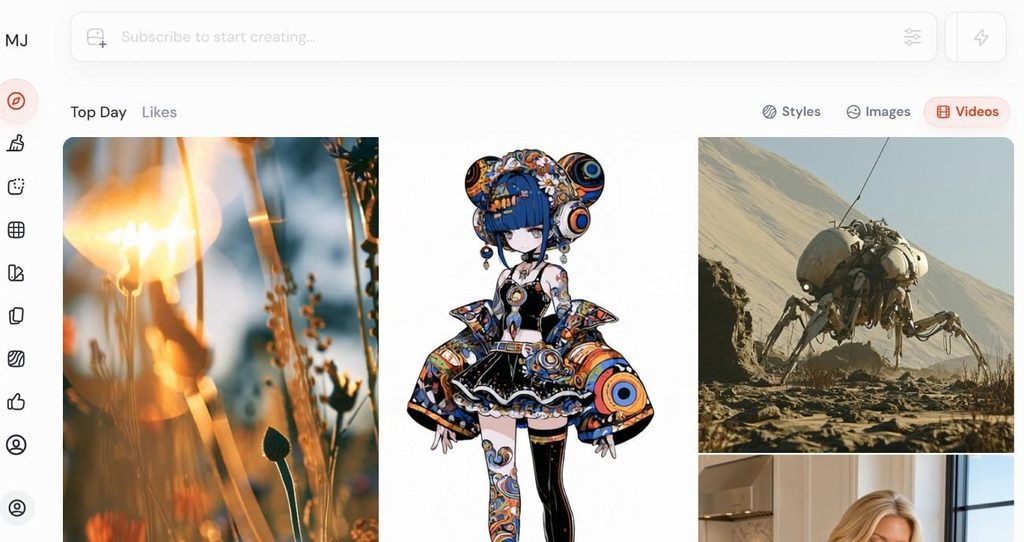
Midjourney focuses on visual exploration, while its V8.2 Edit Model adds instruction-based edits, inpainting, and outpainting for refining generated images. Plans start at $10 per month, or $8 monthly with annual billing.
Key Features
- Draft mode renders 24 lower-resolution concepts at once for rapid exploration on the website.
- Style Reference weights from 0 to 1000 control how strongly a reference look carries over.
Pros
- Draft grids cost only 0.4 GPU minutes per 24 images.
- HD output supports roughly 6.8-inch prints at 300 DPI.
Cons
- Midjourney documents no vector export, so logos need a separate vector tool.
- Images stay public, as Stealth privacy requires Pro or Mega.
5. Ideogram
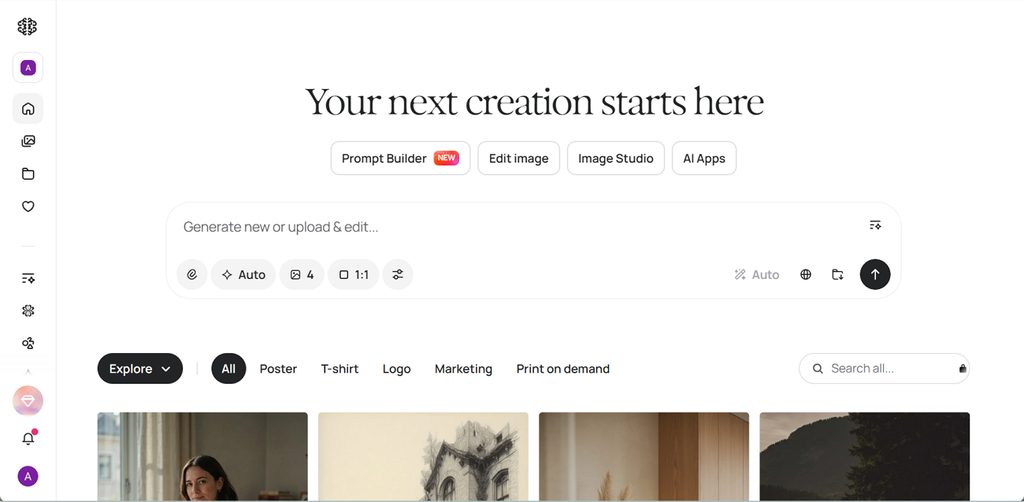
Best For: Designers creating posters, packaging labels, and ad variations around short headlines.
Posters, packaging, and ads benefit most when text placement needs tighter control. Its 4.0 model supports bounding-box positioning and up to 16 brand hex colors. That flexibility makes Ideogram useful among AI tools for designers handling structured layouts.
Key Features
- Ad Resizer recomposes one design for Instagram, YouTube, display, and out-of-home formats.
- Custom Models learn a brand’s art direction and typography from 15 to 100 images.
Pros
- Plus costs $15 a month yearly and unlocks private generation.
- An MCP server connects Ideogram to Claude, Cursor, and other agents.
Cons
- Downloads come only as JPEG, PNG, or WebP, with no SVG.
- Pro and Team training images may be used to improve Ideogram’s models.
6. Recraft
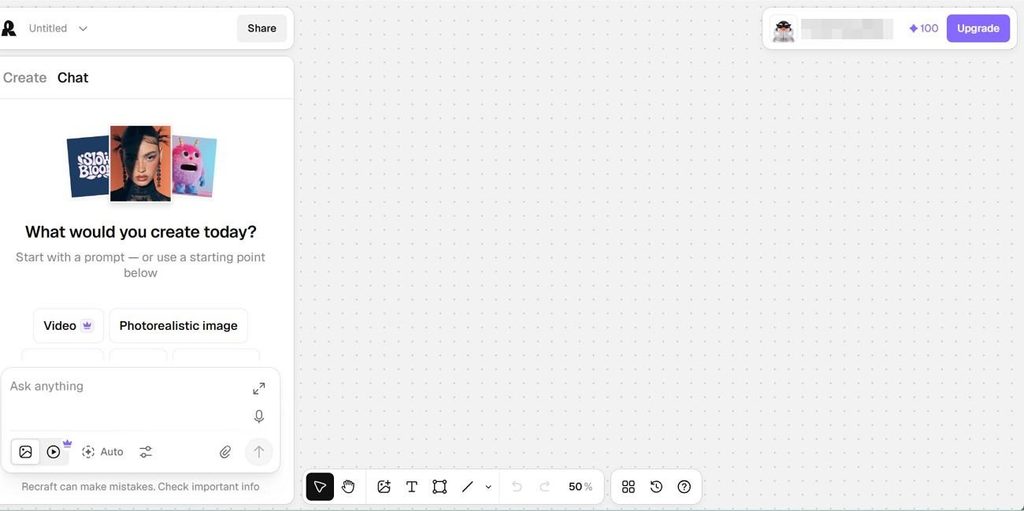
Best For: Brand and packaging designers who need editable vector files.
Recraft gives AI tools for designers a more editable output path, especially for brand graphics and vectors. Its browser-based Vector Editor supports point and path adjustments, while exports include SVG, PDF, TIFF, PNG, and Lottie.
Key Features
- V4 Styles matches the look of up to 10 reference images in Precise or Flexible mode.
- Mockup presets place designs on apparel, packaging, devices, and outdoor ads.
Pros
- Figma and Framer plugins drop editable SVGs straight into frames.
- Basic costs $10 a month yearly with 1,000 credits.
Cons
- Free-plan images belong to Recraft and cannot be used commercially.
- Video generation in Recraft requires a Pro or Team plan.
Compare All AI Tools for Designers
File type can quickly narrow which AI tools for designers fit a workflow, since vector, raster, and video outputs serve different needs. The table below compares these points across all 6 tools:
| Tool | Main Output | Brand Consistency | Free Access | Maximum Video Length |
| MagicLight AI | Images and narrated video | Saved characters, 50+ styles | Limited credits, no card | Up to 50 minutes |
| Adobe Firefly | Images, vectors, and video | Brand kits, Design Intelligence | Daily free generations | Short AI video clips |
| Canva | Editable layouts and assets | Brand Kits, Style Match | Up to 20 AI uses a month | Up to 8 seconds |
| Midjourney | Raster images, 2048 px square in HD | Style references, moodboards | None on web or Discord | Up to 21 seconds |
| Ideogram | Raster images with sharp text | Hex palettes, Custom Models | Weekly credits, public images | No native video generation |
| Recraft | SVG vectors and raster images | V4 Styles, Design Agent | 30 daily credits, non-commercial | No native video generation |
Part 3. Why Choose MagicLight for AI-Assisted Design?
Many AI tools for designers now add motion, but most stop at short clips or isolated assets. MagicLight AI combines image creation, character consistency, animation, and story production in one workspace.
- Artwork That Moves: Image to Video animates illustrations, mockups, or product renders from motion prompts up to 1,500 characters. Short lip-synced clips can also make illustrated characters speak.
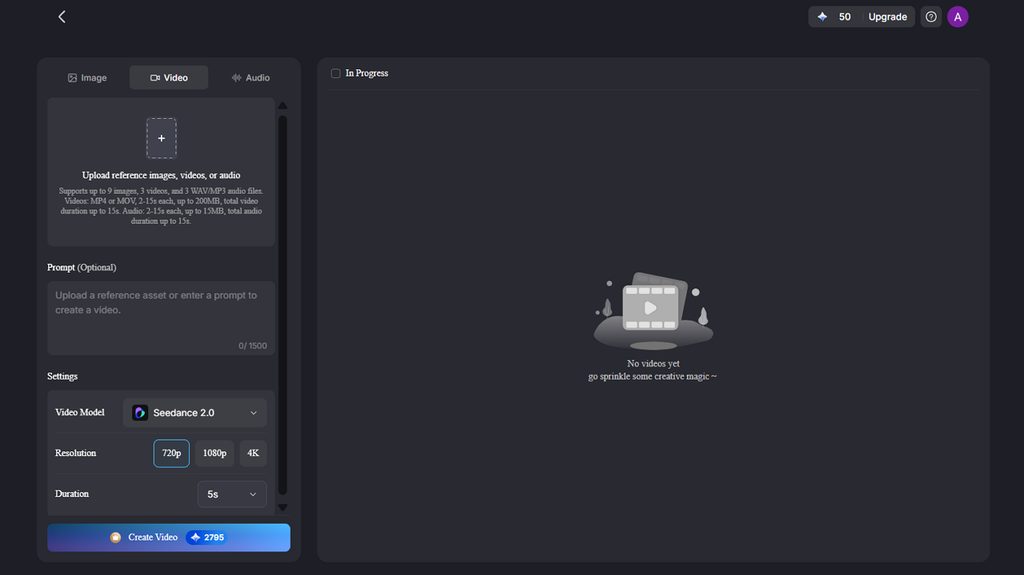
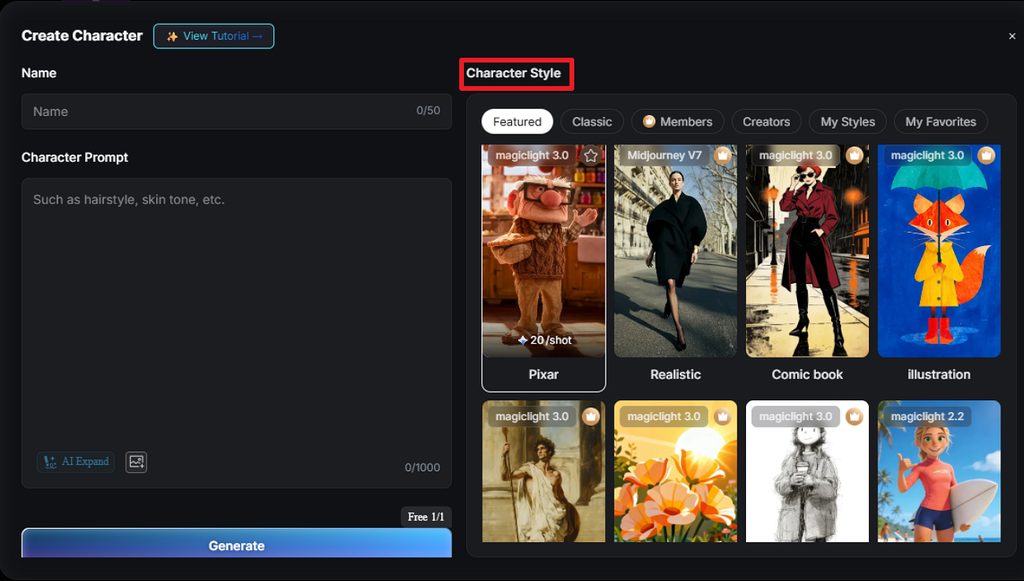
- Mascots That Stay on Model: Character generation accepts descriptions up to 1,000 characters, helping define facial features, clothing, proportions, and style. Saved characters can then be reused across scenes for stronger visual consistency.
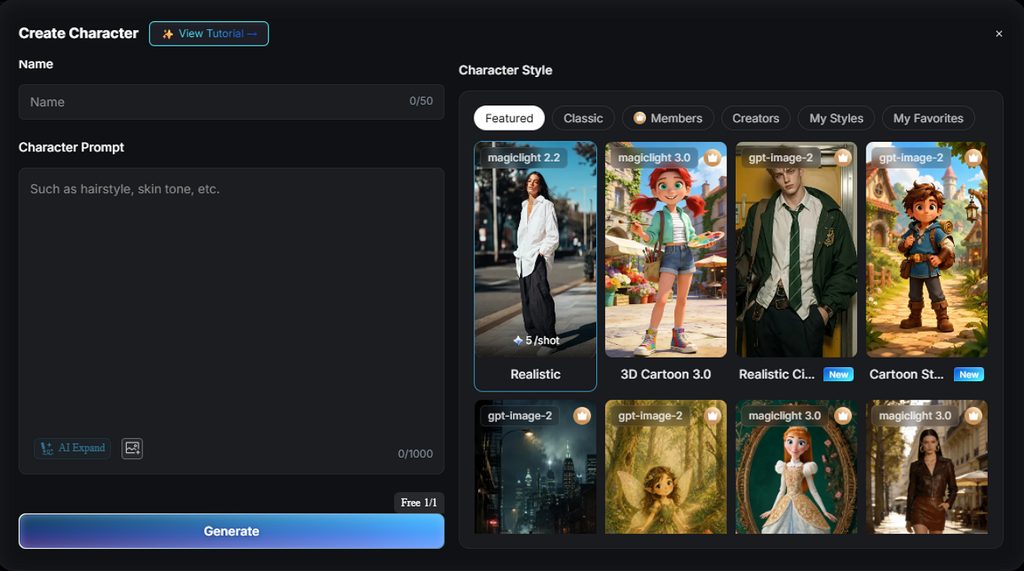
- Avatars in Different Visual Styles: The AI Avatar Generator turns a single photo into stylized character art across 52 visual styles, ranging from realistic portraits to 3D cartoon and anime looks.
Guide for Turning a Design Concept Into Video With MagicLight
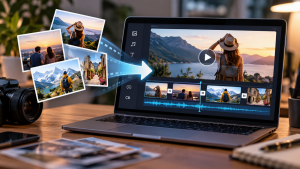
MagicLight gives AI tools for designers a way to move from static artwork into motion without rebuilding the concept from scratch. Image to Video handles animation, while MagicLight Agent and Story to Video support longer narrated projects. The steps below show how to turn one design idea into a finished video:
Step 1. Upload the Design
From Image to Video, upload the finished design, illustration, mockup, or product image. Add a motion prompt describing effects such as parallax, object movement, light sweeps, or a slow camera push-in while keeping text and brand elements stable.
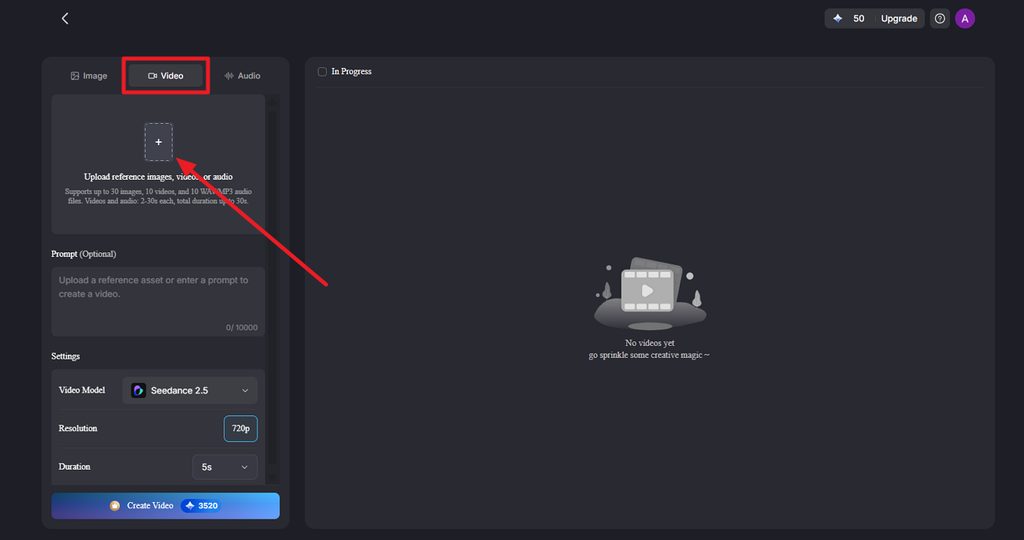
Step 2. Choose the Video Settings and Generate
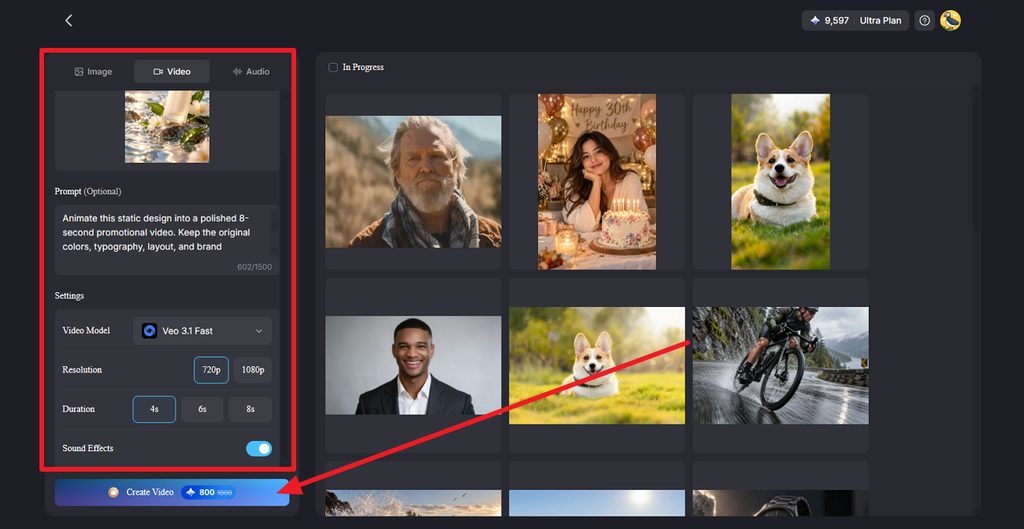
Select a Video Model, then set the preferred Resolution and Duration for the animation. Turn on sound effects when they suit the concept, then click Create Video. Use a model such as Seedance 2.5 when the design needs smoother motion and stronger scene consistency.
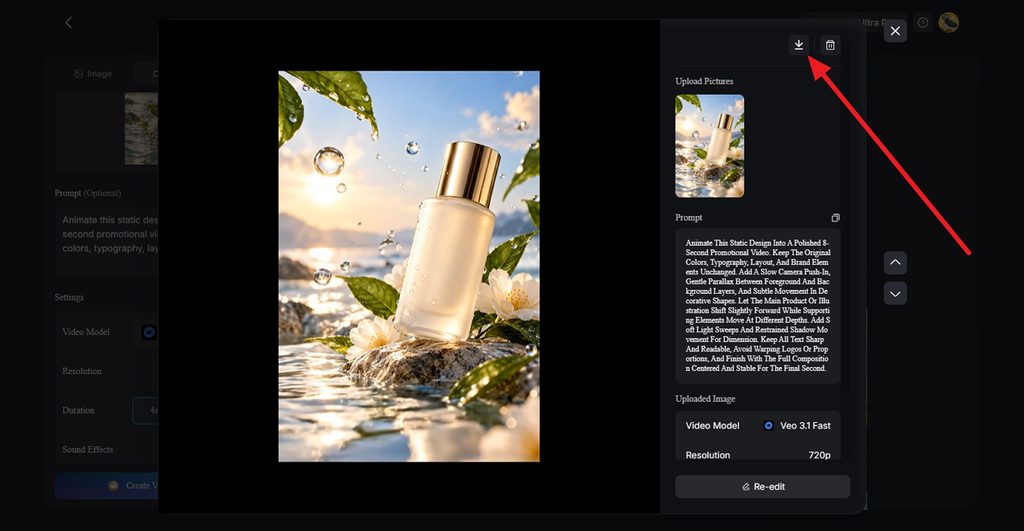
Step 3. Preview, Re-Edit, and Download
Preview the generated video and check whether the motion, layout, text, and visual hierarchy still match the original design. Use Re-edit when an element needs adjustment, or click Download once the animation is ready for social posts, ads, presentations, or client delivery.
Conclusion
Adobe Firefly suits Creative Cloud brand systems, Canva speeds up on-brand marketing output, and Midjourney serves early visual exploration. Ideogram handles headline-driven posters and packaging, while Recraft keeps logos and icons editable as vectors. The right AI tool for designers depends on the deliverable.
FAQs on AI Tools for Designers
1. How can designers use AI tools?
An AI tool for designers speeds up moodboards, concept variations, background removal, and resizing, leaving more time for judgment calls. Designers also use AI for vector drafts, mockups, and brand-consistent social assets, then refine the best results by hand in their usual software.
2. What can AI tools help designers create?
AI tools help designers create logos, icons, posters, packaging concepts, social graphics, product mockups, and repeating patterns. Newer platforms add short videos, animated characters, and voiceovers.
3. Can AI turn a design concept into a video?
MagicLight AI turns a design concept into video in two ways. Image to Video animates an uploaded mockup or illustration from a motion prompt. For longer pieces, MagicLight Agent writes a script that Story to Video builds into narrated scenes, keeping each character consistent.
4. Can designers create animated content without video editing skills?
Designers can create animated content without editing skills in MagicLight AI, which pairs generated scenes and narration with library music and subtitles.
5. Which AI tool can help designers create video content?
MagicLight AI suits designers moving into video, since it pairs five image models with several video tools in one subscription. Finished designs become animated clips or lip-synced talking characters, while paid plans add 50-minute narrated stories and full commercial use.

![How to Create a Meme for Instagram in 2026 [Step-by-Step Guide]](https://magiclight.ai/wp-2/wp-content/uploads/create-a-meme-for-instagram-300x169.png)