
50 Minutesfor a Full Halloween Story
Tell MagicLight Agent who will watch, and it suggests the format. Kids Story videos run up to 10 minutes. A full ghost story in Story to Video can go as long as 50 minutes.
Create Now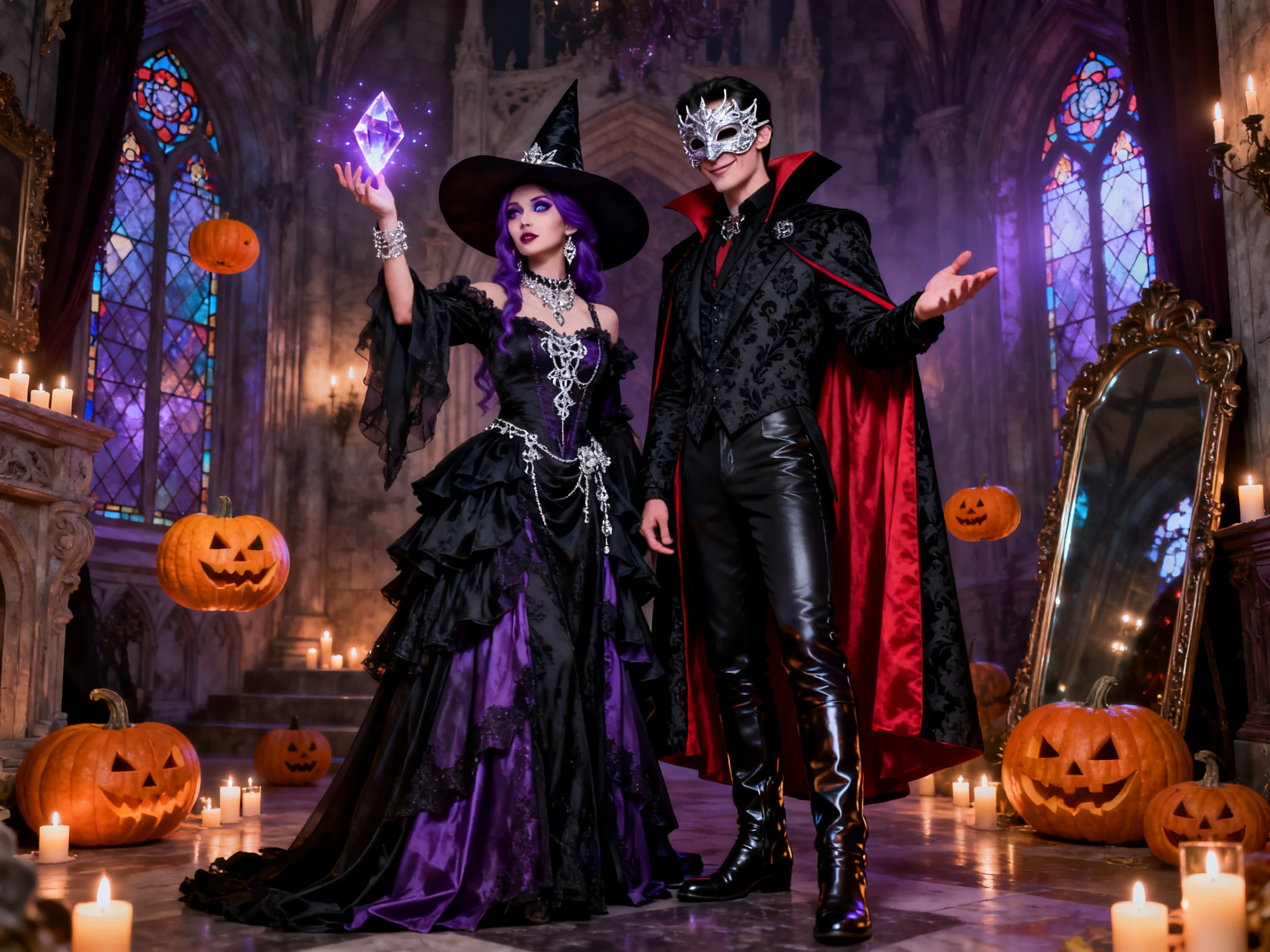

Create a complete Halloween horror story with simple prompts. MagicLight AI turns your ideas into spooky videos with no drawing skills needed.
Try AI Halloween Generator For Free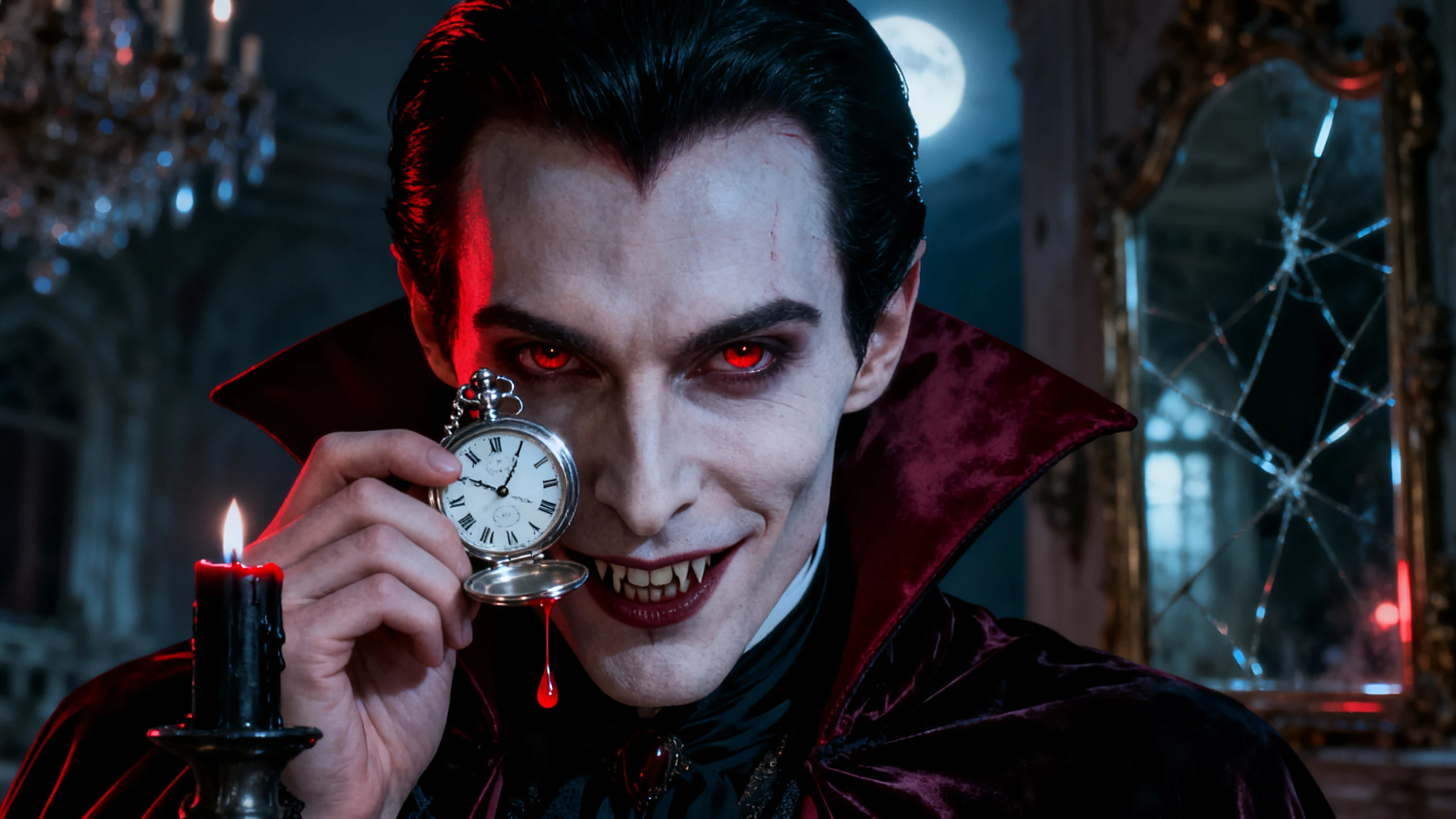










Set the mood you want for your Halloween story. In this Halloween AI generator, you pick the visual style and the main character before Magiclight AI draws a single scene.
Tell MagicLight Agent who will watch, and it suggests the format. Kids Story videos run up to 10 minutes. A full ghost story in Story to Video can go as long as 50 minutes.
Create NowPicture Book keeps a ghost story soft enough for a classroom. Ghost Horror goes the other way with darker scenes, and both are among the 50+ visual styles in Magiclight AI.
Choose Your Style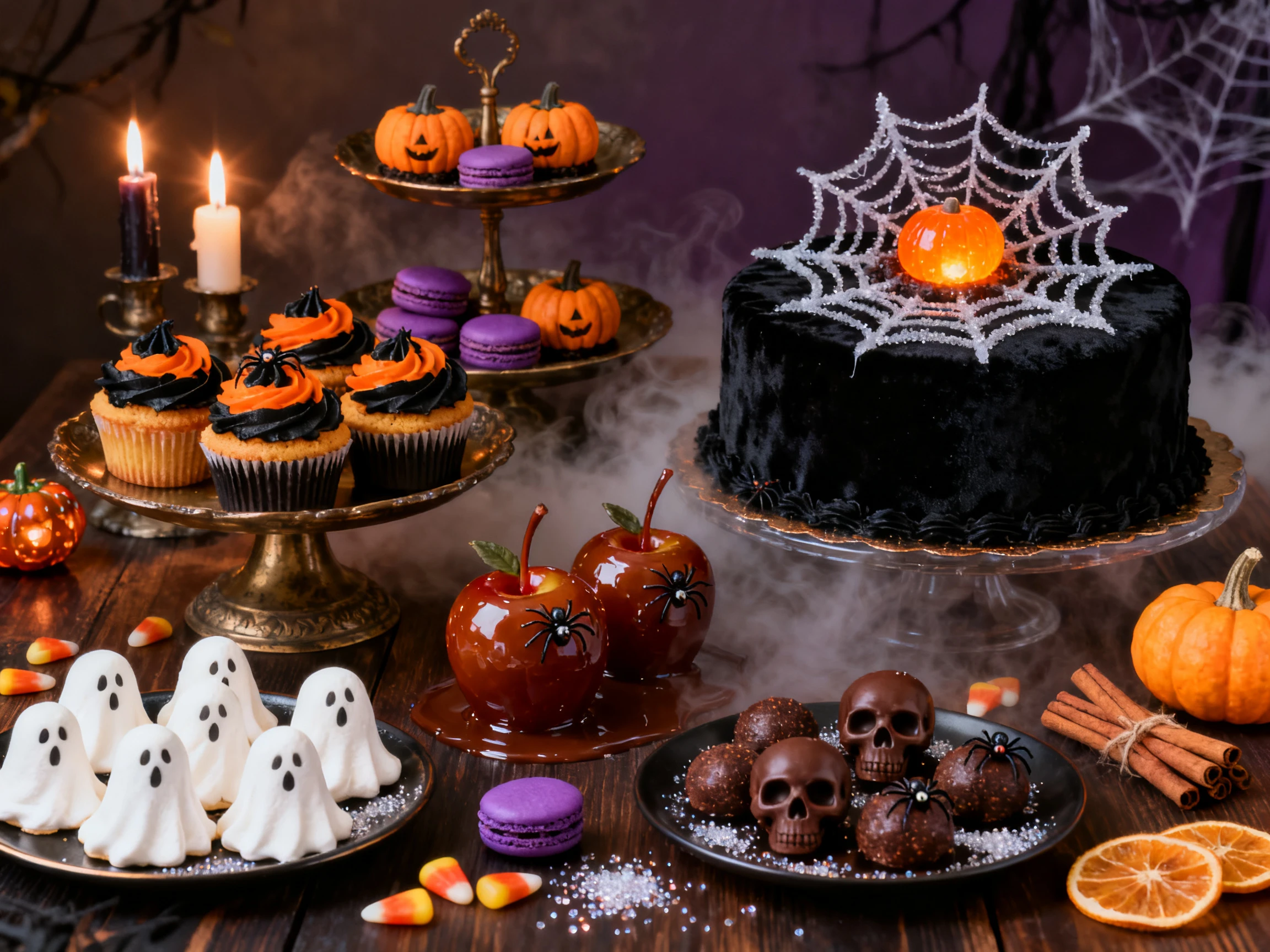
Set an older voice for the witch and a young one for the trick-or-treaters out of the 37 options available. MagicLight AI offers voices with filters in age and accent, making selection easier.
Explore Voices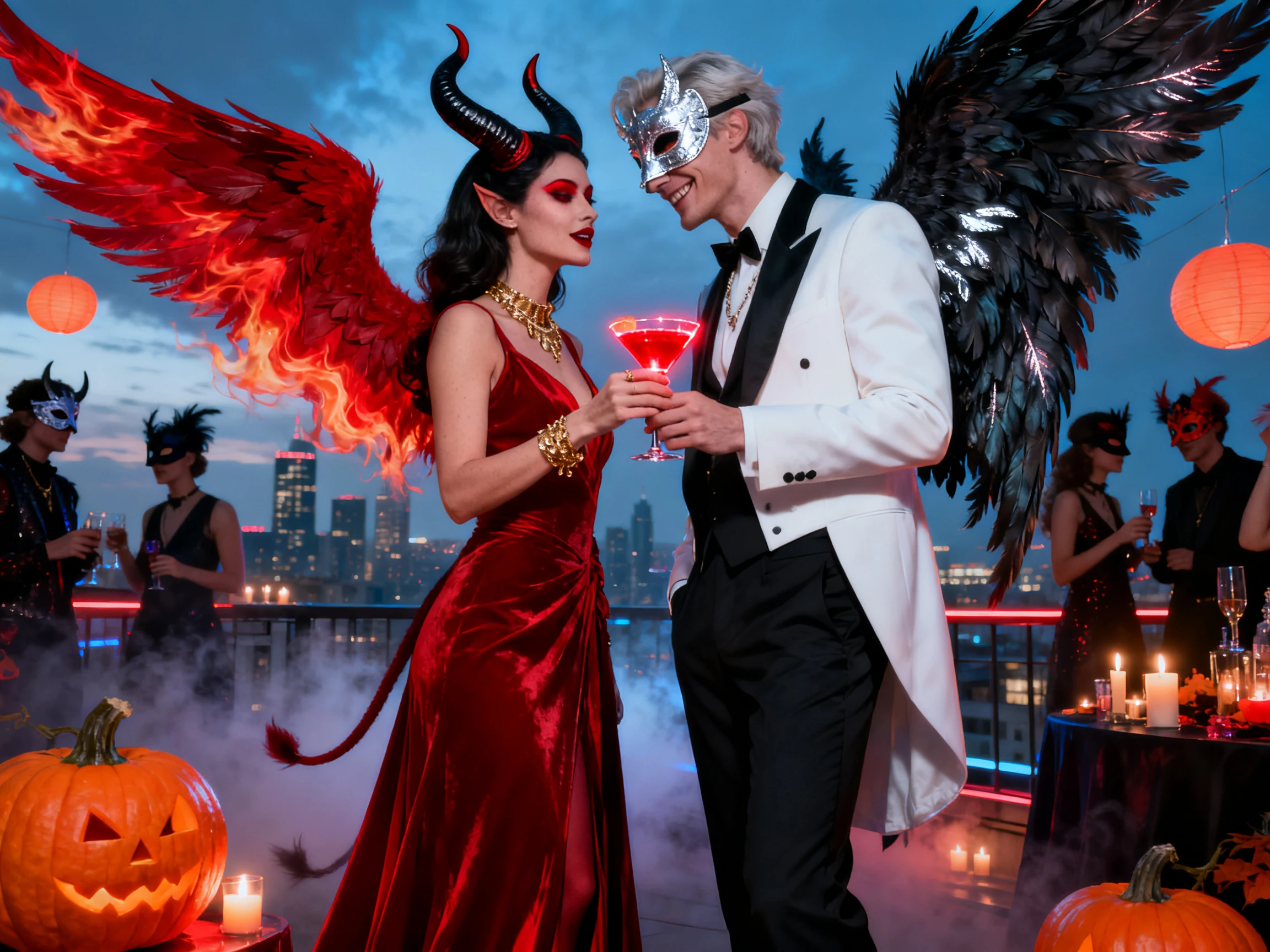
Provide complete details for your Halloween character in 1000-characters, including its attire and facial look. Magiclight AI keeps that look the same in every scene of the video.
Create Your Character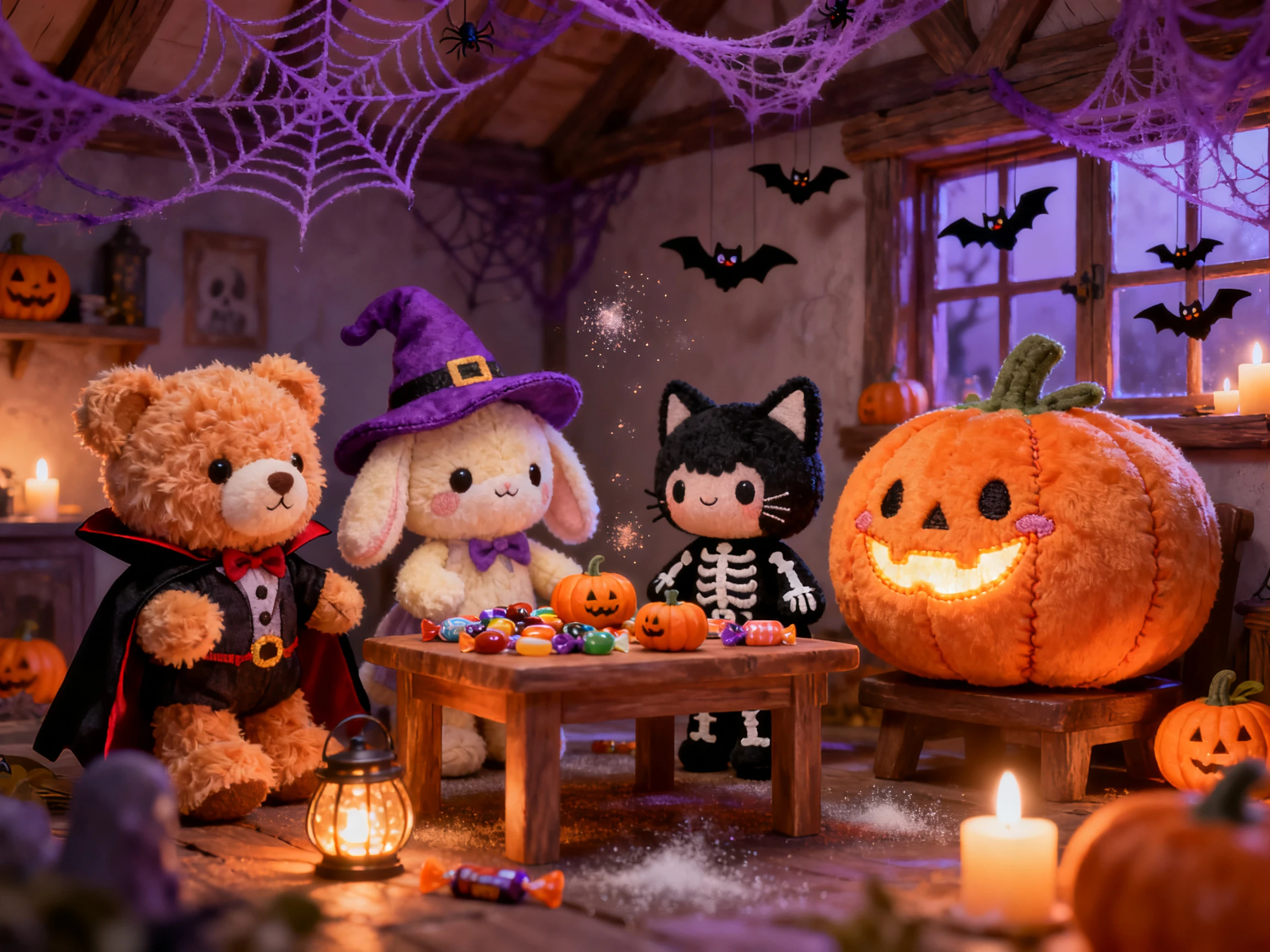


A Halloween video takes 4 steps in this Halloween AI generator. You check the script and the scenes yourself, so nothing scary slips into a kids' story by accident.
Start off your Halloween story with a one-line or a complete 12,000-character script. MagicLight Agent sorts out the format and puts the script up for you to approve before anything moves.
Choose the style first, since it sets how scary the scenes look. Then take a suggested character, or describe your own in up to 1000 characters.
Go through the Halloween scenes in Nano Storyboard and change anything you do not like. Check the opening and animate the scenes once they look right.
Give every character its own voice, picked from the 37, and set its tone. Background music and subtitles go on next, and then you generate the video.
Teacher
I wanted a Halloween story that would not scare the younger kids in my class. The Picture Book style in Magiclight AI gave us a ghost story everyone could enjoy.
YouTuber
October gets pretty busy on my horror channel, so longer stories are useful. I made a 20-minute Ghost Horror video with Magiclight AI and kept the same narrator throughout.
Party Planner
I used one costume photo for our party invite, and Magiclight AI turned it into a short video. I said the date and address in the clip, and guests loved it.
Bakery Owner
Our pumpkin cupcakes needed something fun for Instagram this Halloween. With Magiclight AI, I created a poster plus a short moving clip that we used throughout October.
Start with a gentle idea in the Magiclight AI Halloween generator and pick a soft style like Picture Book. In the character description, say plainly that the ghost should smile, not scare.
Yes. Add a clear photo of yourself as the reference in Magiclight AI and describe the costume, such as a vampire cape. Then animate that picture into a short clip with one of the video models.
Yes. Your first Halloween video can be a test run on the free credits added to new Magiclight AI accounts. A shop promo or a paid ad needs a paid plan, which carries the commercial rights.
Type a description of the character, 1000 characters at most, or upload a drawing or photo as a reference. Give the character a name too, so you can find it again later in Magiclight AI.
Yes. Saved characters stay in your Magiclight AI library, so last October's ghost can come back with the same face. Pick it from the library when you start the next story.
It depends on the format. A Story to Video project in Magiclight AI runs as long as 50 minutes, which is long enough for a full ghost story told in several chapters.



From spooky stories to chilling horror scenes, bring your Halloween ideas to life with MagicLight AI. Just enter a simple prompt and create your own Halloween video for free.