Hero background

Book Mockup Generator

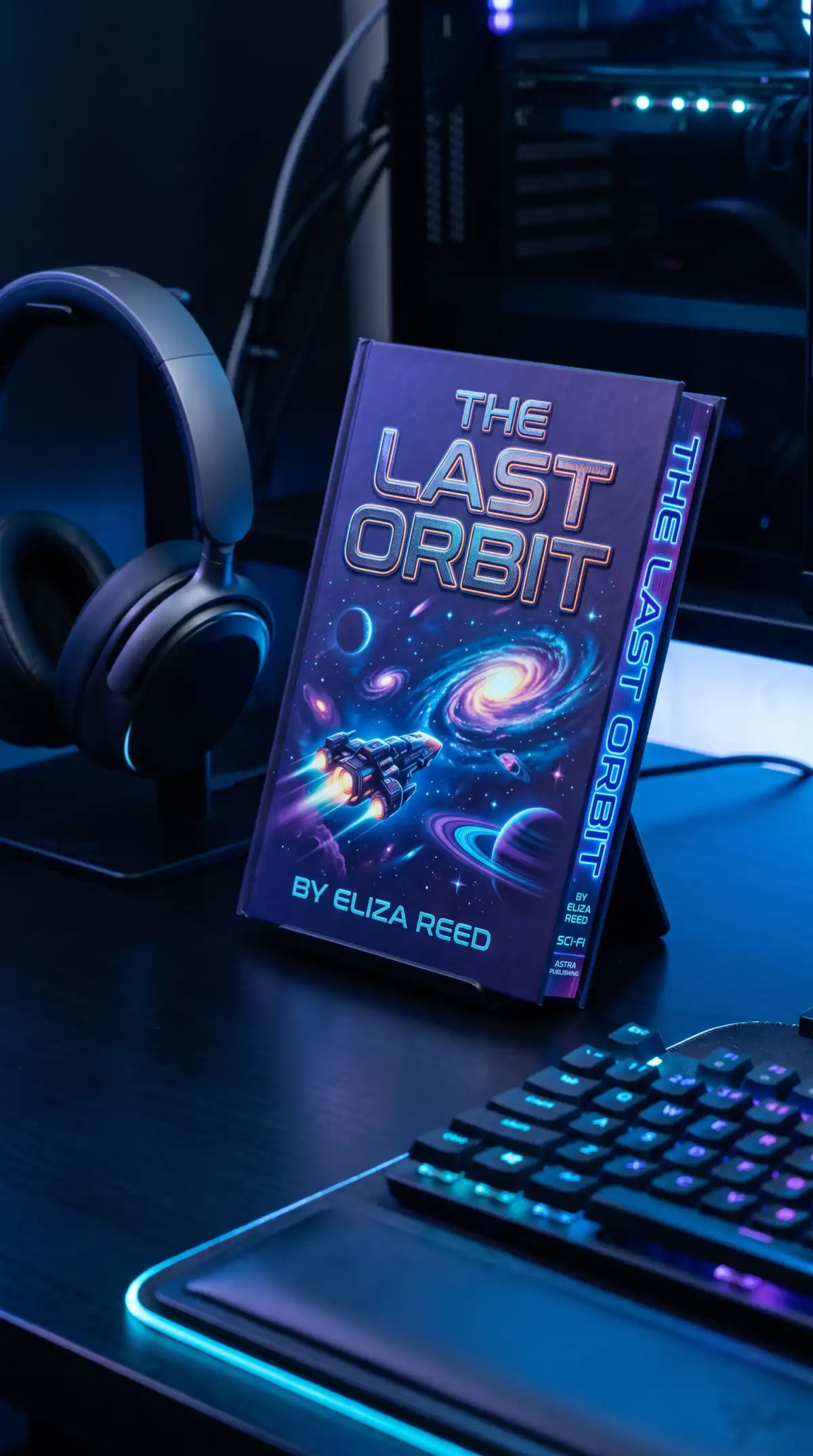
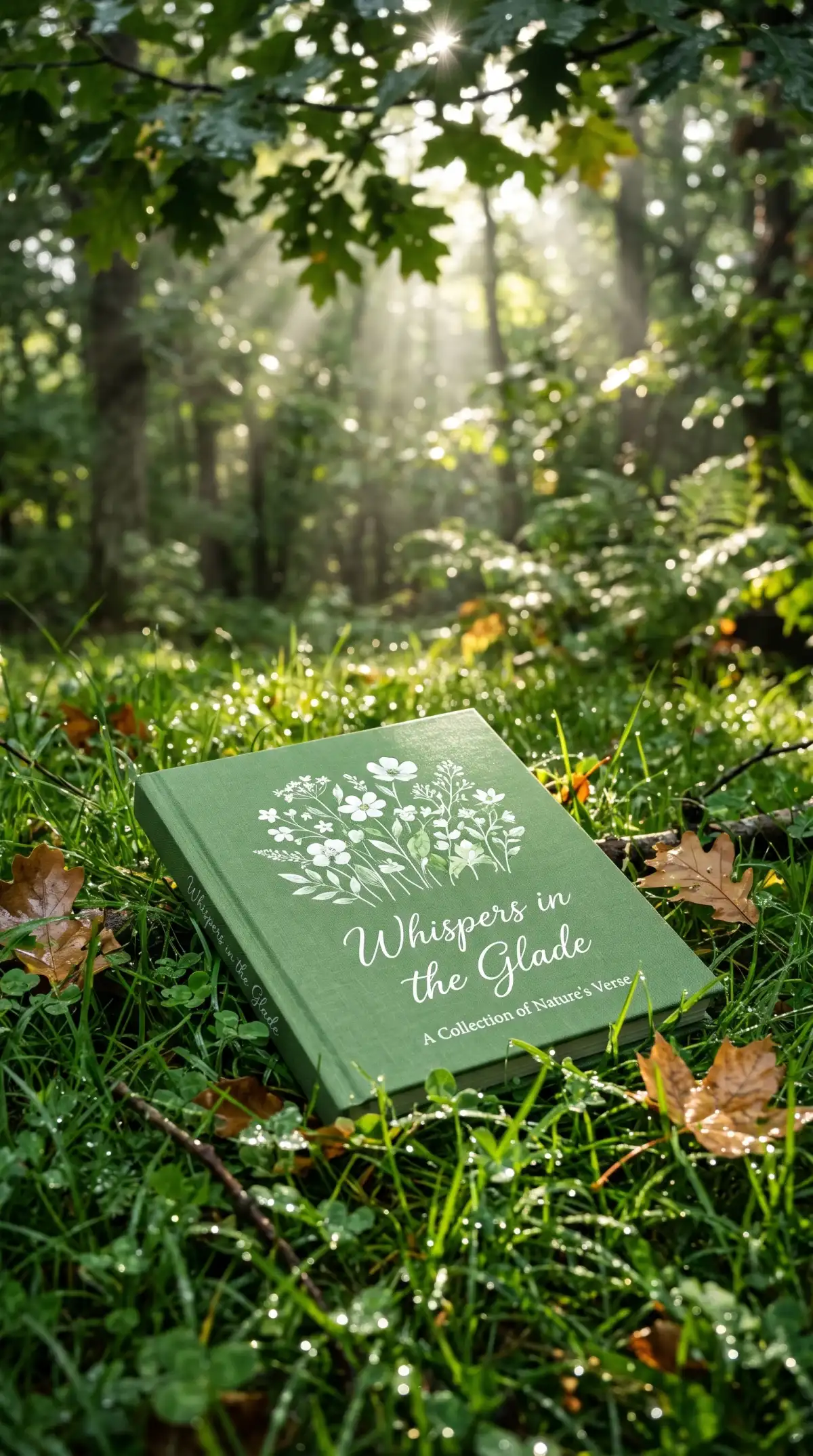
Turn your book cover into a realistic mockup with MagicLight AI. Create eye-catching book presentations with different backgrounds and settings. No design skills needed.

Create a Book Mockup for Free
Book Mockup Generator Preview
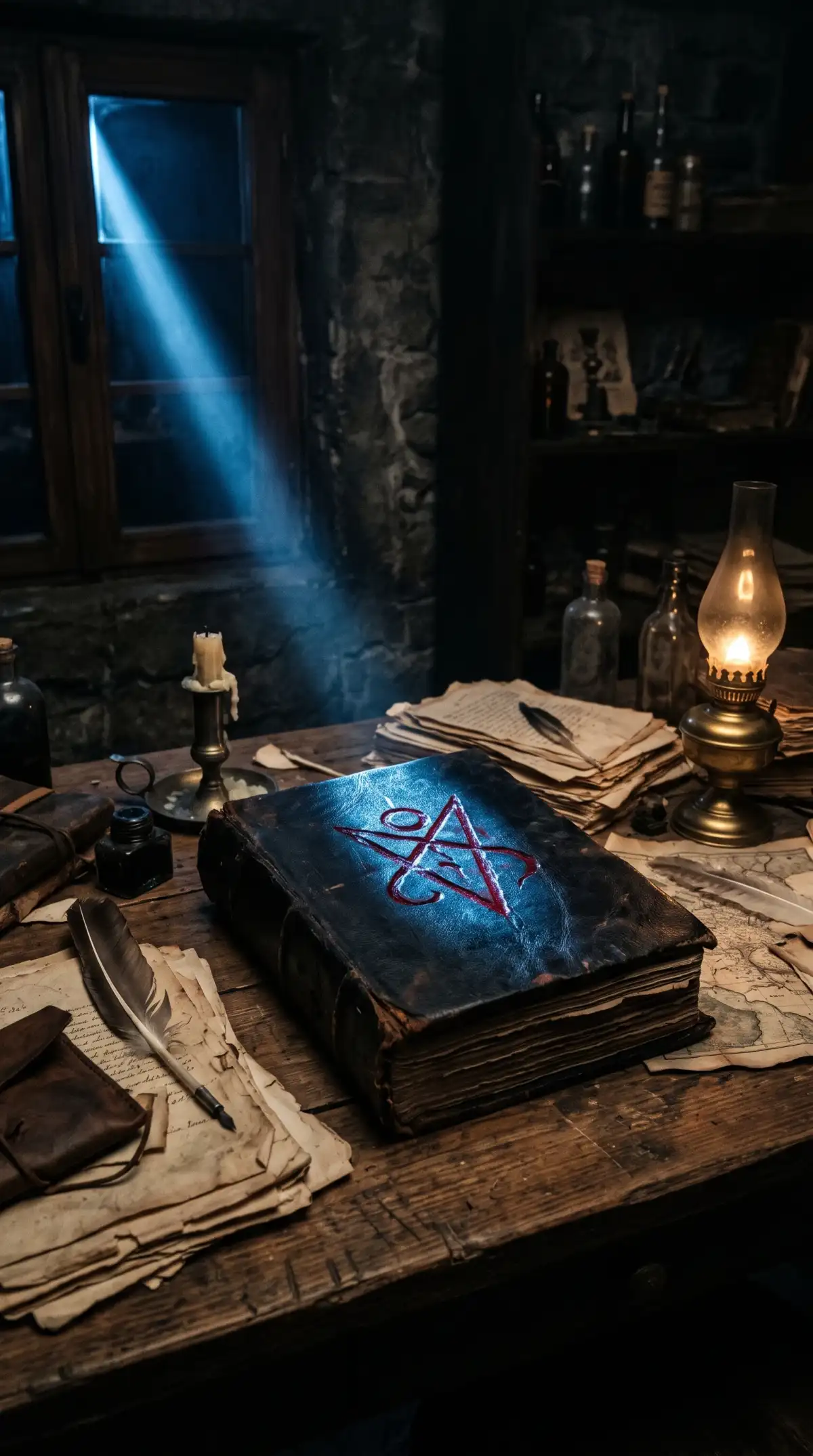
Realistic Hardcover and Paperback Book Mockups
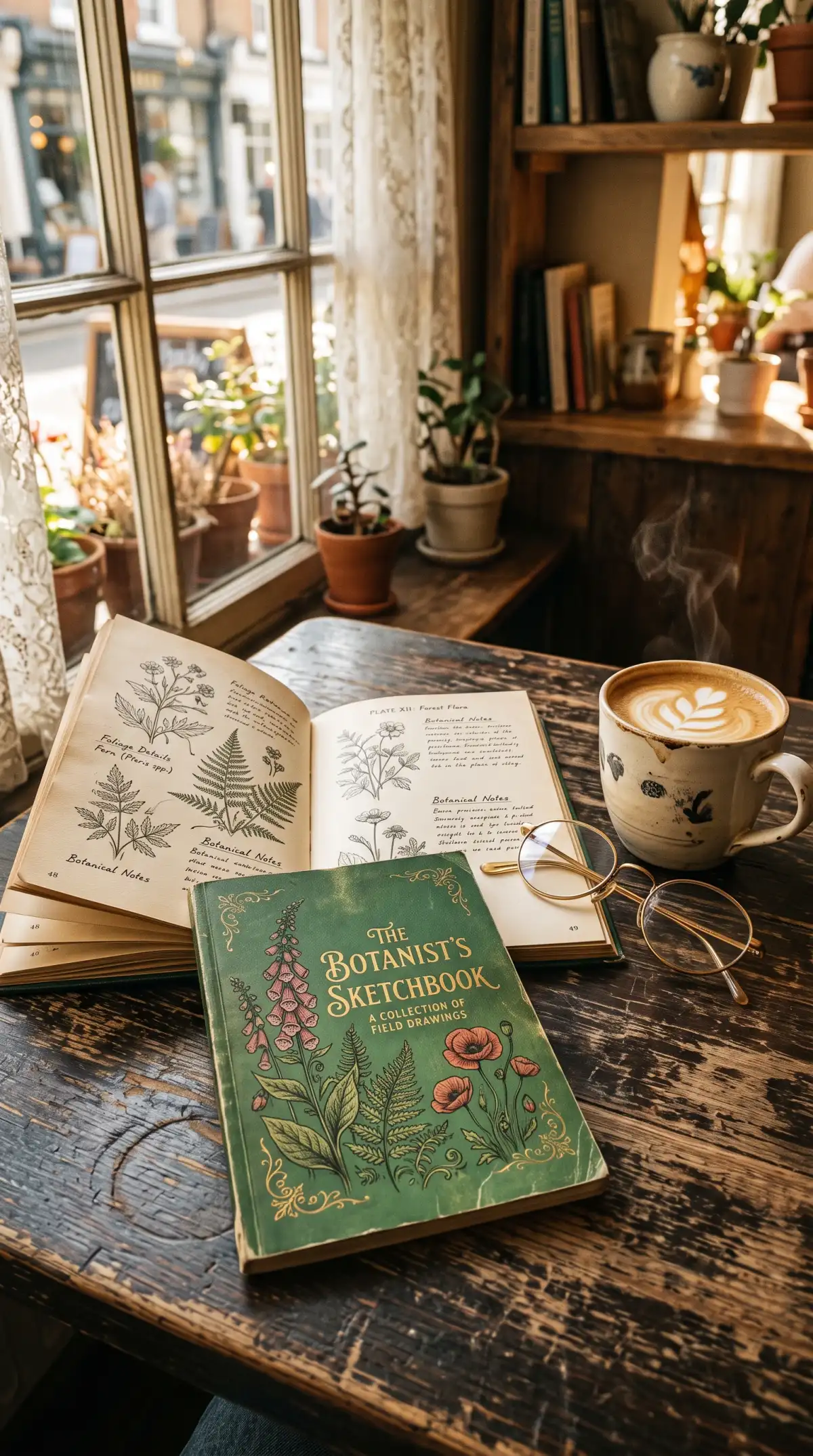
Custom Book Cover Mockup in Cozy Reading Setting
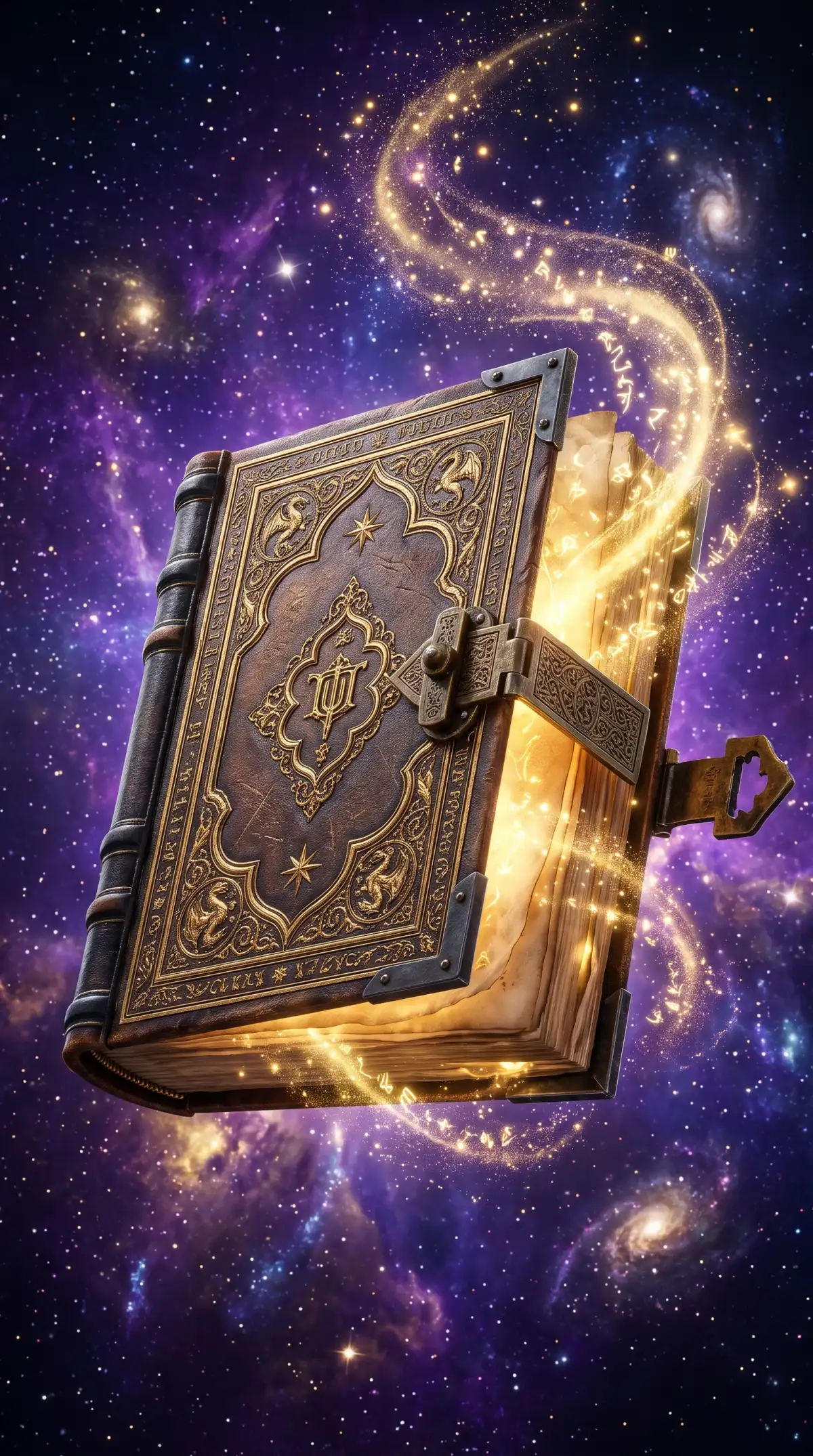
AI Book Mockup Generator With Styled Backgrounds
Book Cover Presentation Mockup Created With MagicLight AI
Multi-Angle Book Stack and Cover Mockups
AI Book Mockup Generator With Styled Backgrounds
Realistic Hardcover and Paperback Book Mockups

Explore the Magiclight AI Book Mockup Generator Features

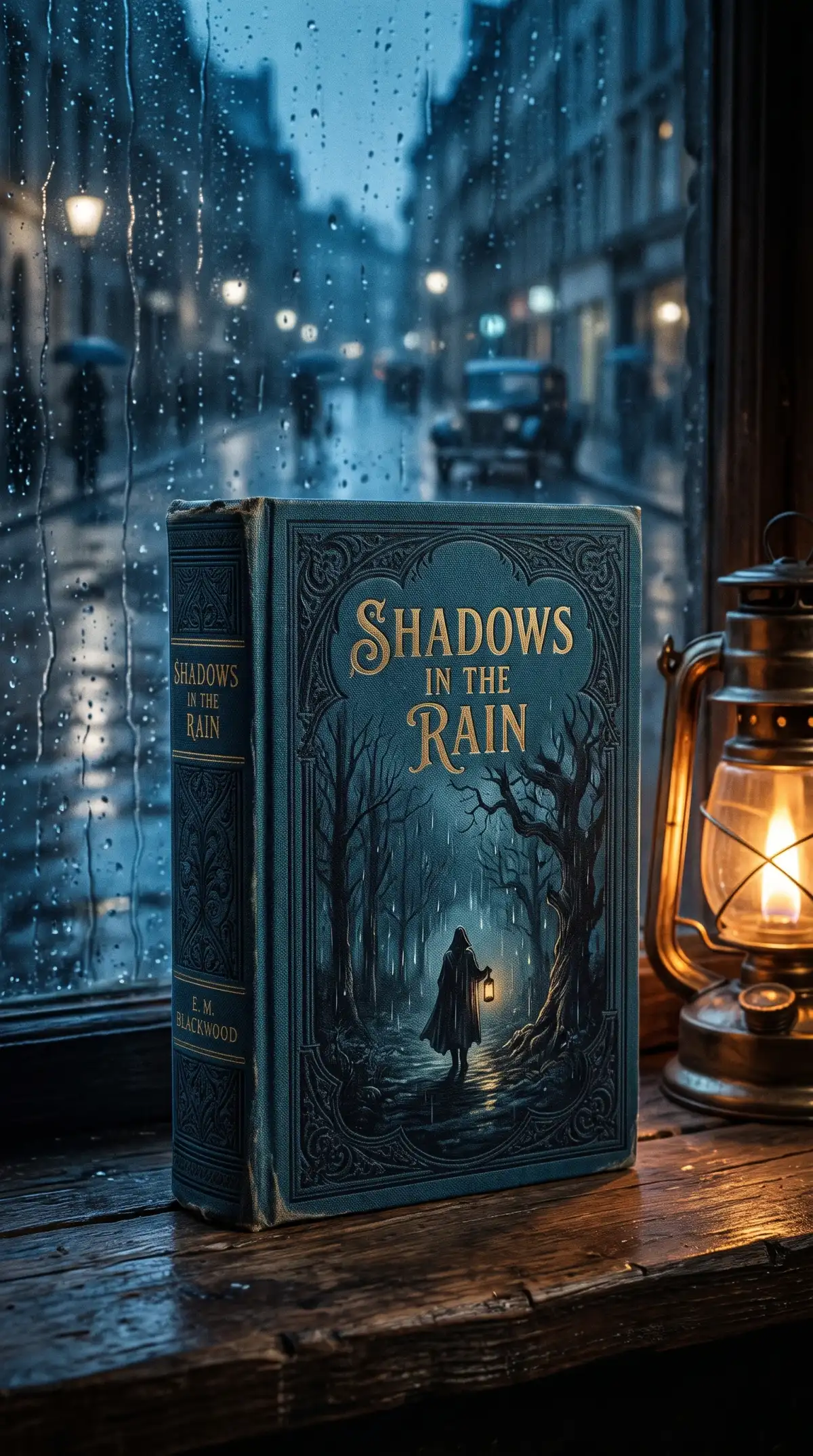
A mystery novel might look inviting on a rainy windowsill. The Magiclight AI book mockup generator helps you present your cover in settings that suit its story.

Create a Book Mockup for Free
Book Mockup Generator Decoration

Reference Image to Image for Finished Book Covers

Bring your finished cover into Magiclight AI through Reference Image to Image. Use the original artwork to guide the book's appearance. Describe whether you want a paperback on a table or a hardcover on a bookshelf.

500 Characters for Styled Book Scenes

Describe the surface, props, lighting, and surroundings within a 500-character prompt. Picture a romance novel beside a cup of coffee or a travel guide resting on a suitcase. Give your book a setting that suits its subject.

Up to 10 Reference Images for Book Designs

Include pictures of your front cover, back cover, spine, and preferred props. Magiclight AI accepts up to 10 reference images to guide your mockup. Show more of your design through book stacks or angled views.

4 File Types for Book Cover Uploads

Magiclight AI accepts JPEG, JPG, PNG, and WEBP reference images up to 20MB each. Upload a clear cover design to provide more visual information about its artwork, lettering, and decorative details.

Who Can Use the Magiclight AI Book Mockup Generator
Every book needs attractive visuals long before the first copy ships. Authors, publishers, reviewers, and course creators can use the Magiclight AI book mockup generator.
Indie Authors Creating Book Launch Mockups
For Indie Authors
Place your finished cover in a realistic scene with Reference Image to Image.
Describe a book launch setting within a 500-character prompt.
Create square 1:1 book mockups for online listings and launch posts.
Small Publishers Showcasing Book Collections
For Small Publishers
Compare book mockup designs across 10 available image models.
Include front and back cover designs among 10 reference images.
Prepare 16:9 book collection visuals for your publishing website.
Book Bloggers Creating Cozy Reading Previews
For Book Bloggers
Give a book review header a cozy reading setting through text prompts.
Upload JPEG or PNG cover images to guide your book mockup.
Design vertical 9:16 book previews for Instagram Stories.
Course Creators Presenting Digital Guides and Workbooks
For Course Creators
Give a book review header a cozy reading setting through text prompts.
Upload JPEG or PNG cover images to guide your book mockup.
Design vertical 9:16 book previews for Instagram Stories.
Why Choose Magiclight AI Book Mockup Generator
A book launch might need a cozy reading scene for social media and a clean retailer image. The Magiclight AI book mockup generator gives you ways to prepare both.
10 Image Models for Different Mockup Styles
A historical novel might suit a vintage library setting, while a cookbook needs a brighter kitchen scene. Explore 10 image models in Magiclight AI to find a look that complements your book.
Frame to Video for a Book Opening Reveal
Pair a closed book mockup with an open book scene through Frame to Video. Magiclight AI creates movement between the two pictures. Share the finished clip as a short teaser before launch day.
4 Aspect Ratios for Book Launch Channels
Choose 1:1 for social media posts or 9:16 for Instagram Stories. A wider 16:9 frame suits website banners, while 4:3 works well for book previews in newsletters.
Online Book Mockup Creation
Open Magiclight AI in your browser and prepare a book mockup without installing additional software. Experiment with different book settings without working through layers and masks.
Text to Image for Upcoming Book Concepts
Still working on your next book cover? Use Text to Image in Magiclight AI to visualize an imagined book design. Explore different presentation ideas before preparing the finished cover artwork.
Custom Book Angles and Perspectives
Show your book standing upright, lying flat, or resting at an angle. Describe the viewing perspective in your Magiclight AI prompt to highlight the cover artwork, book thickness, or spine design.

How to Make a Book Mockup with Magiclight AI 

A finished cover and an imagined setting are all you need to get started. Create realistic book previews with the Magiclight AI book mockup generator through 3 simple steps.

1.

Upload Your Cover Files

Open Toolbox in Magiclight AI and select the Image tab. Choose Reference Image to Image and upload your finished cover. Include the back cover and spine if you want them visible.

2.

Describe Your Book Mockup Scene

Specify whether your book is a hardcover, paperback, or eBook displayed on a digital device. Describe the surface, props, and lighting within 500 characters. Choose from 10 available image models.

3.

Generate and Save Your Book Mockup

Select an aspect ratio that suits your book launch materials, then click Create Image. Review the cover lettering and book details before downloading.

FAQs on Book Mockup Generator

Will my cover text stay accurate on the mockup?

Small lettering can change when Magiclight AI generates a book mockup from your cover artwork. Check the title and author name at full size. Try another image model if the lettering looks different.

Can I create hardcover, paperback, and eBook mockups?

Yes. Describe the book format and preferred setting in Magiclight AI. Create a hardcover resting on a bookshelf, a paperback beside a coffee mug, or an eBook displayed on a tablet.

Can I show the spine and back cover?

Magiclight AI accepts up to 10 reference images, including your front cover, back cover, and spine. Explain which parts should appear when creating angled book mockups or stacked book displays.

How is this different from the AI Book Cover Generator?

The AI Book Cover Generator creates original cover artwork from a written description. A book mockup generator presents finished cover art in realistic settings. Both tools serve different stages of book design and promotion.

Can I showcase multiple books in one mockup?

Yes. Upload different book covers through Reference Image to Image in Magiclight AI. Describe how the books should appear, such as a collection arranged on a shelf or a stack beside a reading chair.

Can I create seasonal book mockups for promotional campaigns?

Yes. Describe a festive holiday setting, a cozy autumn reading corner, or a sunny beach scene in Magiclight AI. Reuse your finished cover artwork to create mockups that suit different seasonal campaigns.


Show Your Book to the World with Magiclight AI

Give your finished cover a setting that reflects the story inside. Open the book mockup generator in Magiclight AI and create your next book preview.