Hero background

Local AI Video Generator

Magiclight AI gives creators, filmmakers, and teams the best local AI video generator alternative with different video models and zero local setup.

Try Local AI Video Generator For Free
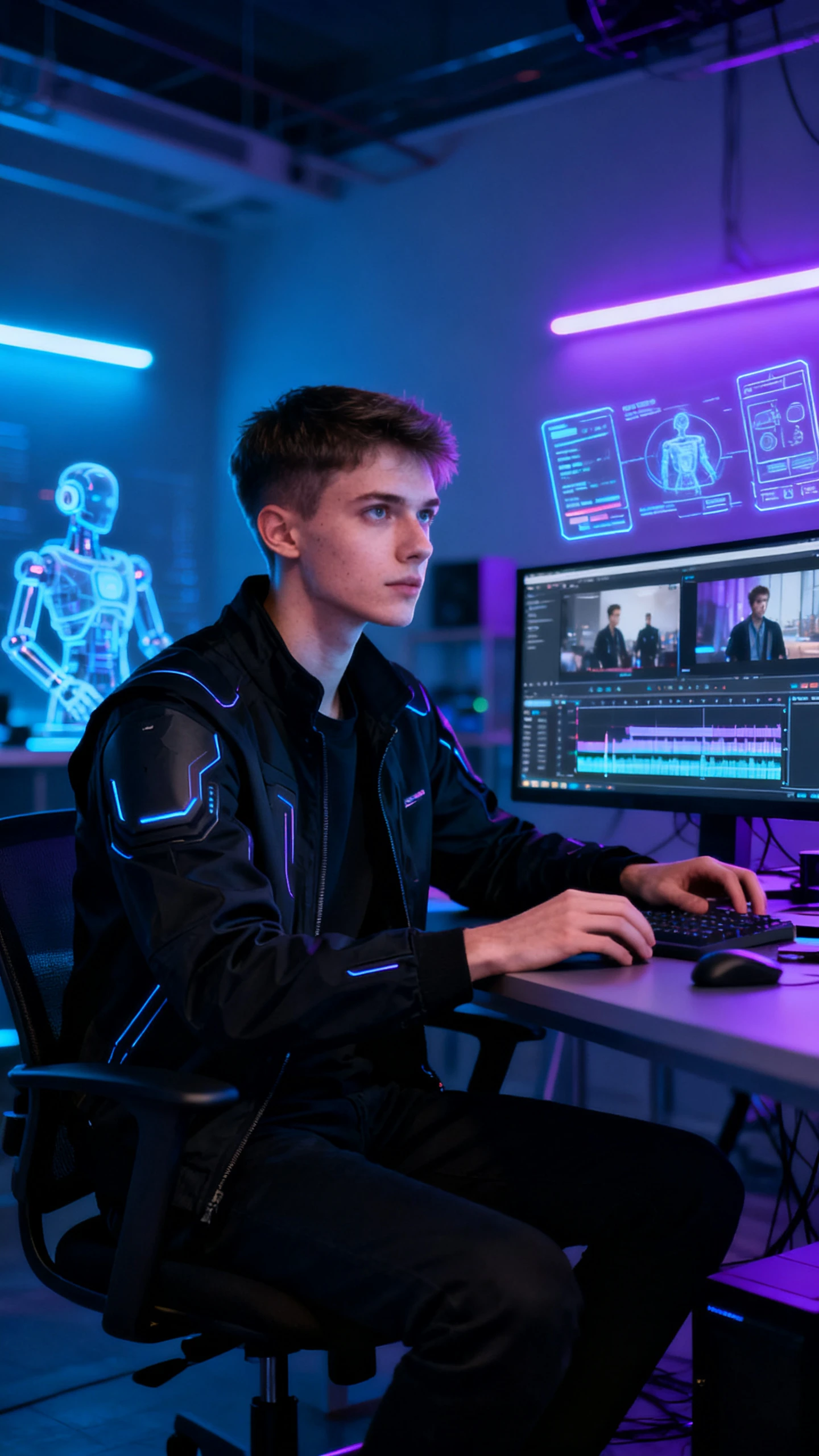
Filmmaker using a futuristic local AI video generator inside a cyberpunk creative studio
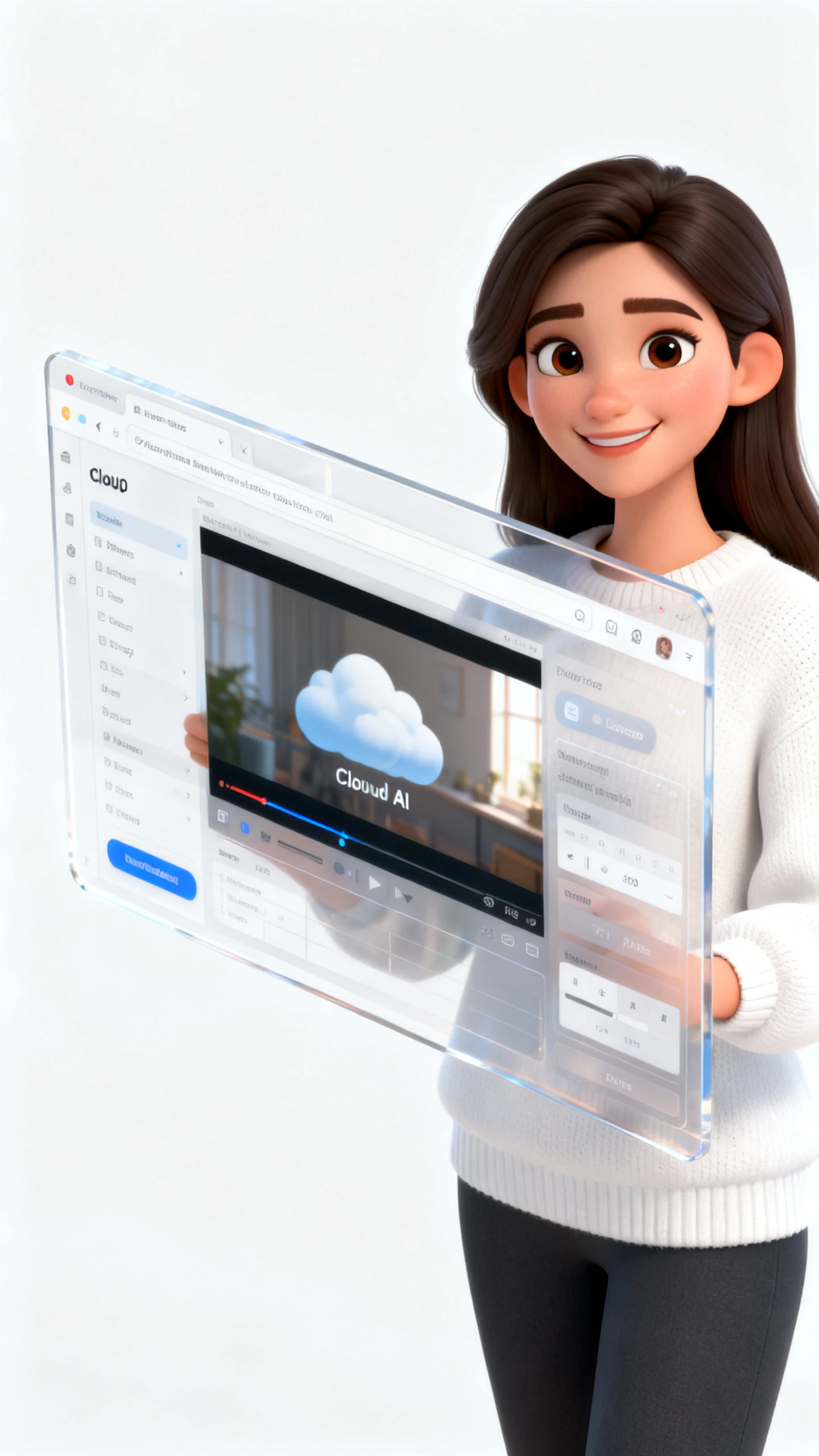
Woman generating AI videos directly in a web browser without installation
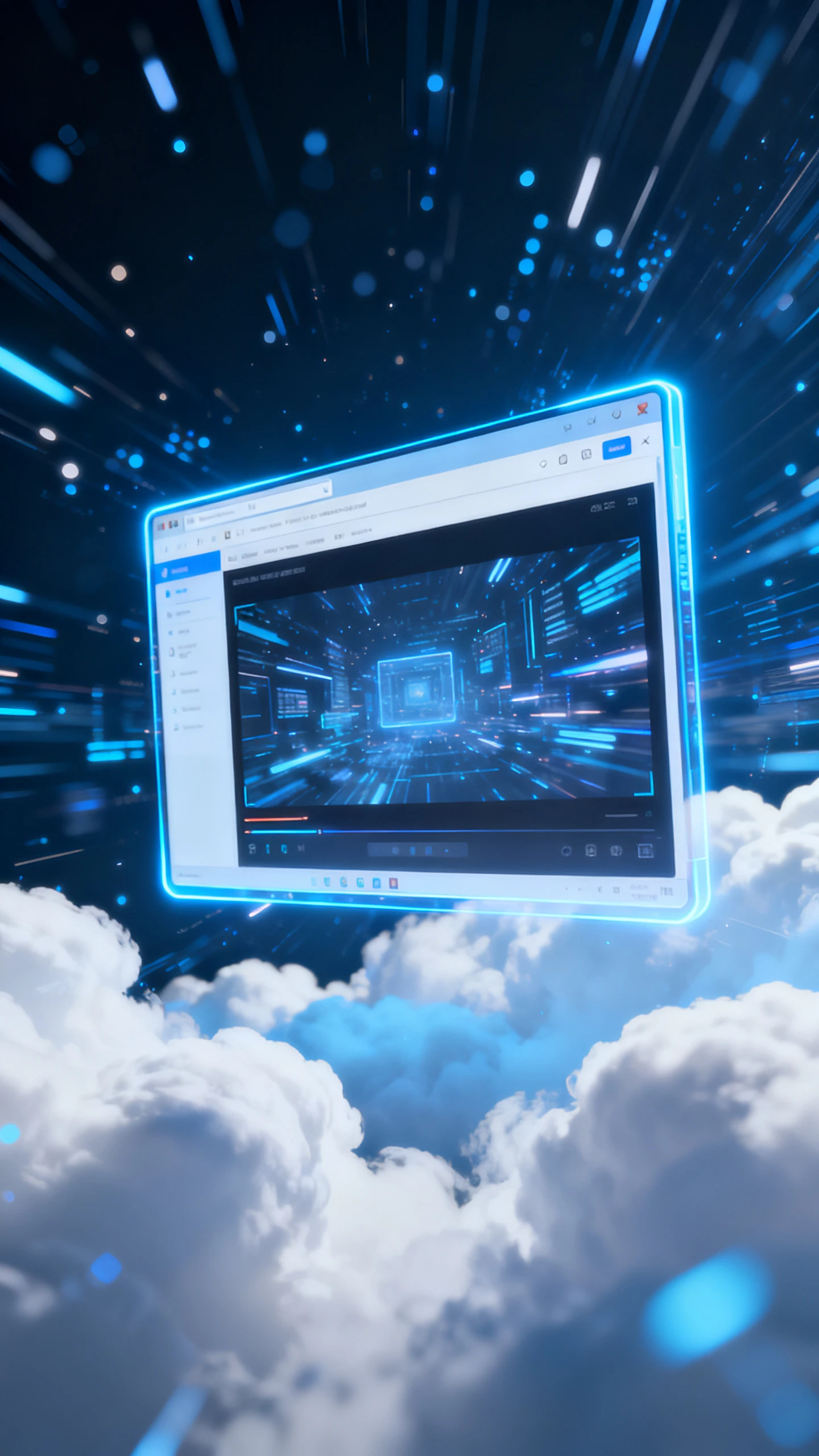
Cloud-based AI video generation without GPU setup or software installation
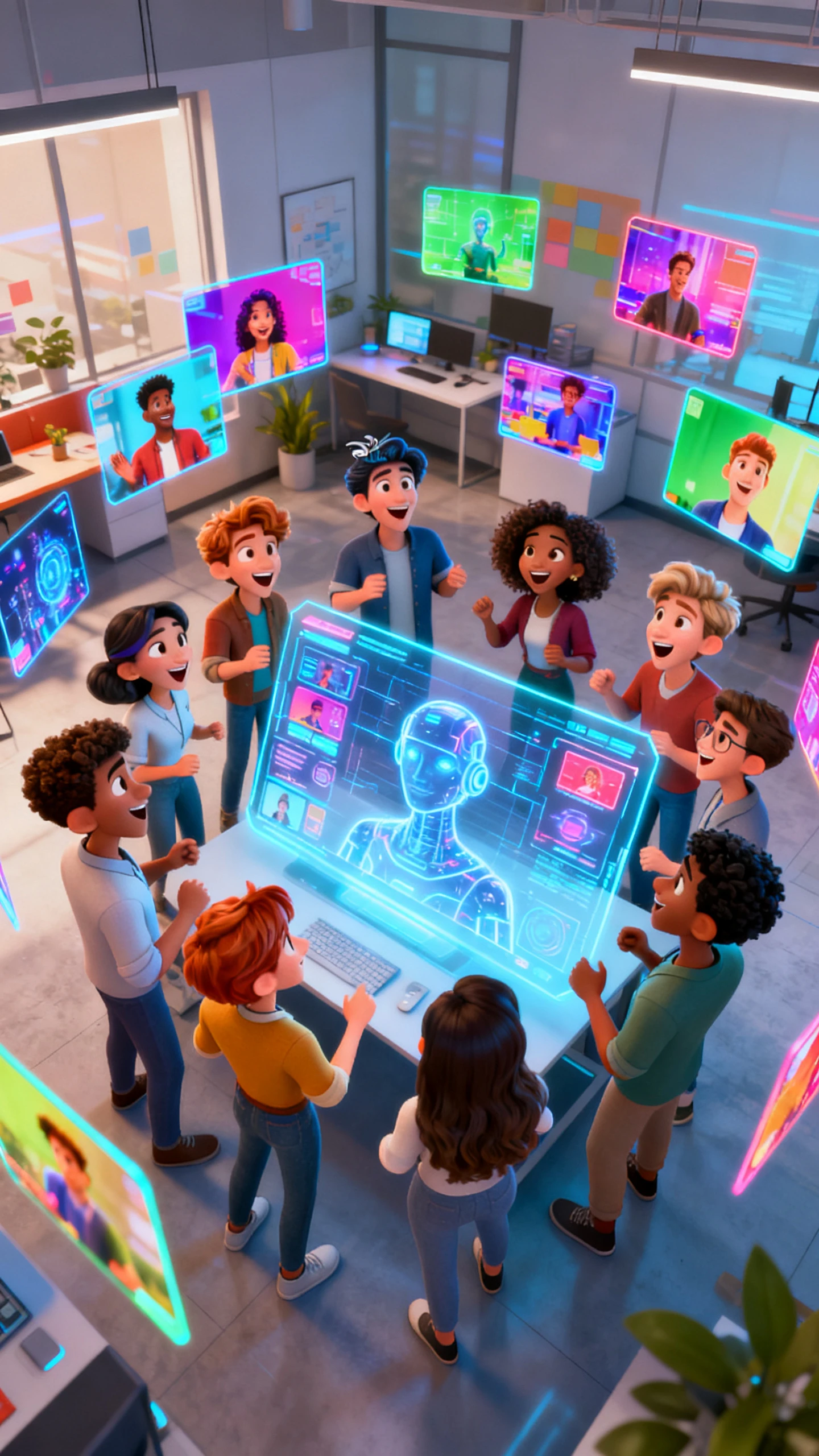
Creative team using multiple AI video models inside a modern browser platform
Creator generating cinematic AI videos locally through a simple browser interface
Child watching colorful AI-generated story videos created in the browser
Filmmaker using a futuristic local AI video generator inside a cyberpunk creative studio
Woman generating AI videos directly in a web browser without installation
Cloud-based AI video generation without GPU setup or software installation
Creative team using multiple AI video models inside a modern browser platform
Creator generating cinematic AI videos locally through a simple browser interface
Child watching colorful AI-generated story videos created in the browser
Filmmaker using a futuristic local AI video generator inside a cyberpunk creative studio
Woman generating AI videos directly in a web browser without installation
Cloud-based AI video generation without GPU setup or software installation
Creative team using multiple AI video models inside a modern browser platform
Creator generating cinematic AI videos locally through a simple browser interface
Child watching colorful AI-generated story videos created in the browser

Explore Features of Magiclight AI Free Local AI Video Generator

Most people search for a local AI video generator to avoid hardware overload. Magiclight AI runs in a browser with unique video models and audio tools.

Explore the video generator
3D decoration

Skip Local Setup Completely

Magiclight AI runs in your browser, so Python, GPU setup, and model downloads disappear. Cloud processing handles the work instead of your device.

Access Commercial Video Models

Seedance 2.0, Kling 3.0, Veo 3.1, and 16 more models sit inside one library. That range gives you broader motion choices than most local installs can offer.

Create Videos From Inputs

Type a script or upload a photo without changing tools. Magiclight AI supports both text-to-video and image-to-video inside one browser workflow, so projects move faster.

Choose Flexible Visual Styles

Choose cinematic, Pixar-style 3D, illustration, or comic visuals in one workflow. Your video avoids the fixed look common in many local tools, with no added model tuning.

Who Gets the Most Out of the Best Local AI Video Generator
Magiclight AI’s free local AI video generator alternative helps creators avoid hardware limits. Each audience skips local setup for faster, smoother online video production.
 Indie Filmmakers and Creators
For Indie Filmmakers and Creators
Generate 1080p cinematic video without a local render farm.
Use the best local AI video generator output quality online.
Produce full scenes from text without editing software.
Parents
For Creators on Low-Spec Hardware
Run powerful AI video generation with no GPU requirements.
Avoid VRAM limits that block most local model install
Export professional video from any laptop or device.
Parents
For Teams and Agencies
Share video generation access without IT setup or deployment.
Generate videos consistently across team members and devices.
Deliver client videos from a browser without local config.
Parents
For AI Developers and Tinkerers
Skip Stable Diffusion setup and get better models instantly.
Access 19 commercial video models without model weight files.
Test AI video generation local alternatives in minutes.
Why Magiclight AI
Outperforms Every Local AI Video Generator
The best local video generation AI setup needs hardware, updates, and maintenance. Magiclight AI removes those layers and adds a browser-based tool that local installs lack.
No VRAM Limit, No Waiting
Cloud processing removes VRAM limits, render queues, and hardware stress. You create longer, cleaner videos without depending on laptop GPU, storage, or local setup limits today.
Add Audio Without Extra Tools
Voiceovers, music, and captions stay in one workflow from start to finish. Add narration, choose tracks, and style subtitles without opening another editing app later for export.
Always Updated, No Downloads
Model updates happen online, so there are no heavy files to download. Magiclight AI keeps newer generation models ready without manual installs, storage issues, or stale weights.
Export Without Local Rendering
Cloud rendering prepares 720p or 1080p videos without draining your device. The final output becomes ready faster, even when local hardware would slow production down online now.
Keep Characters Visually Consistent
Characters keep the stable face, outfit, and expression across connected scenes. Your video feels like one planned story instead of separate generations stitched together online.
Localize Videos Across Languages
Create versions in 11 languages with matching subtitles and voiceovers. Magiclight AI helps adapt one video for global audiences without rebuilding the full project again, today.

How to Start Using  Magiclight AI Local AI Video Generator

Magiclight AI takes your video concept through model selection, scene generation, and export in four steps. No local installation, GPU configuration, or model downloads required.

1.

Enter Your Script or Image

Enter a prompt, paste a script up to 12,000 characters, or upload a reference image. Add enough scene detail so Magiclight AI understands the subject, motion, and mood clearly now.

2.

Select Model and Style

Choose from 19 video models and 20+ visual styles to match your output goal. Set motion energy, format, and look before Magiclight AI starts generating your video online, faster.

3.

Generate Scenes With Nano

Make the first draft, then open Nano Storyboard to review each scene. Adjust 50 pose options, camera angles, and expressions so shots feel controlled and consistent overall.

4.

Add Audio and Export

Add voice, music, and subtitles from 37 voices, 40 tracks, and 16 styles. Export the finished video in 720p or 1080p, without setup, GPU work, or software downloads online today.

FAQ on Local AI Video Generator

What is a local AI video generator and why do people search for one?

A local AI video generator runs models on your own computer hardware locally. Magiclight AI gives browser-based generation without installations, VRAM limits, or maintenance work requirements.

How does Magiclight AI compare to the best local AI video generator setups?

Compared with local setups, Magiclight AI combines models, voices, music, and captions together. That wider workflow reduces tool switching and hardware limits during production sessions online.

Do I need a GPU to use Magiclight AI as a local AI video generator alternative?

No GPU is needed because the generation runs through Magiclight AI online instead. You avoid Python setup, model downloads, VRAM errors, and device stress entirely today.

Can Magiclight AI generate video from images like local stable diffusion video tools?

Yes, upload an image and add motion instructions inside the workflow directly online. Magiclight AI then generates a 10 or 15-second animated clip from it quickly.

Is Magiclight AI’s local AI video generator alternative free?

Magiclight AI lets you explore the workflow before choosing paid features online today. Check current plans first, because limits and exports can change online over time.

How many video models does Magiclight AI include compared to local tools?

For flexible production, Magiclight AI includes 19 video models across motion styles online. Local tools often depend on fewer models and stronger hardware setups at home.


No GPU, No Install, Just Video

Magiclight AI delivers the power of the best local AI video generator without any of the setup.