
Core Features of Magiclight’s New AI Video Generator
Magiclight new AI video generator turns your story script or idea into a finished video with narration, music, and cinematic visuals. No footage or editing skills needed.

Magiclight AI turns any story idea or script into a professional video with visual style and narration included. No professional experience needed.
Create AI Videos for Free
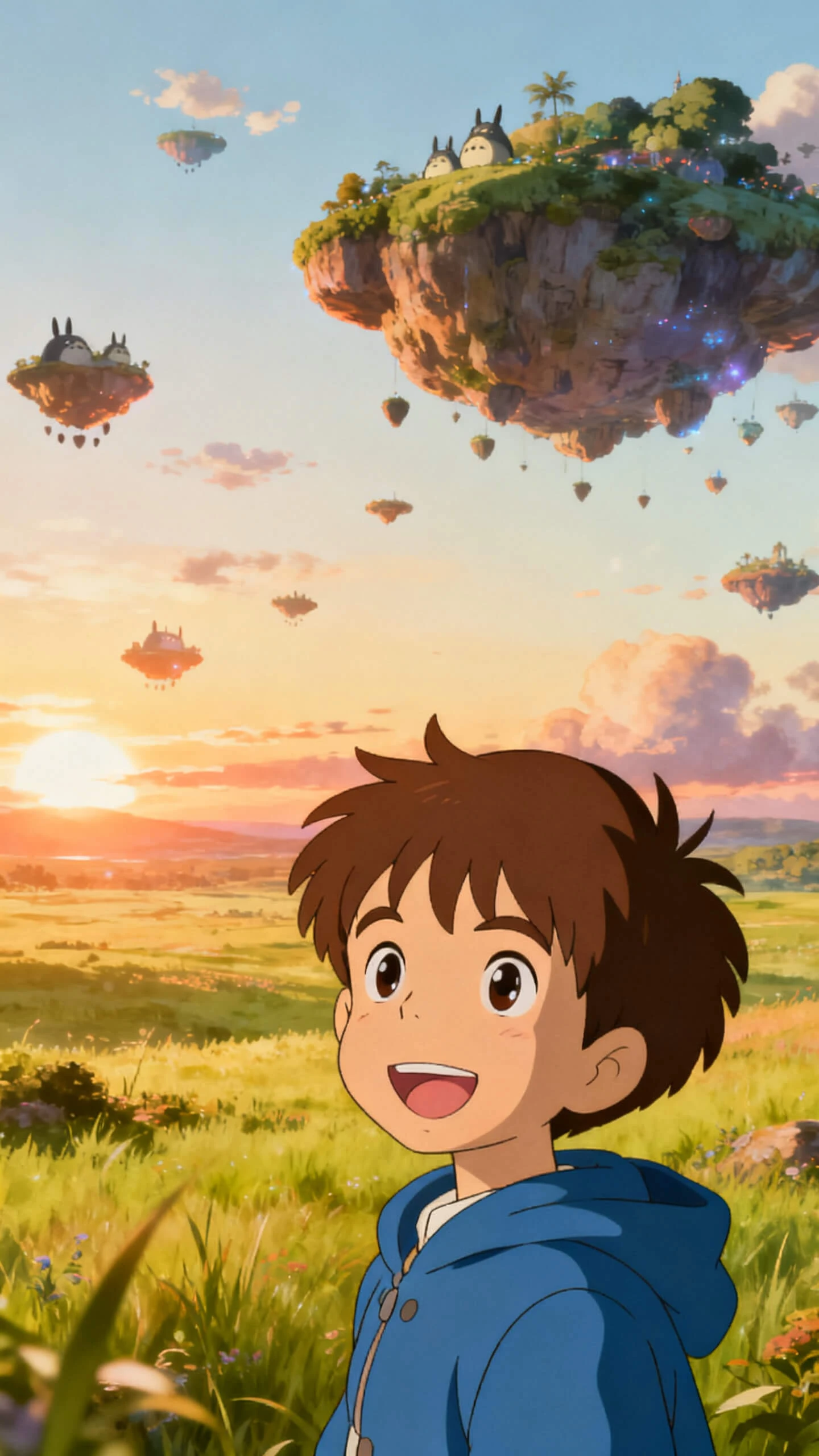
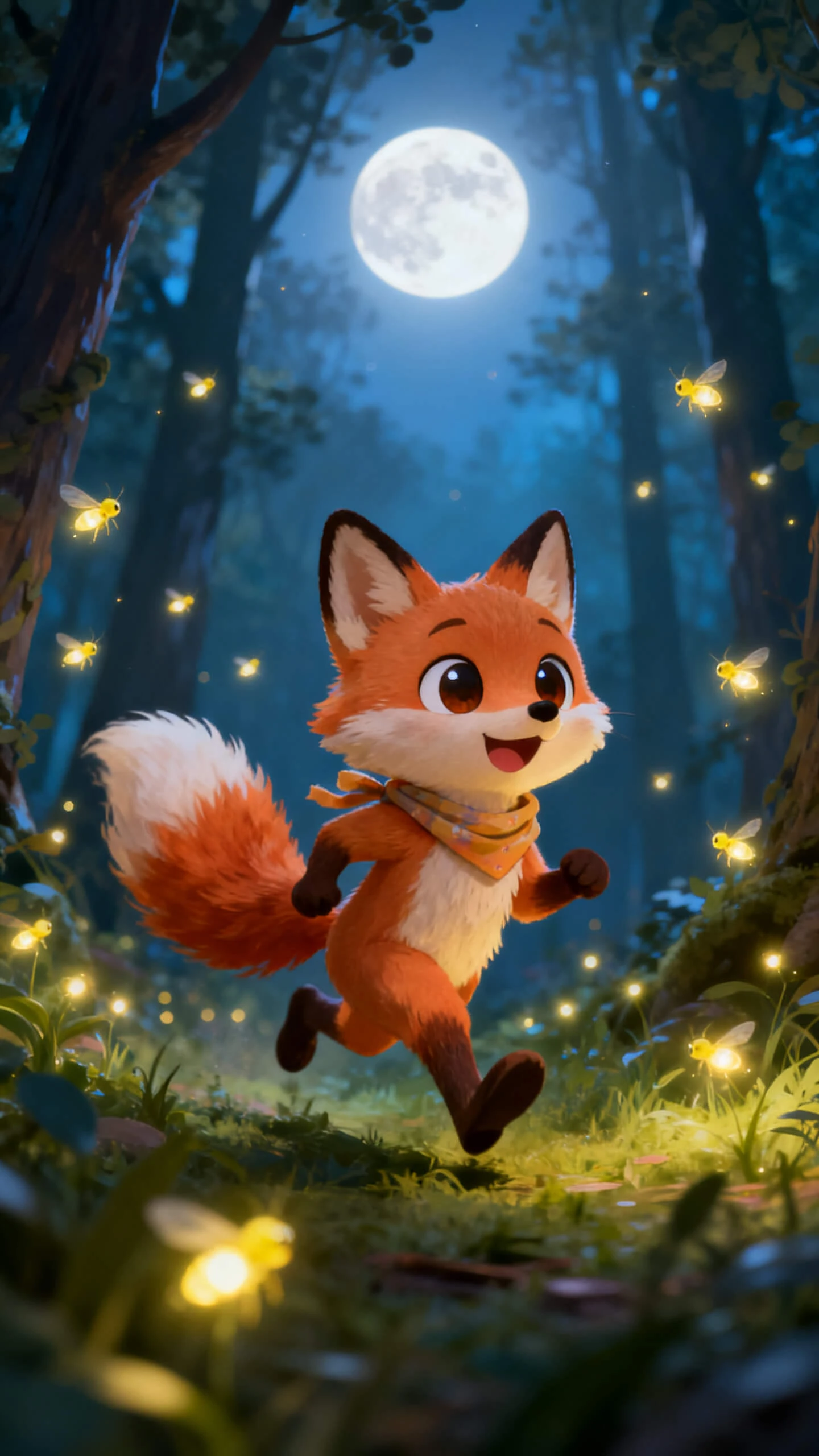
Magiclight new AI video generator turns your story script or idea into a finished video with narration, music, and cinematic visuals. No footage or editing skills needed.

Design an AI character once with a name and a short description up to 1000 characters. You can reuse that same character in every future video you make.
Choose from 19 video models, including Seedance 2.0, Kling 3.0, Veo 3.1, Hailuo 2.3, and Wan 2.6. Each model gives your video a different motion style.
Select from 21 cover templates for stories, music or explainer videos in Magiclight AI. Each template gives your video a professional appearance.
Magiclight AI lets you select from 20+ visual styles, including realistic, 3D cartoons, and Disney. Every video keeps the same style from start to finish.


Use Magiclight AI's new video generator to turn your idea into a finished video in four easy steps. No script, footage, or editing experience is needed.
Launch the tool and explain in the prompt what type of video you want to create. Add clear details like the setting, action, characters, and mood you want.
Match your story with a visual style and add a voice that fits the tone in your video. Magiclight AI sets the look, sound, and feel of your final results.
Check each scene closely before it renders. Adjust camera angles, expressions, poses, and timing until every single shot looks and feels exactly right for you.
Download your finished video in 720p or 1080p resolution. Share it on YouTube, social media or any other platform the moment it feels ready to publish.
A written prompt or a single photo is all it takes. Magiclight AI generates scenes, adds voice and music, and exports a finished file without any filming.
Yes. New users get free access to try the new AI video generator in Magiclight AI before upgrading. Check the website for current plan details and export options.
Yes. Support for 11 languages that include English, Spanish, French, Arabic, and Portuguese and are available in Magiclight AI, with native narration for global audiences.
No. Every video comes together from a text prompt or a photo alone inside Magiclight AI. Camera footage and editing software are never part of the process.
Videos can run up to approximately 50 minutes on Magiclight AI’s new AI video generator, covering full stories, explainers, and multi-scene content in a single session.
You can choose cinematic, realistic, 3D cartoon, and anime styles, all available through Magiclight AI. Each one applies a distinct look and mood to your video.



Create a professional video along with voice, music, and cinematic visuals in every project.