Hero background

Disney & PixarAI Video Generator

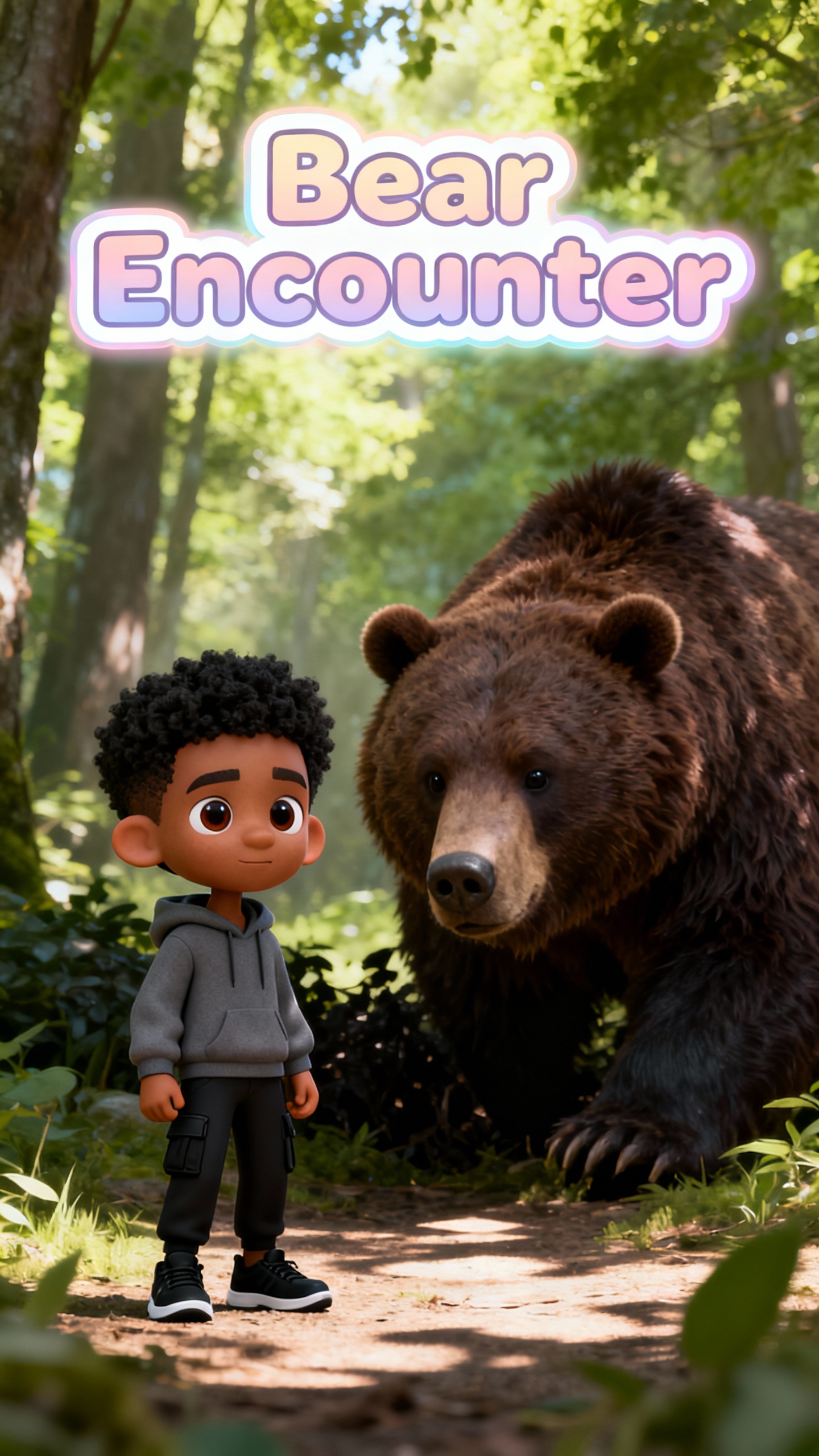
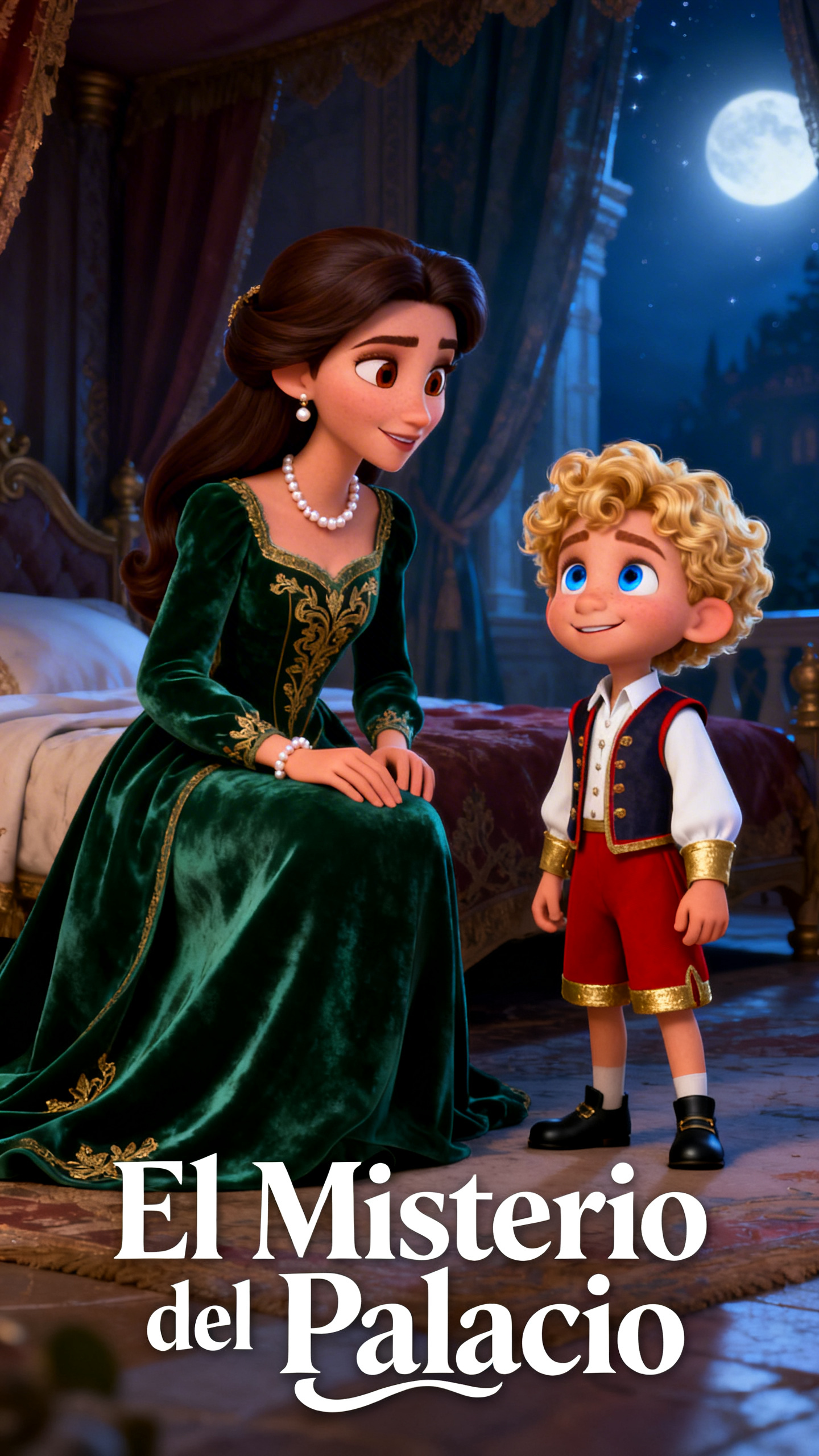
Create life-like, emotional videos from a prompt using Magiclight Al's Pixar Al video generator. Produce movie-style stories that people like to watch.

Create Pixar Al Videos Free
pixar ai video generator
disney pixar ai video generator
pixar style ai video generator
ai pixar video generator
disney pixar ai video generator free
animation generator
3d animation maker
movie style story
pixar ai video generator
disney pixar ai video generator
pixar style ai video generator
ai pixar video generator
disney pixar ai video generator free
animation generator
3d animation maker
movie style story
pixar ai video generator
disney pixar ai video generator
pixar style ai video generator
ai pixar video generator
disney pixar ai video generator free
animation generator
3d animation maker
movie style story

What Makes MagicLight Pixar AI Video Generator Stand Out

Everyone wants to make their dreams come true. This is now possible with the Pixar Al video generator for free online. You can get Disney-like animations and more in one tool.

Explore the video generator
3D decoration

Smart Motion Powered by Pixar-Level Physics

Magiclight Al's smart engine copies how things move in real life. Every move and interaction feels realistic, with no stiff or robotic motion.

Built-In Guidance for Easy Animation Creation

Learning animation is easy because Magiclight Al gives tips while creating. It also offers built-in tools that turn ideas into full stories.

Design and Refine AI Characters Instantly

Creators can easily build their own characters with names, prompts, and images. You can switch styles, re-edit and publish at any time.

Subtle Expressions, Powerful Emotional Impact

The Pixar Al video generator adds emotion to every smirk, glance, and pause. Small facial changes make each performance feel real.

Explore Pixar-Style AI Video Creation with  MagicLight Al
Explore the many possibilities with Pixar style Al video generator in Magiclight AI. Step into a world that offers rich and realistic animations.
creators
For Content Creators
Design adorable characters that get attention.
Add music for scenes to engage viewers.
Produce an episode series safe for kids.
agencies
For Animation Agencies
Create different character styles for new ideas quickly.
Pitch Pixar-style story reels to save team time.
Build viral trailers with zero-to-none budget.
storytellers
For Wholesome Storytellers
Create scripts or ideas in Pixar-style with less effort.
Preview and show animated universes quickly to others.
Make fun, animated shorts with cool characters.
educators
For Child-Friendly Educators
Make bedtime stories engaging for young children.
Produce explainer videos with fun characters.
Turn complicated lessons into animated videos fast.
Why Animators Choose
MagicLight
 Pixar AI Video Generator
You get professional-grade visuals and realistic worlds in your videos. Magiclight AI focuses on character consistency across shots and real-life movement.
cinematic
Cinematic Quality
There is higher cinematic quality as visuals and audio are produced simultaneously, giving a movie-like feel.
motion
No Stiff Motion
Every move and interaction feels realistic, with no robotic motion, thanks to Pixar-level physics engine.
global
Global Sensations
Magliclight Al supports 11 languages so you can share your stories and moral lessons with everyone worldwide.
export
720/1080p Export
Your Pixar-style videos are exported in 720/1080p for the best quality results on any screen.
soundtrack
Mood and soundtrack
Easily add the right soundtrack from 40 options and adjust aspect ratios to fit the platform's needs.
skills
Zero Animation Skills
Yes, you do not need any editing or animation knowledge. Al-assisted tools control lighting and angles with a click.

Design Your Animation With Pixar  AI Video Generator In Four Steps

The process is easy and quick, finishing your animations within a few seconds.

1.

Step 1. Input Your Story

Type your topic, story, or idea into the smart script prompt box. You can use any idea, i.e., Anna and Elsa go grocery shopping.

2.

Step 2. Edit the Script

Select a creative style and mood for your story. Refine the characters and their voiceovers so your clip feels more real.

3.

Step 3. Polish Scenes in Storyboard

Review and edit the generated scenes, characters, and backgrounds with Nano storyboard editor.

4.

Step 4. Export the Final Clip

Download the video after you preview it and make any changes. You can also publish it on the platform to share with others.

FAQs on Pixar Al Video Generator

1. How does the Pixar style Al video generator work?

In Magiclight Al, the Pixar style Al video generator uses smart algorithms to animate scenes and characters. You get professional-grade visuals and realistic worlds in your videos.

2. Can I use Magiclight Al's Pixar generator for free?

Yes. Users can explore the Disney Pixar Al video generator for free online. They can enter their ideas and stories into MagicLight AI, experimenting with different styles and characters easily.

3. How is MagicLight Al different from other Al models?

Magiclight AI focuses on character consistency across shots and real-life movement. Also, there is higher cinematic quality as visuals and audio are produced simultaneously.

4. Can I use the AI Pixar video generator without animation skills?

Yes, you do not need any editing or animation knowledge. Magiclight Al offers Al-assisted tools that control lighting, camera angles, and even subtitles with the click of a button.

5. Is the AI Video generator Pix available globally?

Yes. Al video generator Pix in MaglicLight Al supports multiple languages and models. This allows creators worldwide to produce engaging and fun video stories.


Generate Pixar-Level Cinematic Shots

Give MagicLight Al a prompt and instantly turn it into a realistic Pixar-style animation with polished video results.