14 Story Models with GPT Options
Write your script with a GPT model from the same family or try Claude Opus 4.6 or Gemini 3.1 Pro for diversity. Keep whichever draft script provides the best conviction and results.
Create a ChatGPT Story for Free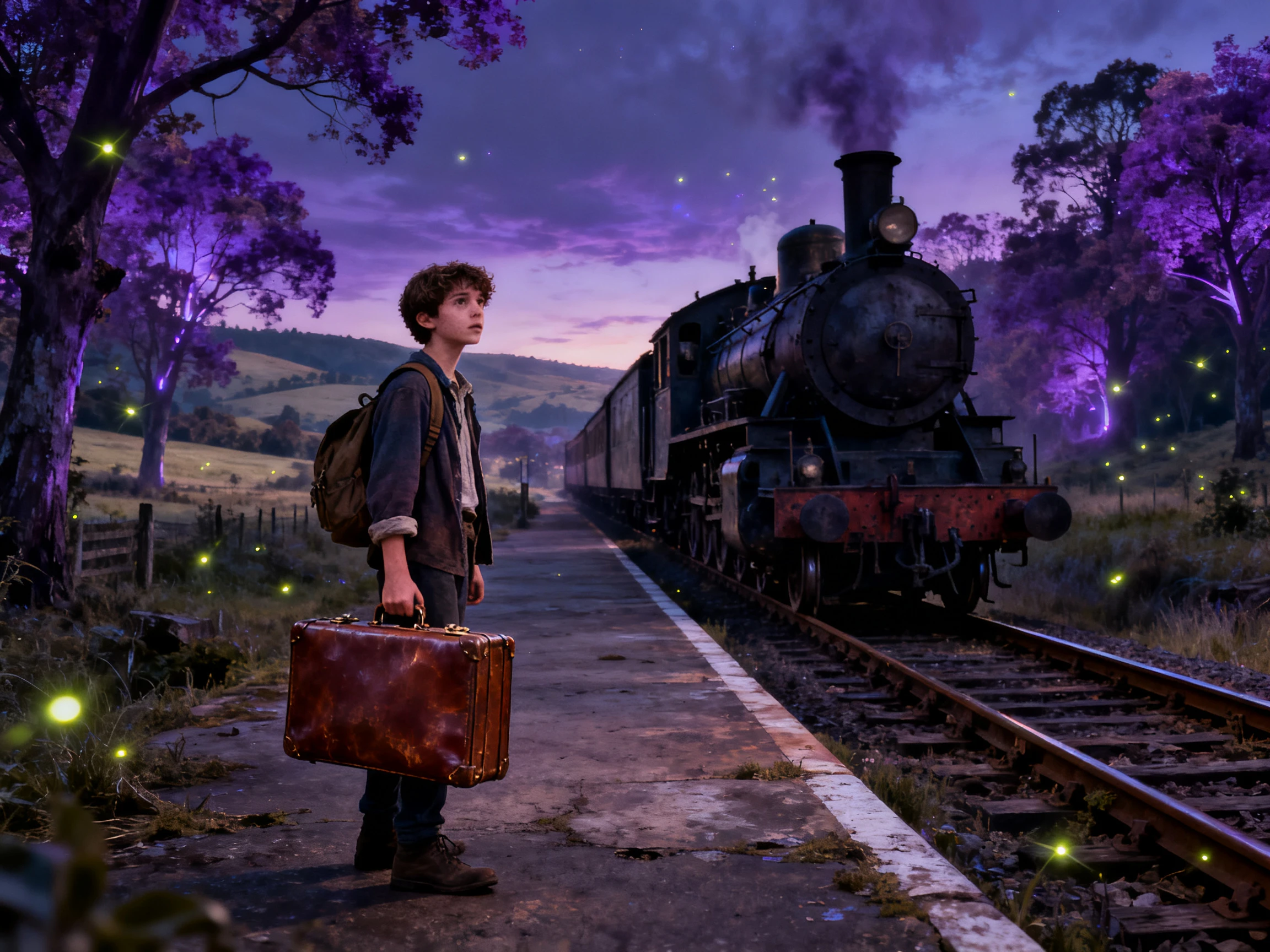

Turn your story ideas into videos with MagicLight AI. Use GPT models to develop your story and bring it to life with connected scenes and narration. No editing skills needed.
Create a ChatGPT Story for Free










Bring a basic story idea from a ChatGPT story generator session and improve it with GPT models in Magiclight AI. Approve the script and create a video with complete scenes.
Write your script with a GPT model from the same family or try Claude Opus 4.6 or Gemini 3.1 Pro for diversity. Keep whichever draft script provides the best conviction and results.
Create a ChatGPT Story for FreeA long ChatGPT story prompt fits in one go, since the script box easily holds 12,000 characters. Split anything longer into parts, and the same saved cast can carry across them all for better results.
Create a ChatGPT Story for Free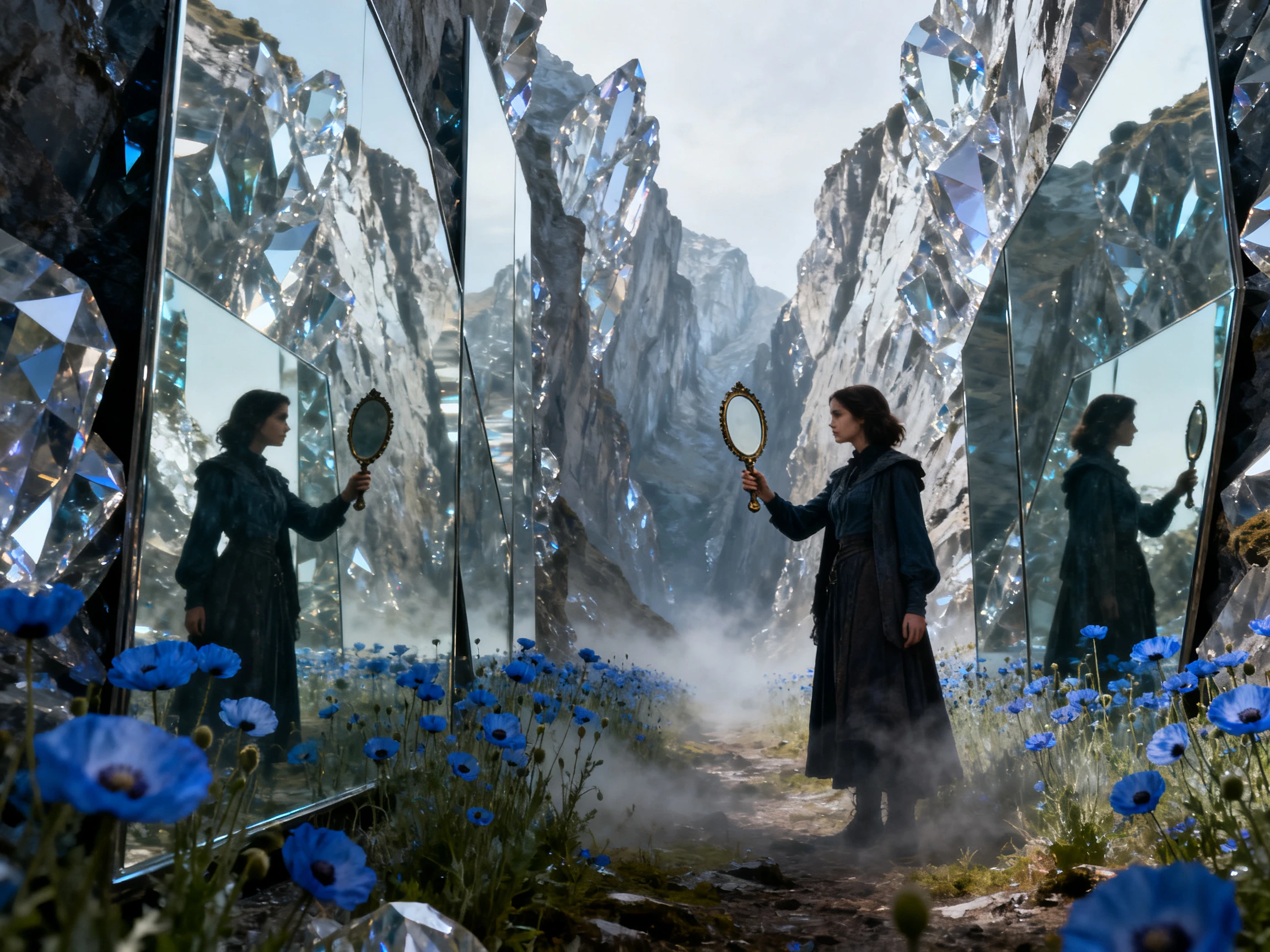
Describe each character with a prompt of up to 1,000 characters. Include details about their face, hair, clothing, body type, personality, and other features that define their appearance.
Create a ChatGPT Story for Free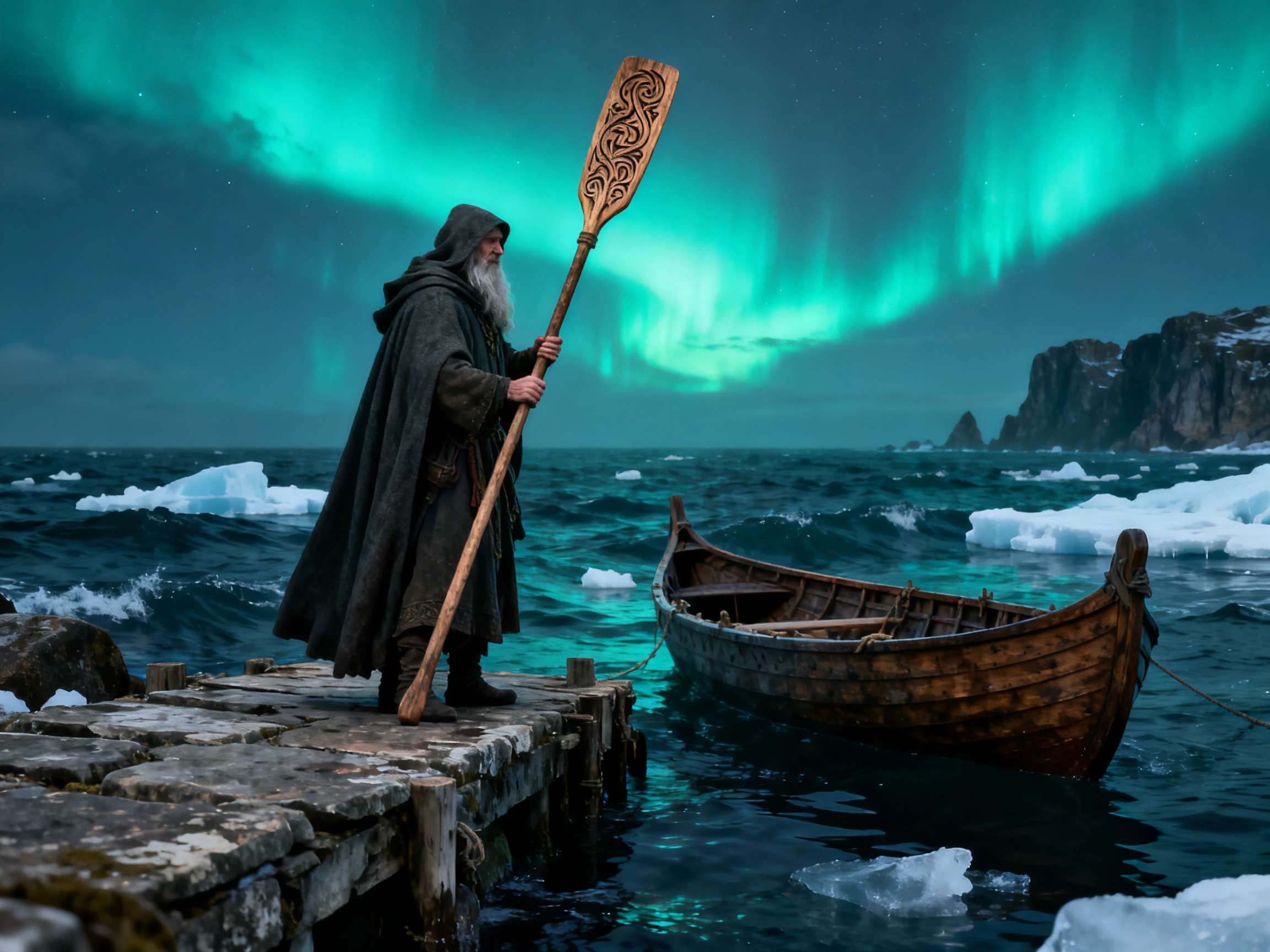
Paste a ChatGPT story or type a single line about a new one. MagicLight Agent picks a format and shapes the text into a script, and nothing is animated until you approve it.
Create a ChatGPT Story for Free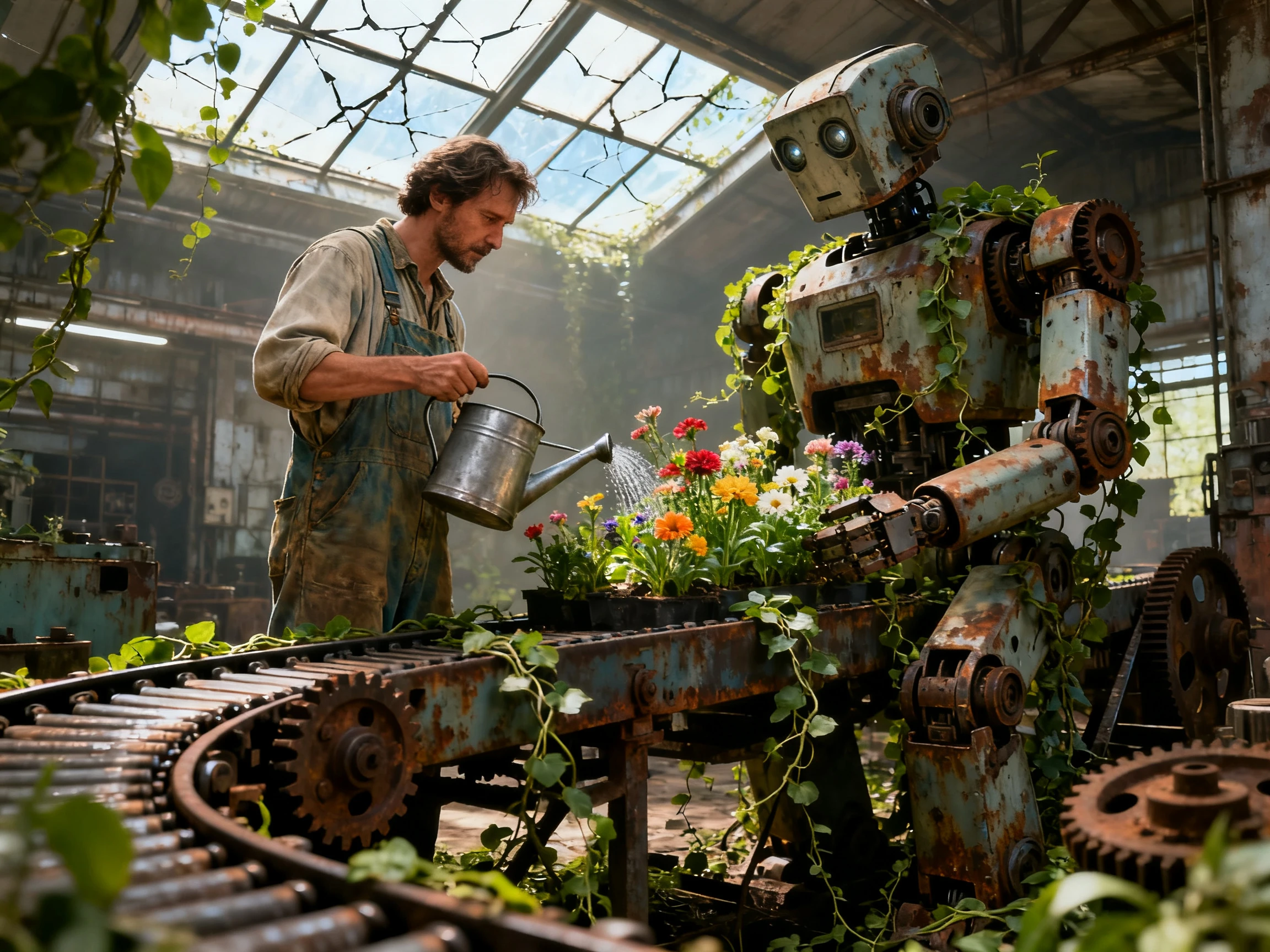


Follow these 4 simple steps to use ChatGPT story generator in Magiclight AI. Add a complete idea, review the entire script, choose your characters, and finalize the video.
Paste a story of up to 12,000 characters, or enter a new idea and select from 14 story models. MagicLight Agent prepares the script for you to review before continuing.
Choose from 50+ visual styles, then set your cast. Use suggested or saved characters, or describe a new character with a prompt of up to 1,000 characters.
Review each scene in Nano Storyboard and check how it matches your script. Adjust character poses, expressions, camera angles, and framing before moving to animation.
Select from 37 voices for narration and characters, then add background music and subtitles. Generate your story video and export the finished result in up to 1080p.
Story Writer
Magiclight AI took my ChatGPT story from plain text to a clear script and scenes. I reviewed each part, set the characters, and turned the complete story into a video.
Fiction Writer
I compared several versions of the same story before choosing my favorite. Magiclight AI made it easy to edit that draft, approve the script, and move it into scenes.
YouTube Creator
My story channel needs the same characters across new episodes. I save my main cast, plan each scene, and use Magiclight AI to keep every video visually consistent.
Teacher
Our class wrote a short story and turned it into a video together. Students checked scenes and selected voices, while Magiclight AI handled the rest of the process.
Yes. You can review the script, rewrite dialogue, remove scenes, or change story details. Magiclight AI lets you approve your version before moving on to the visual stages.
Yes. Save your main characters and reuse them in later scenes or episodes. Their saved designs help Magiclight AI keep recurring characters visually consistent throughout the story.
Yes. The ChatGPT AI Story Generator supports formats such as Short Drama and Kids Story. You can select a suitable format in Magiclight AI based on the story you want to make.
Yes. Nano Storyboard lets you review scenes and adjust camera angles, framing, poses, and expressions. These controls in Magiclight AI give you more say over important story moments.
Yes. Select from 37 available voices and assign suitable options to your narrator and characters. Magiclight AI helps each speaking role sound different within the finished story video.
You can export finished story videos in resolutions from 720p to 1080p. After completing your scenes and audio, choose the available quality you need in Magiclight AI.



Take your AI story generator ChatGPT result further. Magiclight AI turns your script into connected scenes with characters, voices, and visuals, ready to share as a video.