
10 Reference Photosat 20MB Each
Start with a photo of yourself and upload the items you want included in the costume. Magiclight AI takes up to 10 reference images, with a 20MB limit for each one.
Upload Your Photos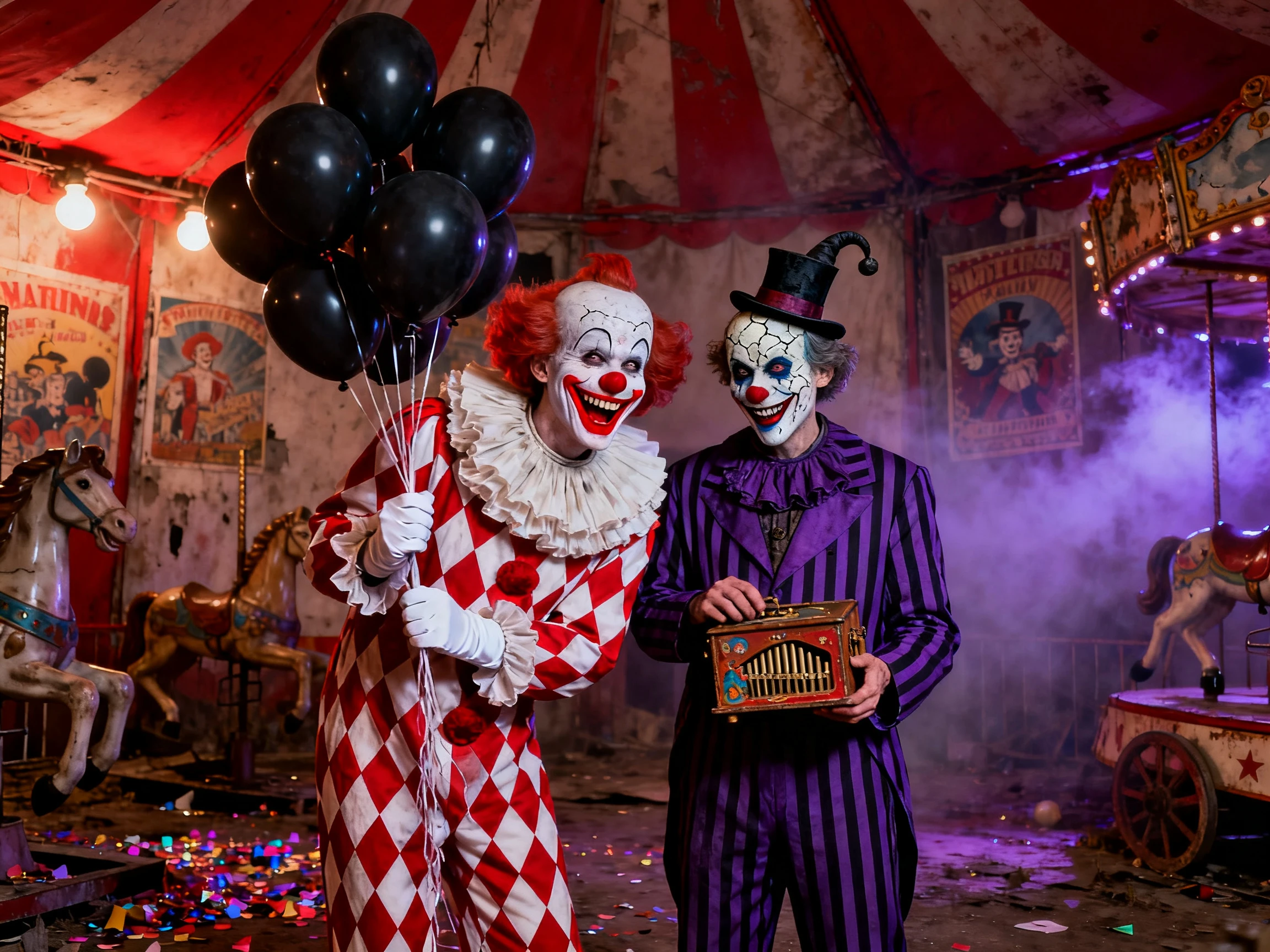

Start with the clothes and accessories as input. Magiclight AI uses your photos to create Halloween looks around them, with no sewing or design experience required.
Create Halloween Costumes For Free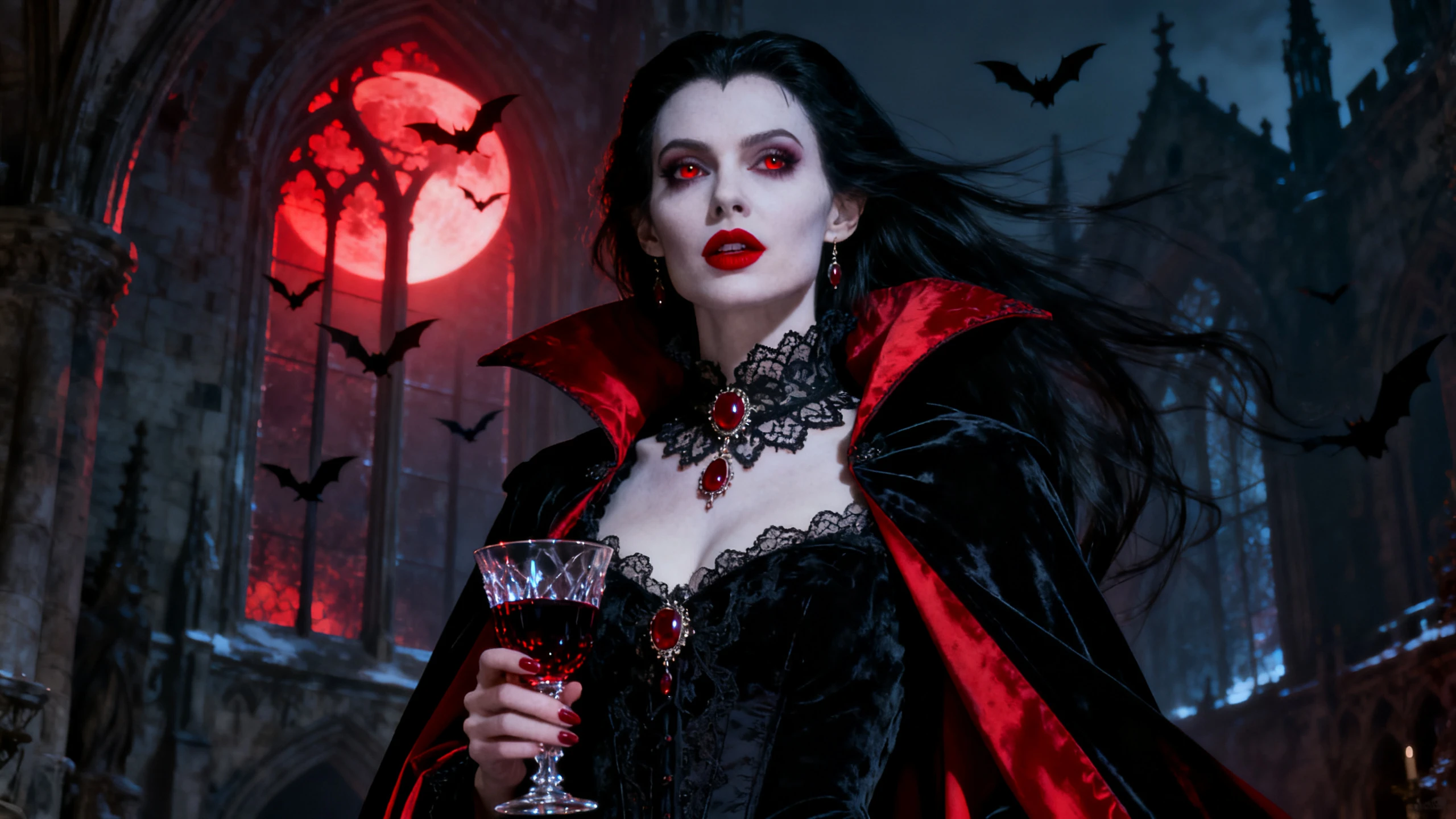










The Magiclight AI Halloween costume generator works from photos of what you already own. Show it what you have, then see how your costume idea could come together.
Start with a photo of yourself and upload the items you want included in the costume. Magiclight AI takes up to 10 reference images, with a 20MB limit for each one.
Upload Your PhotosTry the same costume with GPT Image 2.5, GPT Image 2, Seedream 5.0 Pro, Nano Banana 2, and another available model. Magiclight AI gives you several versions to compare before choosing.
Explore Image Models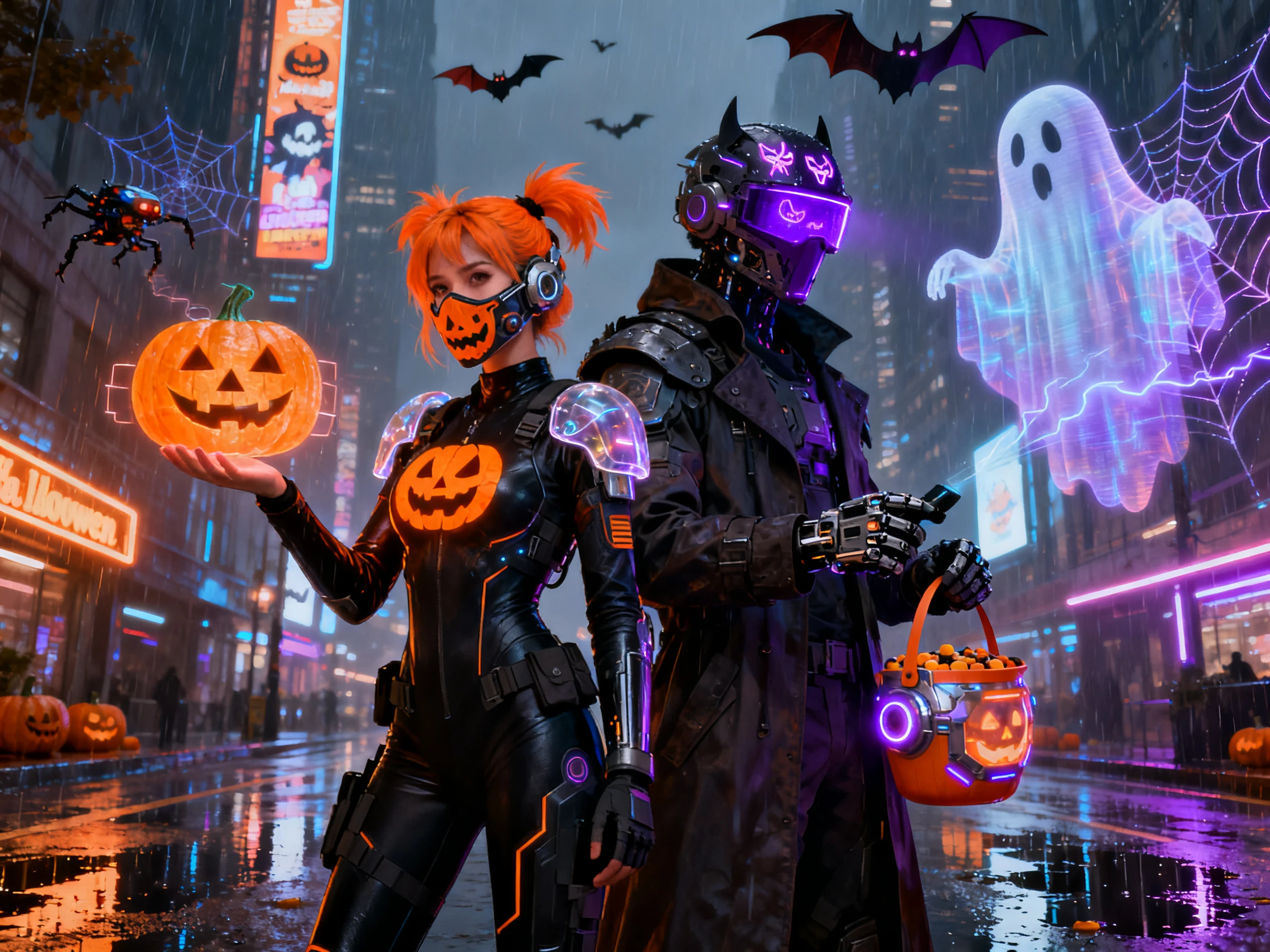
Describe anything your closet does not cover, from a crown to face paint or wings. You have up to 500 characters, and Magiclight AI adds those details around the clothes in your reference photos.
Describe Your Costume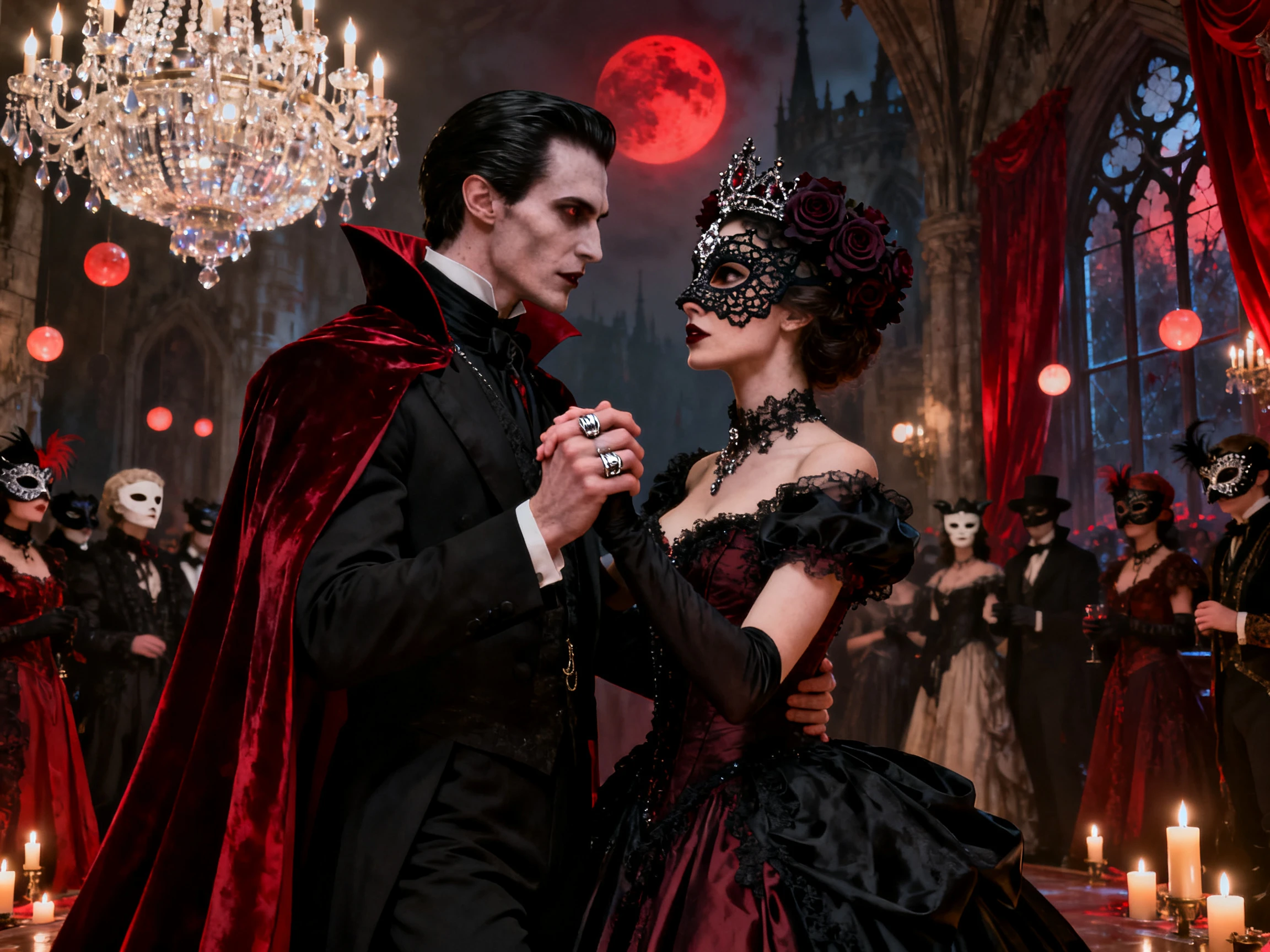
Turn your costume picture into a video of up to 30 seconds. There are 20 video models to choose from, so you can see the outfit in action before settling on the look.
Animate Your Costume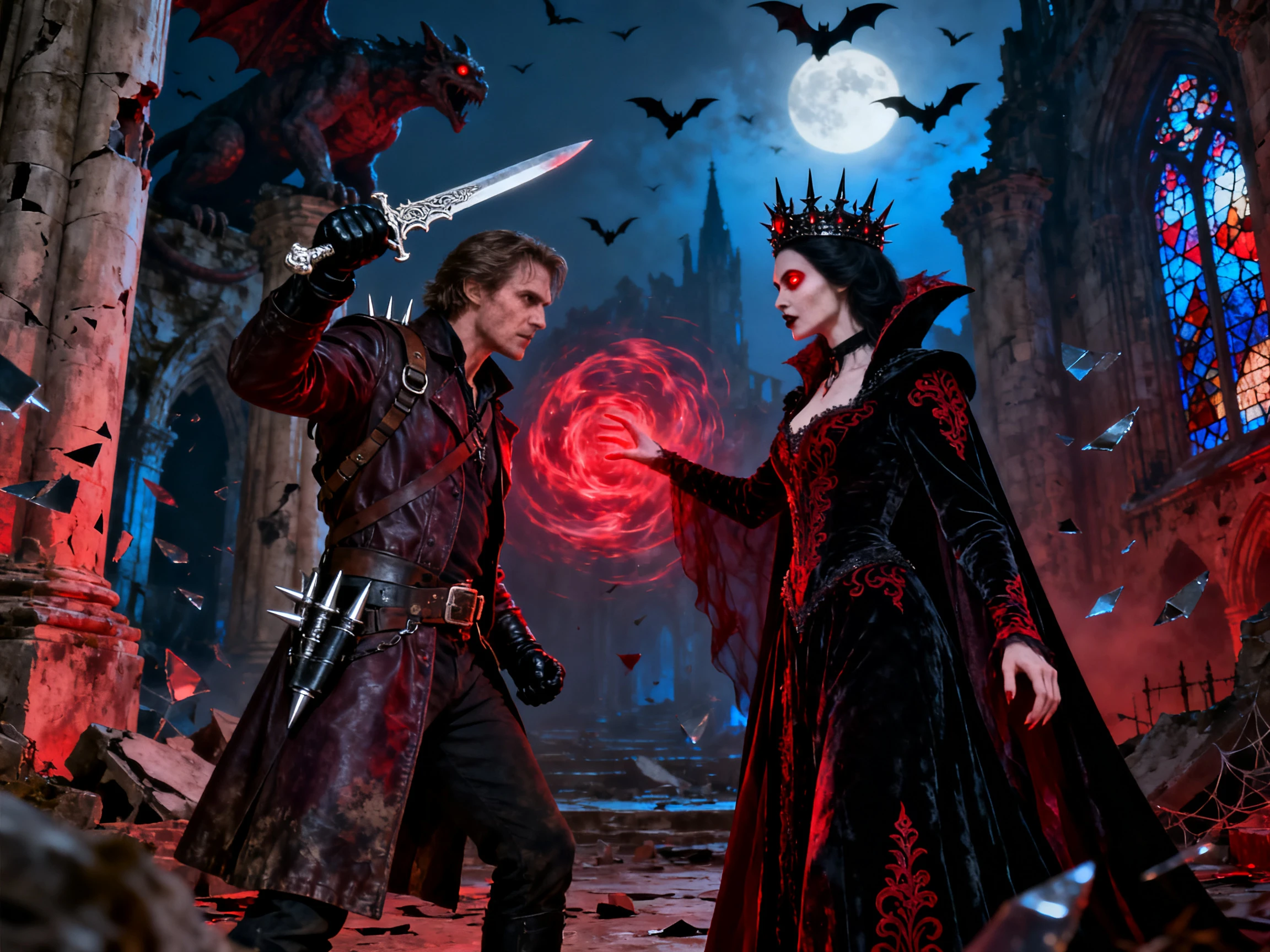


Try your Halloween costume design online in 4 simple steps before buying anything. Provide Magiclight AI a picture of your idea, helping you generate a complete look of the costume.
Open the Image tab with a clear photo of yourself and add the pieces you want to wear. Magiclight AI lets you use up to 10 reference images for one costume idea.
Add a 500-character prompt explaining the costume design. Add explicit details that are missing from the uploaded photos.
Try your costume with one of the 5 image models and choose a size that shows it clearly. A 9:16 image works well when you want the complete outfit in view.
Generate the final Halloween look to see how your costume ideas come together. You can also make your costume idea move by accessing the Video tab and converting the image to a video.
Cosplayer
I already had the boots and found a coat at a thrift store. Magiclight AI turned those pieces into a pirate captain costume, so I only needed to pick up a hat and belt.
Photographer
My family wanted to stick to one theme for our Halloween photos. After I put everyone into Magiclight AI, we tried a few ideas and settled on a haunted circus look that evening.
Content Creator
It started with a photo of my dog sitting on the couch. I gave him a pumpkin costume in Magiclight AI, then turned the picture into a short clip that went straight to my followers.
College Student
I had nothing beyond the words “spooky astronaut” when I started. After trying the idea in Magiclight AI, I ran it through GPT Image 2 and found a version I could actually wear.
A clear photo gives the Magiclight AI Halloween costume generator a better reference to work from. If the result stops looking like you, switching the image model can give you a better version.
Give Magiclight AI a rough theme and let it take the idea further. Used this way, it works well as a Halloween costume random generator when you are stuck on what to wear.
GPT Image 2.5 is one of the 5 image models available in Magiclight AI. You can try your costume with it and then see what one of the other models does with the same idea.
New Magiclight AI accounts come with free credits, and each image run uses 100 of them. Anything you plan to sell needs a paid plan, which also brings more credits.
Magiclight AI gives you a clear idea of how the costume could look. The real outfit may be a little different once you wear the clothes and add the final details.
Yes. Upload photos of the pieces you want to wear, and Magiclight AI can work them into the costume idea. You can then see what is still missing before buying anything else.



Use a Halloween costume AI generator to turn your own clothes into a costume idea. With Magiclight AI, you can see what is still missing before you shop.