
5 Image Models for Halloween Invitations
Choose from 5 image models for your Halloween invite. Magiclight AI includes GPT Image 2, GPT Image 2.5 models, Nano Banana 2, plus Seedream 5.0 Pro for different invitation looks.
Create Now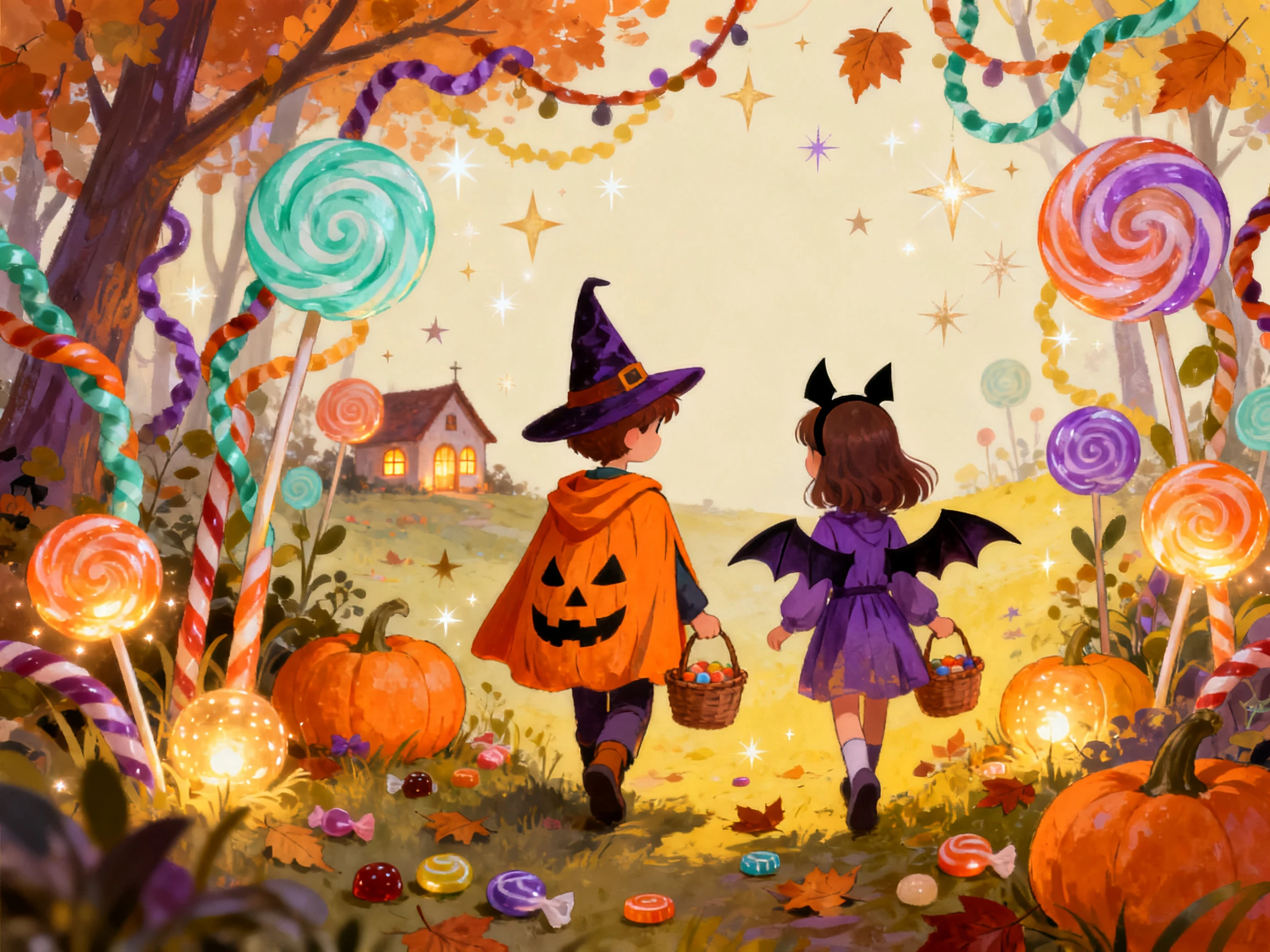

Start with a Halloween party idea and get an invitation ready. Magiclight AI handles the visuals, text, and spooky vibe. No graphic design experience needed.
Create Halloween Invitations For Free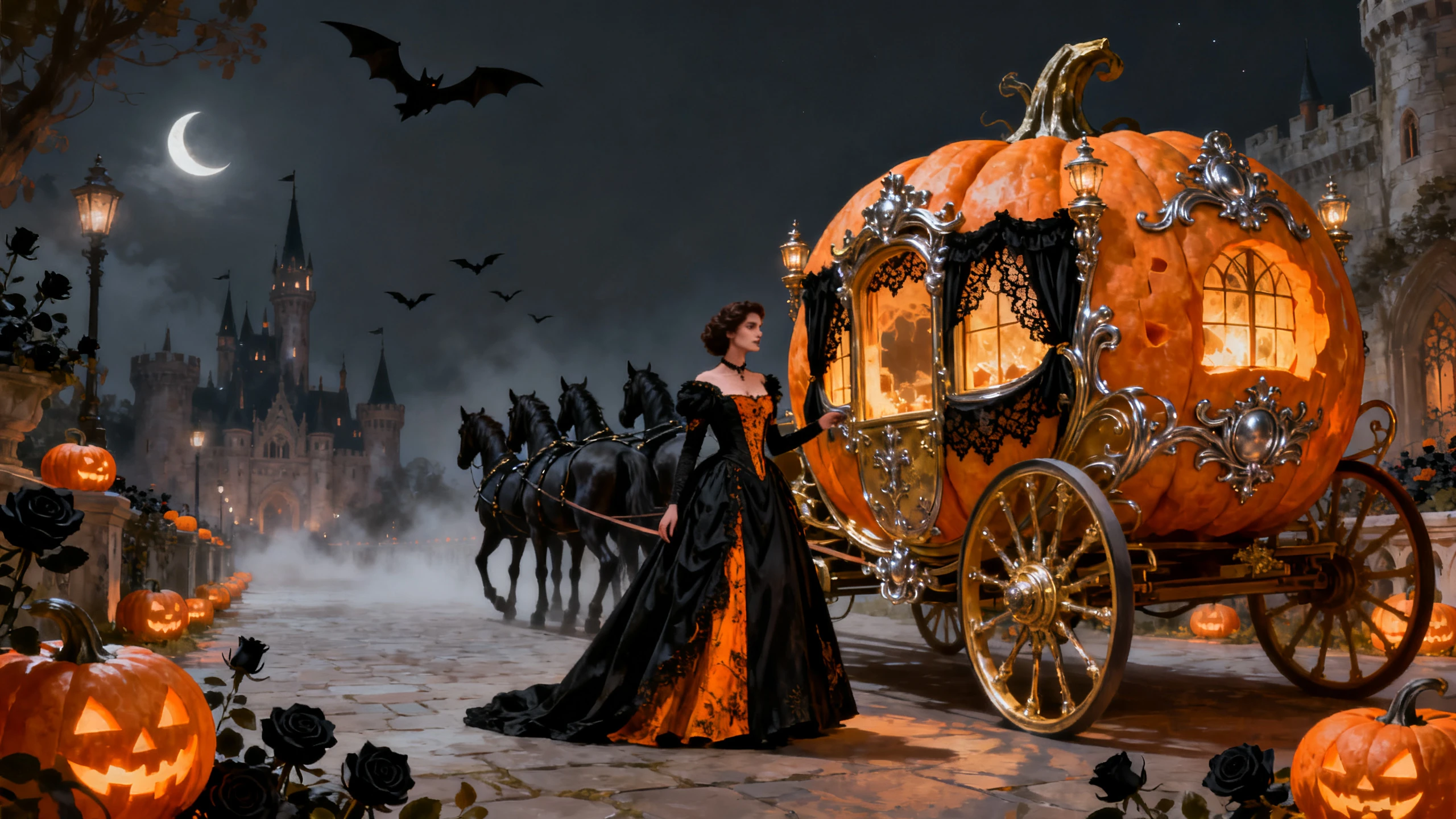










With Magiclight AI, you can make Halloween invitations around your own party idea. Set the visual direction and include the details guests need before you share it.
Choose from 5 image models for your Halloween invite. Magiclight AI includes GPT Image 2, GPT Image 2.5 models, Nano Banana 2, plus Seedream 5.0 Pro for different invitation looks.
Create NowGet 4 different aspect ratio options within Magiclight AI for your Halloween invitations. Decide if you want to create a 9:16 or 16:9 invite, depending on where you have to share or send it.
Create Invitations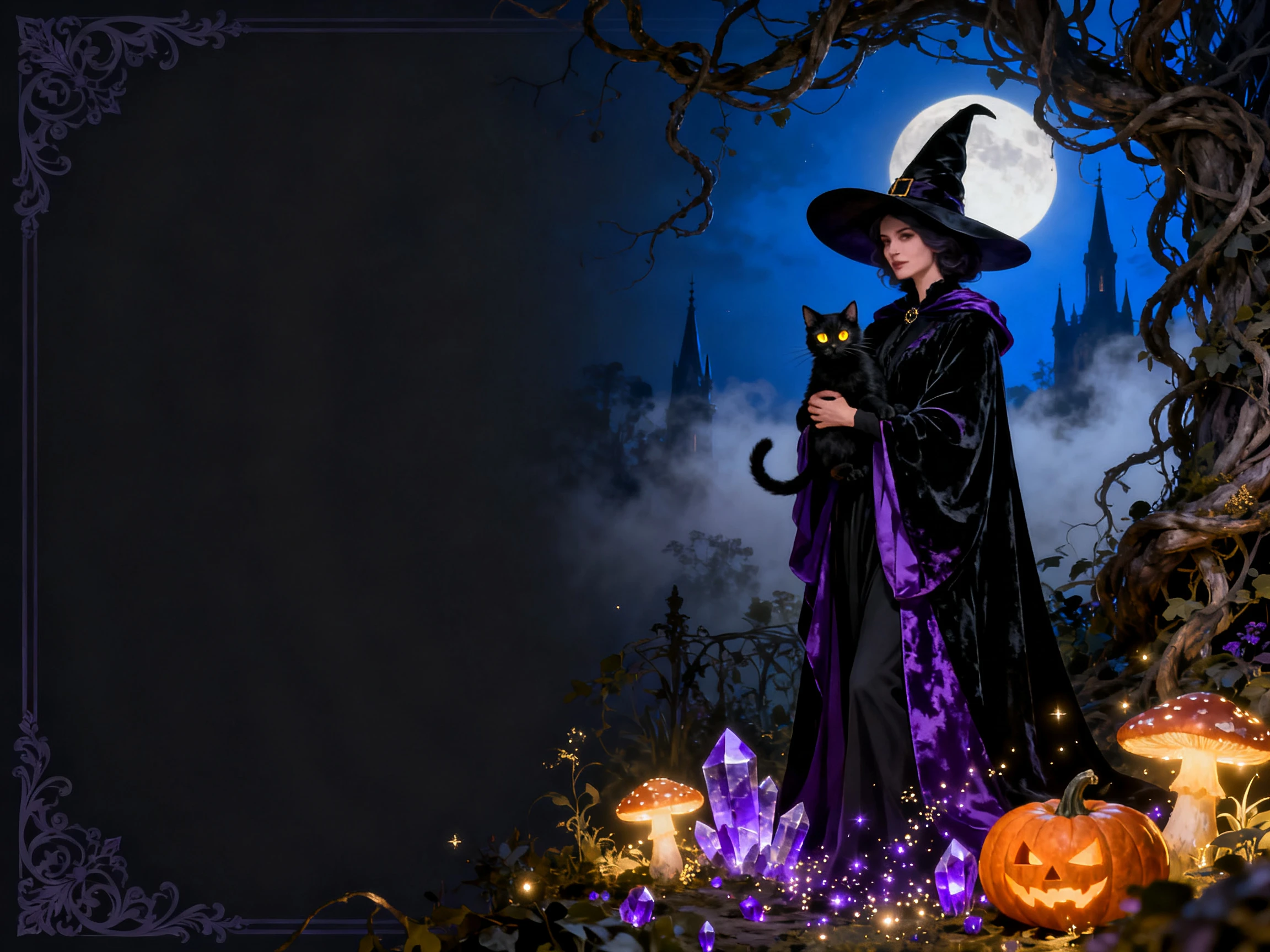
Add up to 10 reference images for Halloween invites to give a particular look. With each image up to 20MB, Magiclight AI brings more visual dynamics to your design with pre-defined ideas.
Add Your References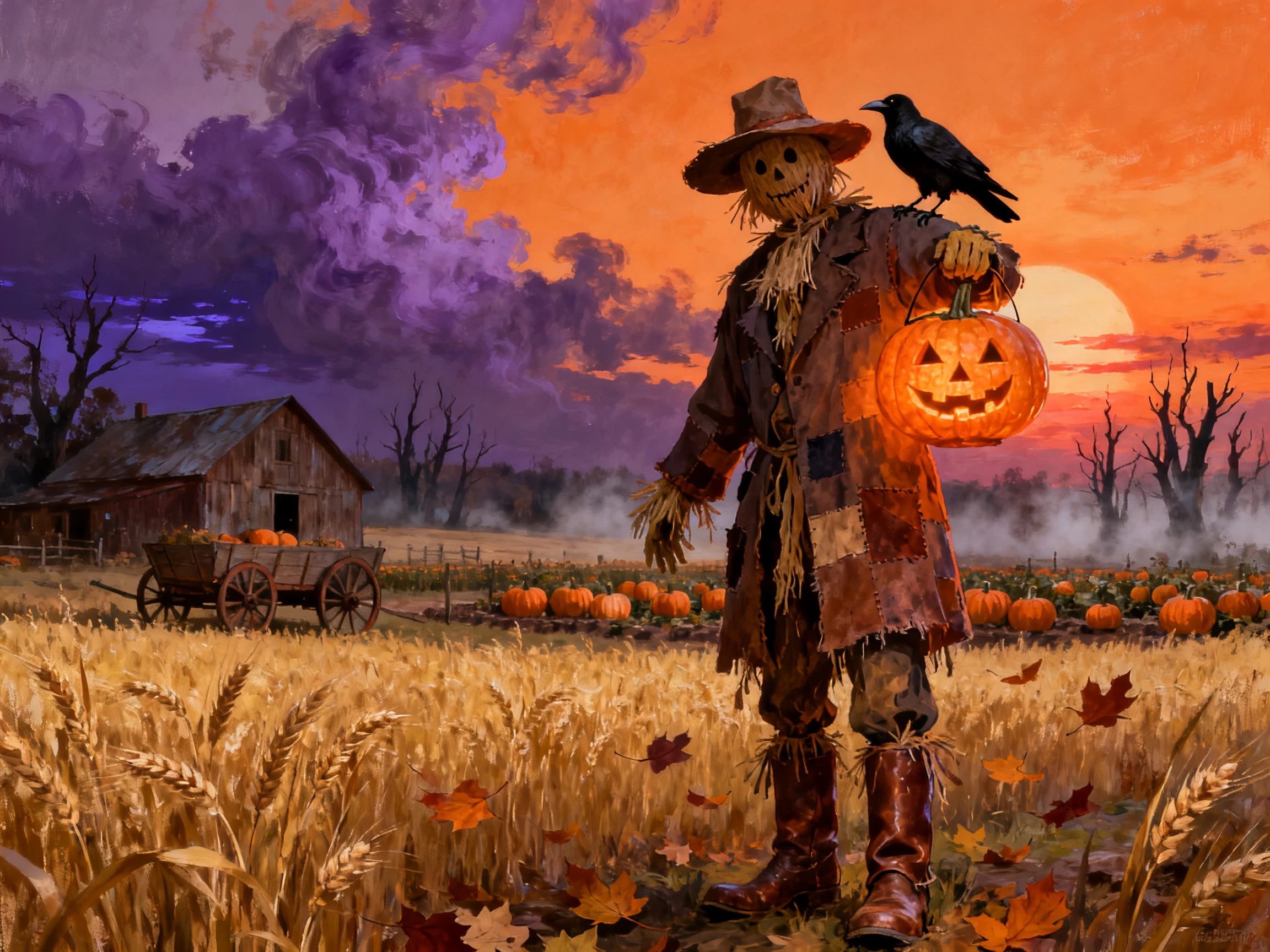
Animate your Halloween invitations with any of 20 video models, lasting up to 30 seconds. Make these invites unique and attractive to get more attention, with sound effects for better results.
Create a Video Invite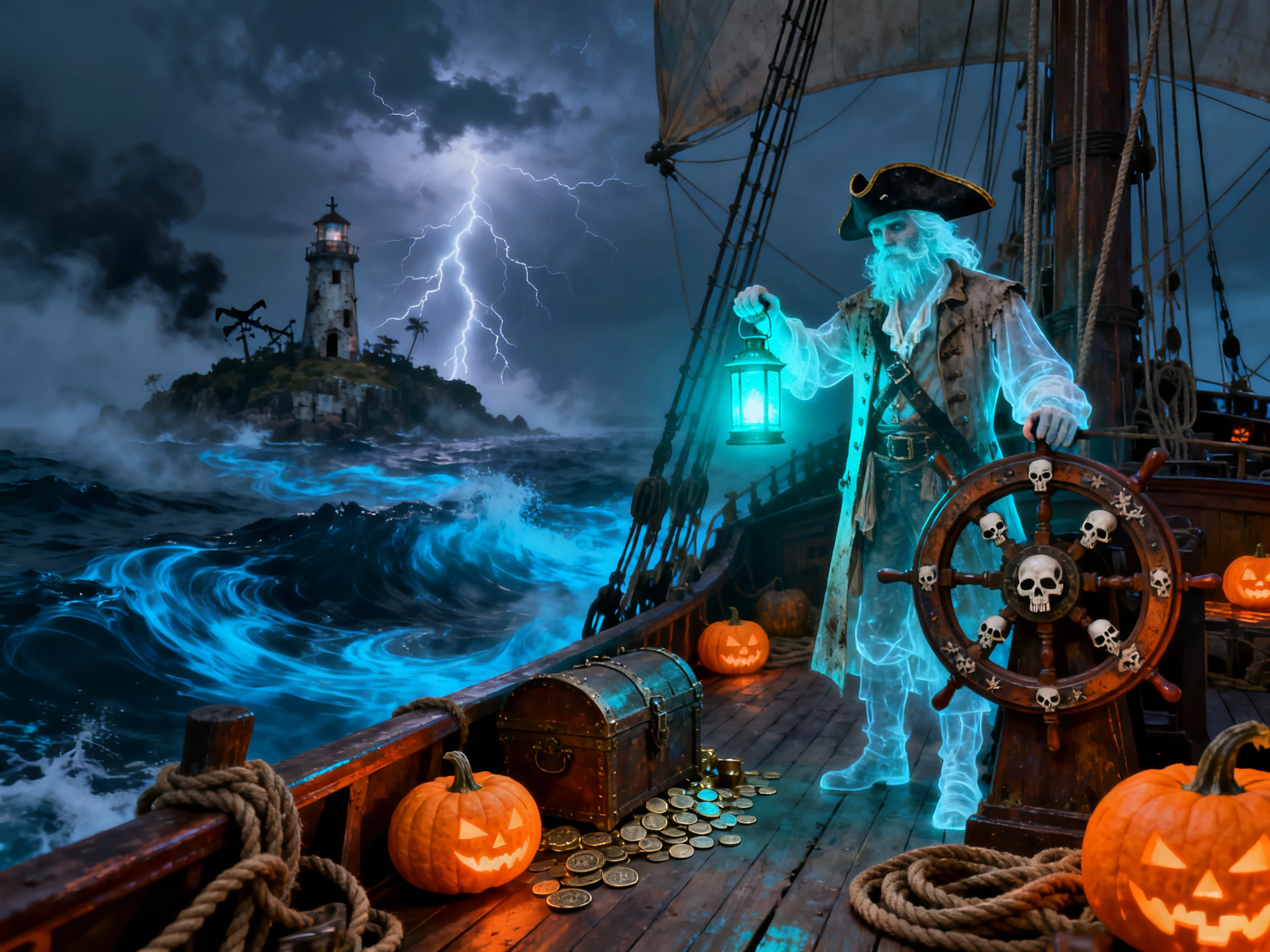


See how to make a Halloween invitation in 4 simple steps with Magiclight AI. Provide a basic party idea and finish with a unique Halloween invitation design.
Within the Image tab, upload the pictures to use as the invitation reference. Add up to 10 reference images, including host pictures and artwork for your Halloween invitation.
Use up to 500 characters to explain how the Halloween invite should look. Include the party theme and important event details so the generated invitation reflects what you have planned.
Choose from 5 image models and select a size that suits your invitation. Generate the image, review the design and written details. Try another result if you want a different version.
Keep the generated image as your invitation or open the Video tab to animate it. Describe the movement in up to 1500 characters and create a video invitation up to 30 seconds long.
Nurse
My son turned seven right before Halloween, so I wanted his invite to be spooky but still cute. I added his photo, and Magiclight AI put him in a pumpkin costume that the other parents loved.
Bar Manager
For our Halloween night, Magiclight AI turned one vampire image into a short video that read out the date. We sent it around instead of another flyer and got more replies than usual.
Office Manager
For our Halloween night, Magiclight AI turned one vampire image into a short video that read out the date. We sent it around instead of another flyer and got more replies than usual.
Small Business Owner
I wanted customers to help choose our pumpkin patch invite, so I generated five versions. GPT Image 2 in Magiclight AI kept the opening hours clear, which mattered more than anything else.
The Magiclight AI Halloween invitation maker can include text in your design, but check the date, time, and address before sharing. Video subtitles can also display your event details.
Upload your photo in the Image tab and describe the Halloween scene you want around it. Magiclight AI lets you add up to 10 reference images, with each file up to 20MB.
Yes. Open the Video tab after creating your invitation image with Magiclight AI. Describe the movement in up to 1500 characters and animate the image into a clip up to 30 seconds.
Try changing your prompt or comparing results from the 5 image models. Magiclight AI gives you different versions of the same Halloween idea without requiring you to start from scratch.
Yes. Download your finished image from Magiclight AI and print it in the size that works for your card. Check the invitation details carefully before sending the file to print.
For an invitation maker, Halloween designs can vary from cute to creepy depending on your prompt. Magiclight AI lets you describe the look in up to 500 characters and compare results.



Use the Halloween invite maker to create something that fits your party. Magiclight AI helps you turn your idea into an invite ready to share.