


Pictory helps creators turn scripts, blog posts, and recordings into videos using stock footage, captions, music, and AI-generated voiceovers. It simplifies content repurposing, especially for marketers, educators, and creators who want to produce videos without complex editing.
Its stock footage does not always match the text closely, and some voices can sound less natural. Other tools now offer original AI-generated scenes, avatars, stronger editing, and more flexible creative workflows. A good Pictory AI alternative can address these gaps while supporting different video production needs.
Part 1. 6 Best Pictory AI Alternatives
The best alternatives to Pictory depend on how you want the video to be created. Some tools still match scripts with stock footage, while others use digital presenters, edit your own media, or generate scenes directly from the script. The 6 options below follow those different approaches, helping you compare which method fits your content best:
1. MagicLight AI
Best For: Course creators and YouTubers producing long, narrated series.
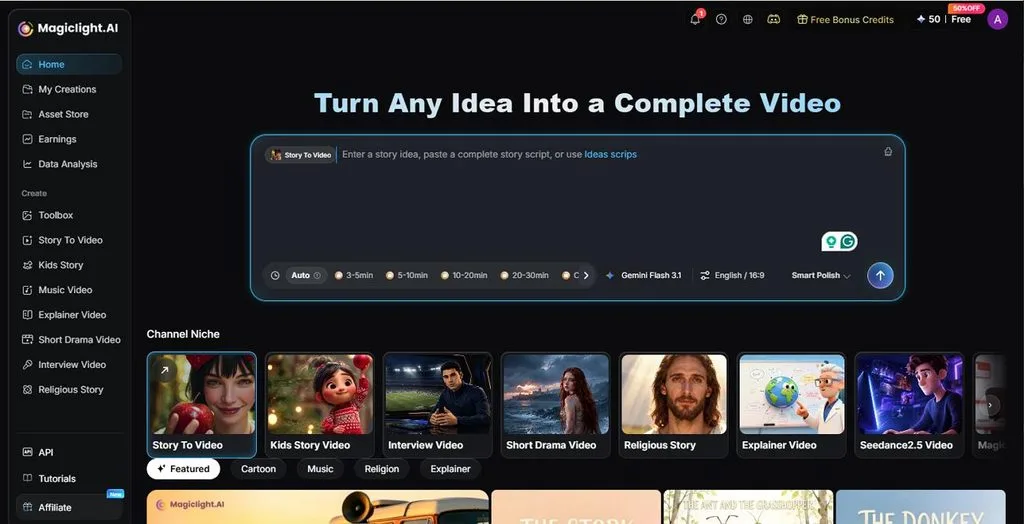
MagicLight AI can take scripts of up to 12,000 characters and turn them into videos lasting as long as 50 minutes. That gives more room for longer stories, explainers, and multi-scene projects. It also supports 14 AI models, including options such as Kling and Veo, so creators can choose different models for scene generation instead of relying on one fixed system.
The workflow keeps each stage separate, from characters and scenes to storyboard shots and final composition. You can then add voiceover, subtitles, music, and sound effects before exporting in 720p or 1080p, in an aspect ratio of your choice.
Key Features
- Provides 52 visual styles for changing the look of characters, scenes, and backgrounds.
- Includes 37 voiceovers, 16 subtitle styles, and 40 background music options for final production.
- Keeps the same characters consistent across scenes, which helps longer videos maintain a clear visual identity.
- Offers Smart Polish to expand and refine the original idea before the script moves to storyboard production.
User Reviews
- I started using MagicLight AI two months ago and what I feel is that the app is awesome. Although the interface could be a bit more intuitive, the overall functioning is top-notch. - Vivek
- I created an animation video for my client, which saved me a lot of time and effort. MagicLight surprised me with its AI characters and templates, and how it converts scripts into AI videos. I have to say it outperforms many video generators on the market. - Amelia Ashley
2. InVideo AI
Best For: Creating short marketing videos from scripts with ready-made stock footage.
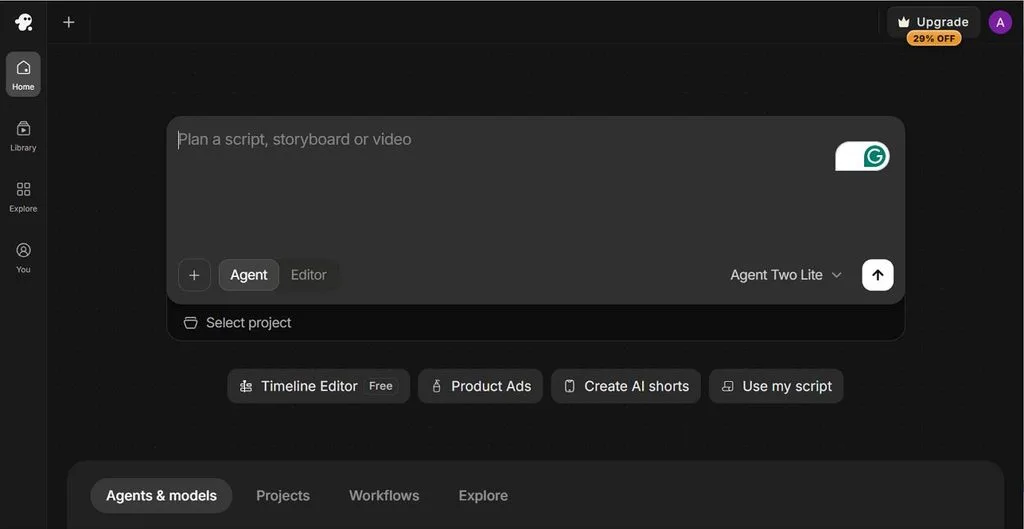
InVideo AI as a free alternative to Pictory AI follows a similar approach to Pictory by turning written instructions into videos built from stock media. It can prepare the script, select matching visuals, and arrange scenes automatically. A free plan is available, although its limits can make longer or more frequent projects difficult.
Key Features
- Adds AI avatars when a video needs a presenter instead of only visual footage.
- Includes voice generation and automatic captions for spoken or narrated content.
- Provides iOS and Android apps for editing projects on a mobile device.
User Reviews
- To fully understand my problem, they asked pinpoint questions, were very polite, listened very well, and even though they knew there was nothing they could do to solve it - Bahaeddin Özdemir
- Don't fall into their higher limit plan as I did! Beware the first short video output might be nice and make you wanting to purchase more credits, but when generating a video longer than 15 seconds it really gets messed up, - Joseph
3. Synthesia
Best For: Teams that need the same presenter across multilingual training content.
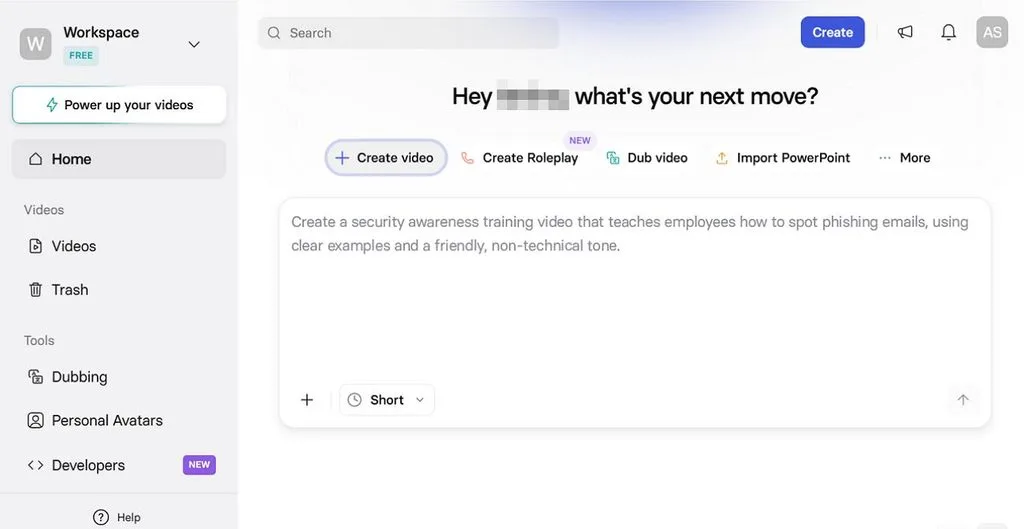
Synthesia is built around presenter-led video rather than stock footage. You choose an avatar, add the script, and create a video suited to onboarding, training, internal updates, or other business communication. Its free Basic plan currently includes 10 video minutes per month and nine stock avatars
Key Features
- Imports PowerPoint files and turns slide content and speaker notes into an editable video draft.
- Lets paid users create personal avatars from a photo or recorded footage with consent.
- Offers more than 240 stock avatars, plus branding options for colors, logos, and presenter appearance.
User Reviews
- I really appreciate how easy to use the platform is and how clear and helpful the support materials are. Synthesya makes it simple to explore AI tools even for beginners, and the overall user experience is excellent. - Francesca Ravanelli
- I subscribed to Synthesia thinking I was signing up for a monthly plan, but I was charged for a full year upfront without clear warning. After using it, I found the product very limited and not worth the cost compared to other AI tools I use. - Rocio Raña
4. VEED
Best For: Editing recorded videos and preparing them for social media.
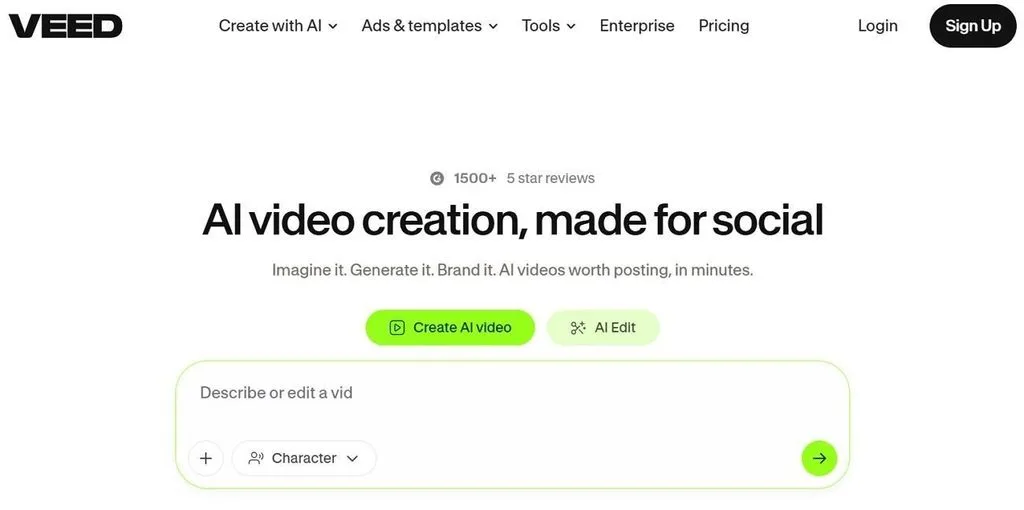
Among the alternatives to Pictory AI, VEED suits users who already have footage and want more control over the edit. Its browser workspace includes trimming, captions, resizing, and a generation studio with more than 25 models. Free exports are limited to 720p and include a watermark.
Key Features
- Removes pauses and unwanted sections with text-based editing instead of manual timeline cutting.
- Resizes videos for TikTok, YouTube, Instagram, and other common social formats.
- Includes screen recording and webcam capture for tutorials, presentations, and online lessons.
User Reviews
- This is a great app that makes things easy in the generation of AI content. I love using it a lot. Kudos to the developers. You can give extension to the free version for global usage. - Volusola Samson
- The AI clone feature was an absolute disaster. I used my own photo and voice, and the output looked nothing like me. The video is unusable, the voice is completely off, and even the language selection failed. - DER
5. Canva
Best For: Teams creating videos alongside graphics, presentations, and other brand content.
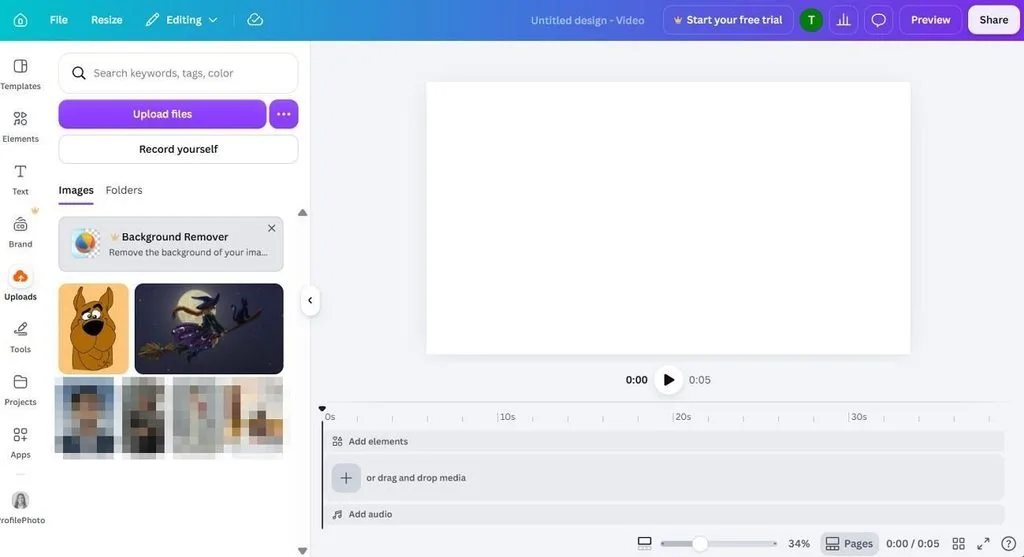
For users comparing apps like Pictory, Canva takes a different route. It works more as a design workspace than an automatic script-to-video builder. Video clips, music, templates, and brand assets sit in the same editor, which suits teams already using Canva for other marketing materials.
Key Features
- Lets several team members edit and comment on the same project in real time.
- Includes ready-made layouts sized for common social media and video formats.
- Keeps videos, graphics, presentations, and documents under the same Canva account.
User Reviews
- Really powerful tool; definitely worth the $ to upgrade to pro! Some opportunities for improvement: 1) Easier method to identify Pro elements in a design as a Pro user. - Sally
- Spent ages designing my photo book so I could receive it in good time for a birthday present. Received it with my outer cover and someone else's inner. - Sarah Maltby
6. Kapwing
Best For: Turning long recordings into short clips for social media.
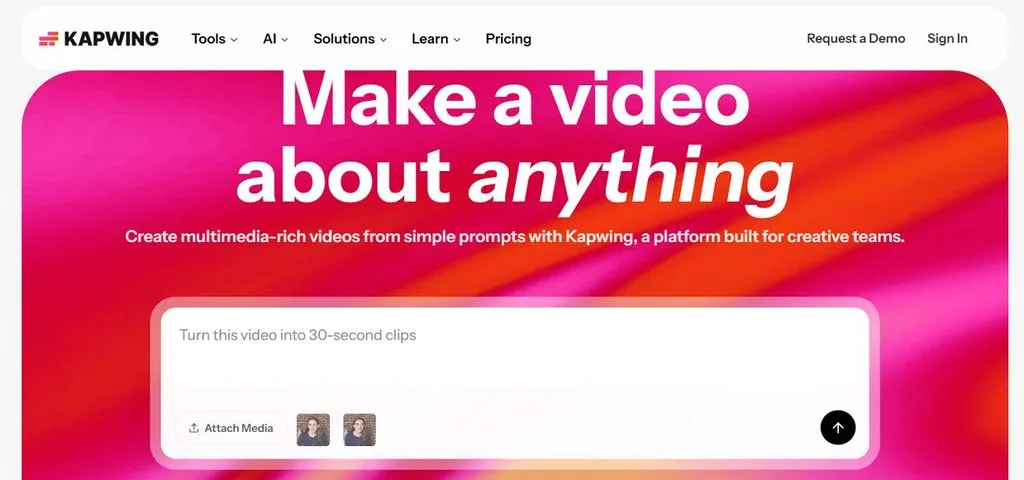
Kapwing starts from the material you already have, which makes it useful for podcasts, webinars, interviews, and recorded presentations. Its browser editor can cut longer videos into shorter pieces, while separate generation tools can create additional footage with models such as Veo and Kling.
Key Features
- Smart Cut removes pauses and unwanted sections from spoken recordings automatically.
- Pro users can remove watermarks and export finished videos in up to 4K.
- Includes collaborative editing tools so several people can review and change the same project
User Reviews
- Kapwing has useful video effects and simple editing tools that make everyday video projects easier. - Relis_alion
- The programme is complete, but I’d like to understand why you set it to translate into UK English, yet the voice doing the translation is Indian. That doesn’t make sense. - Sue
Part 2. Quick Comparison of the Best Pictory AI Alternatives
Each Pictory AI competitor handles video creation differently, from stock footage and avatars to fully generated scenes. Use the comparison table below to see those differences side by side, with Pictory included as a reference:
| Tool | Visuals Come From | Free Option | Main Catch | Strongest At |
| MagicLight AI | Generated scenes | Free plan, no card | Generated, not real, footage | 50 minutes long narrated video |
| InVideo AI | Stock footage | Hidden plan, five credits | Credits run out fast | Quick marketing clips |
| Synthesia | AI presenters | Watermarked, no MP4 | Minutes do not roll over | Multilingual training |
| VEED | Your footage plus AI | Watermarked 720p | Paid plan to publish | Editing own recordings |
| Canva | Your footage plus stock | Free plan | Assembly stays manual | Branded marketing |
| Kapwing | Your footage plus stock | One-minute watermarked exports | Tight free limits | Social repurposing |
Conclusion
To conclude, choose the replacement based on how you want the visuals created. InVideo AI keeps the stock-footage approach, Synthesia uses presenters, while VEED, Canva, and Kapwing work better with your own recordings. These apps like Pictory solve different needs, but if you want original scenes generated directly from a script, MagicLight AI is the stronger fit.
Frequently Asked Questions
1. What is the best alternative to Pictory AI?
For original visuals, MagicLight AI is the strongest pick, since it generates scenes instead of matching stock clips. It is better than Pictory for narrative and long-form work, while Synthesia suits presenter-led training and InVideo AI stays closest to the original approach.
2. Is Pictory AI still worth using in 2026?
It can be, particularly for turning blog posts and scripts into videos at volume. One review puts the break-even at 10 to 15 videos a month from existing written content. Voices on the Starter plan draw the most criticism, since realistic ElevenLabs voices begin at the Professional tier.
3. What is the best Pictory AI alternative for beginners?
Among alternatives to Pictory AI, MagicLight AI suits beginners because a written script is enough to start, with scenes, narration, and captions produced automatically. Canva is the easier choice for anyone already comfortable in its template workspace.
4. Is Pictory AI any good?
For content repurposing, it does the job well, turning scripts, blog URLs, and recordings into edited videos quickly. One long-term reviewer notes that its stock clips sometimes miss the topic and need swapping by hand.
5. Is Pictory AI good for marketing?
It suits marketing teams repurposing written content, such as turning blog posts into social clips and LinkedIn videos. For ads needing original visuals or a consistent spokesperson, MagicLight AI or Synthesia fits better.





