
Explore the Magiclight AI Scary Video Maker Features
Decide what the viewer should never quite see, like the face at the window. This scary video maker then creates the scenes and the narration around that hidden face.

Turn your horror ideas into creepy videos with MagicLight AI. Create eerie scenes, build suspense, and add narration to bring your scary stories to life. No camera or editing skills needed.
Create a Scary Video For Free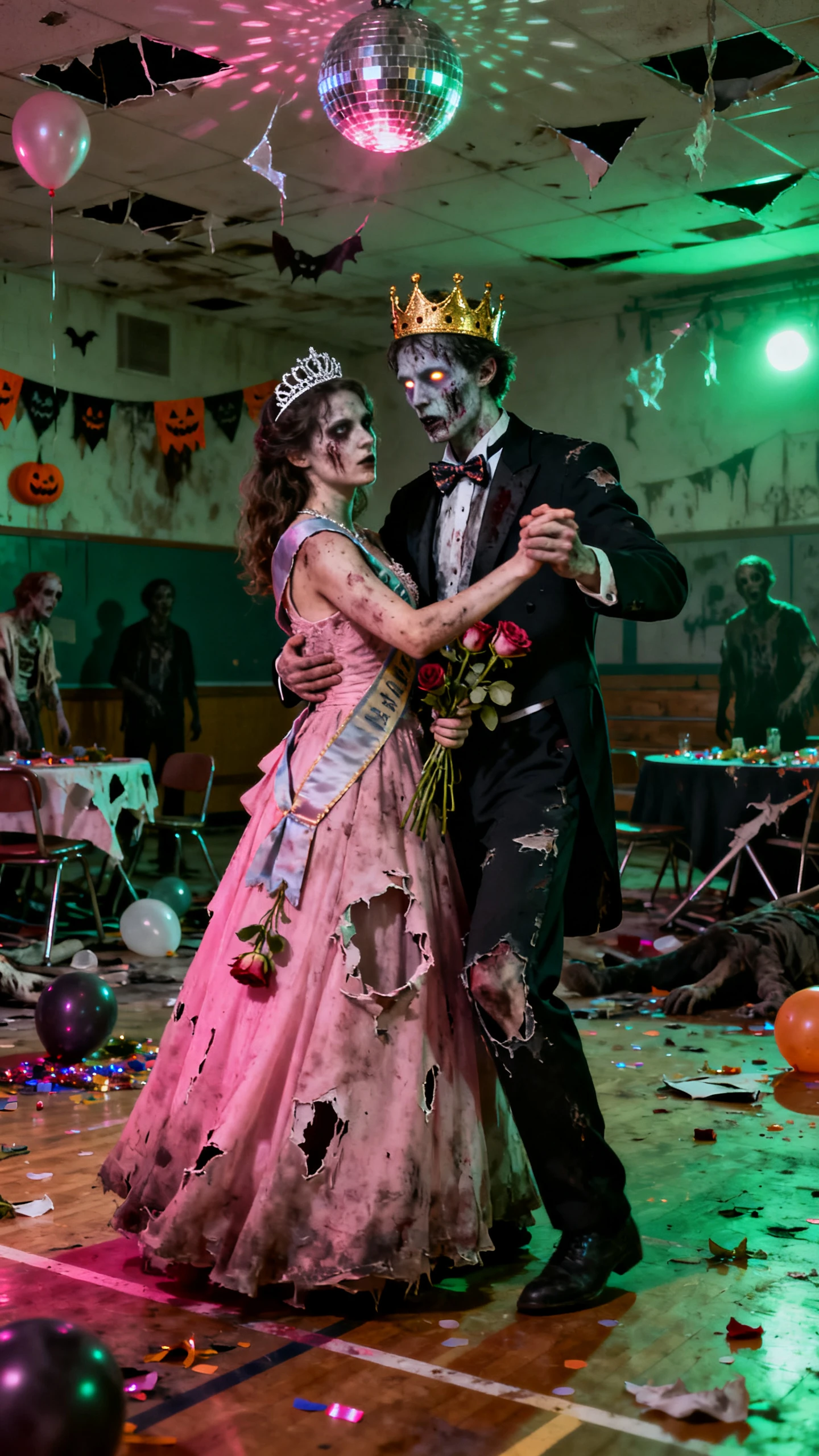
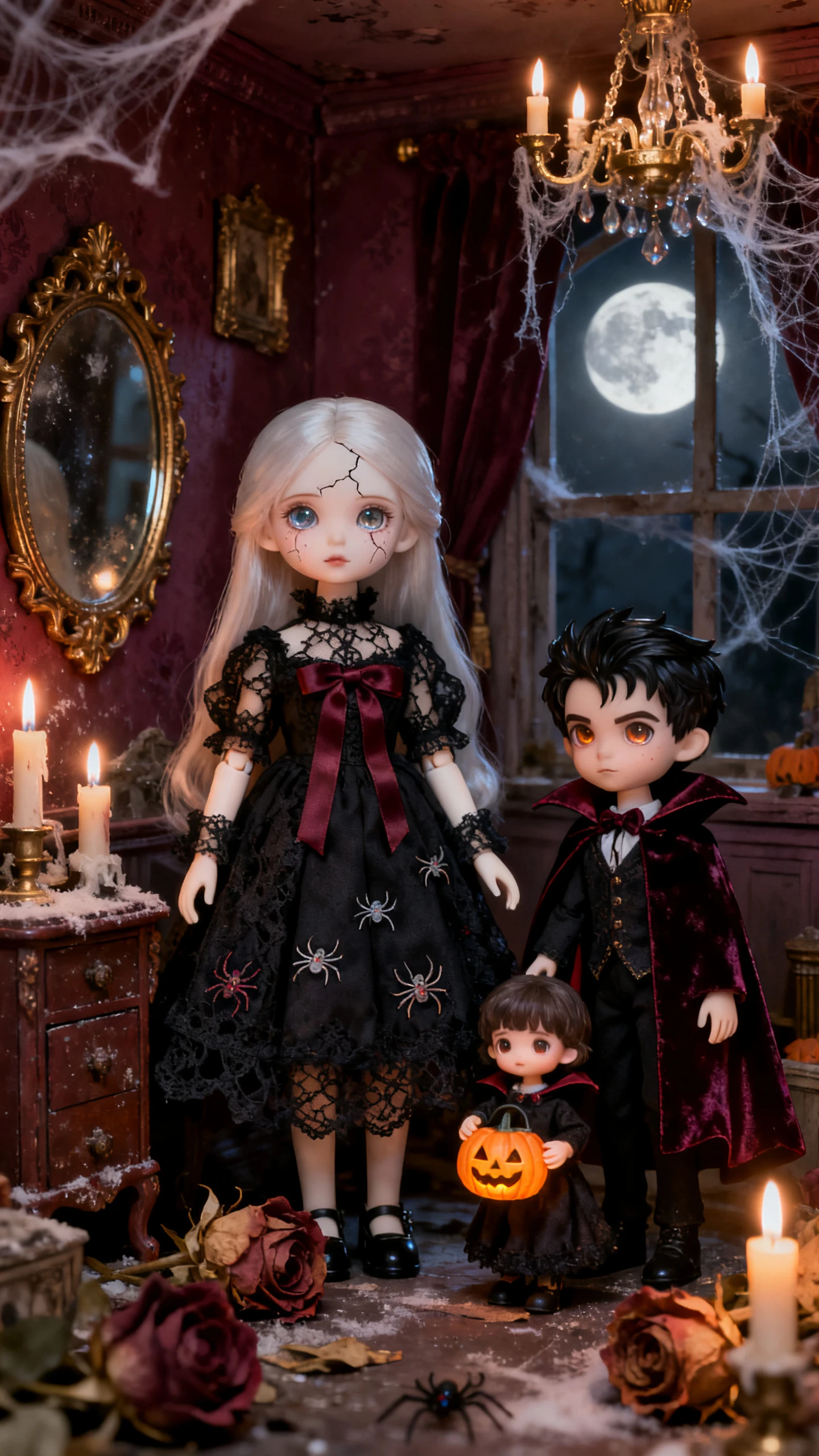

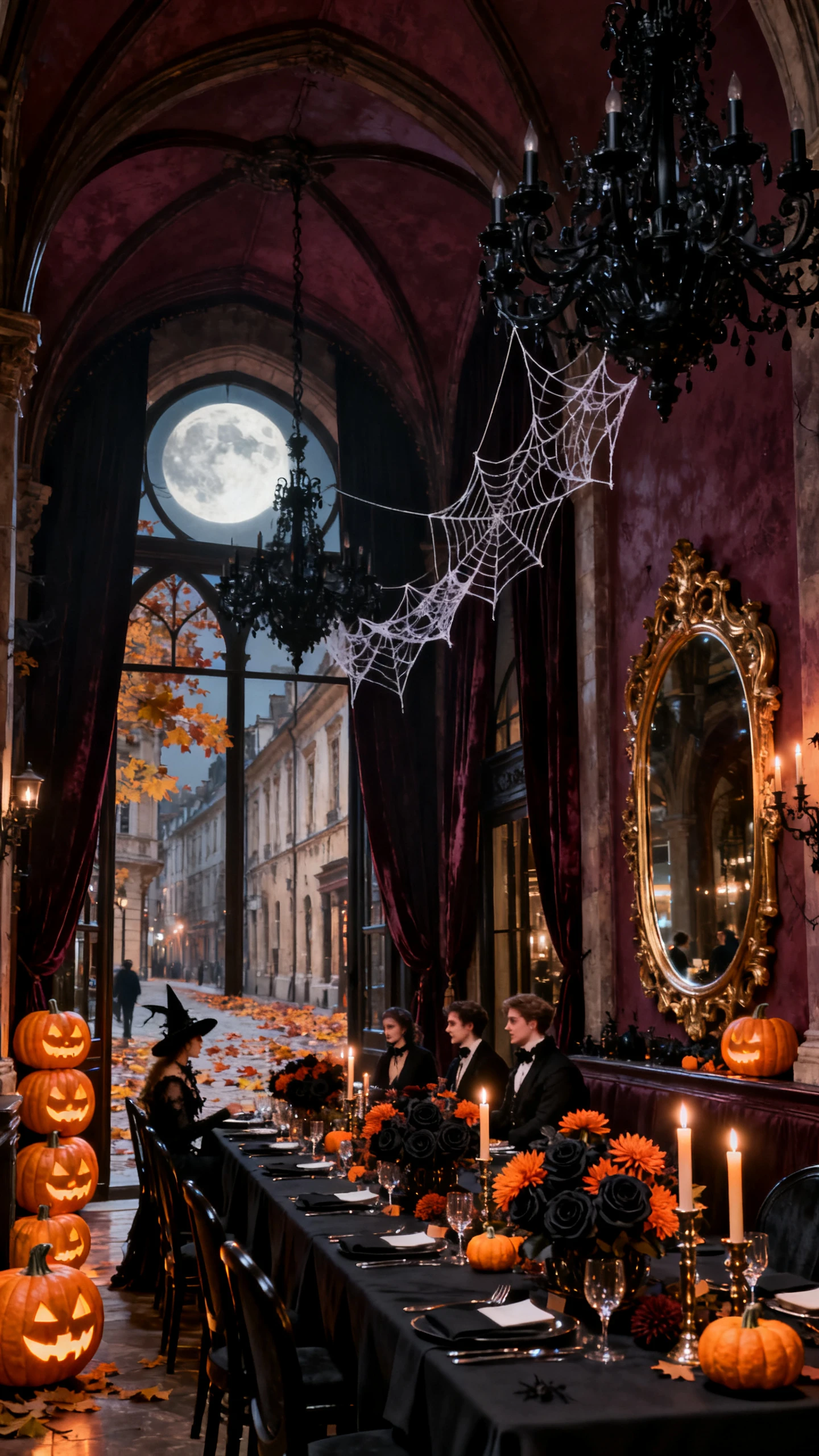
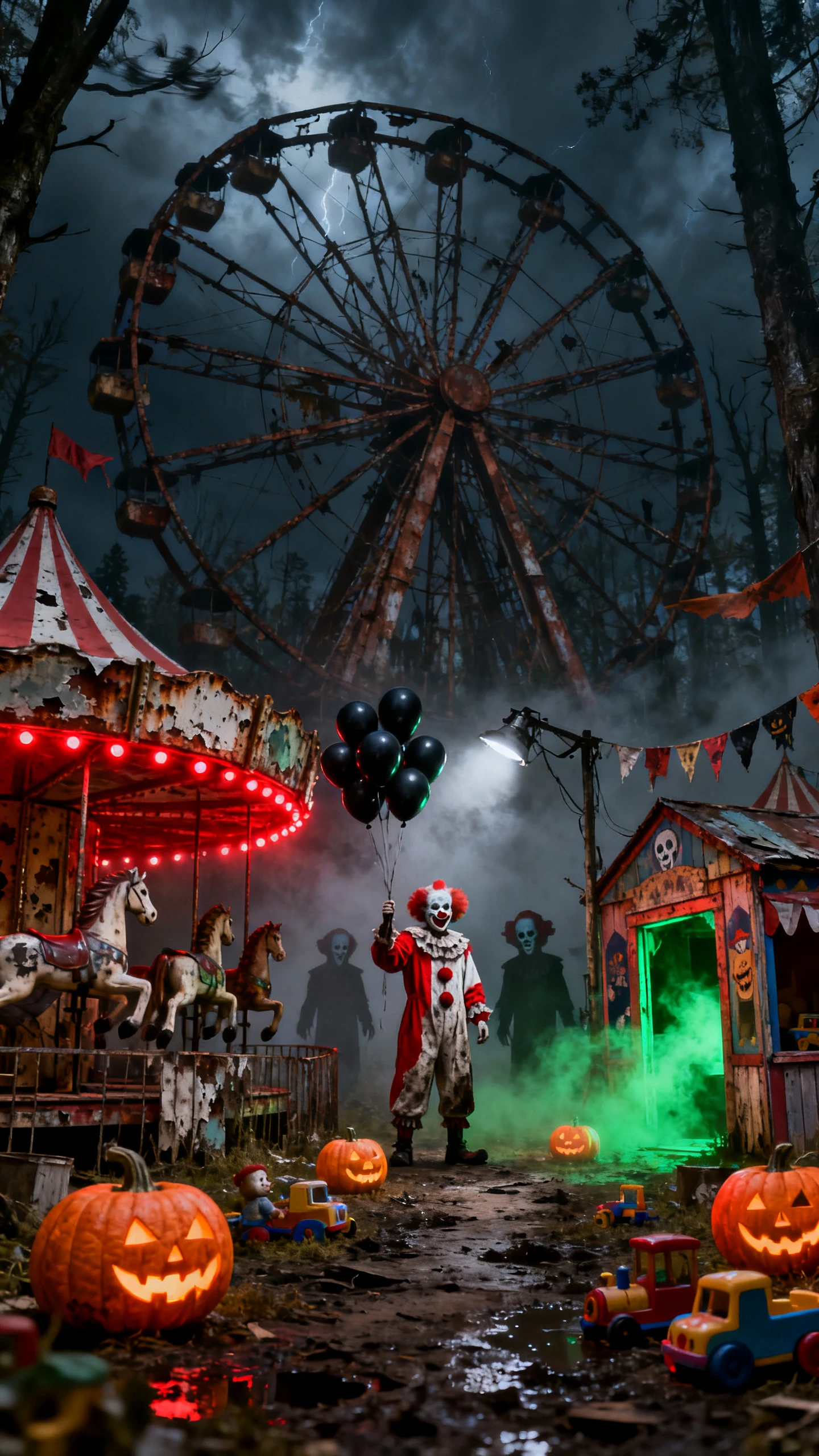
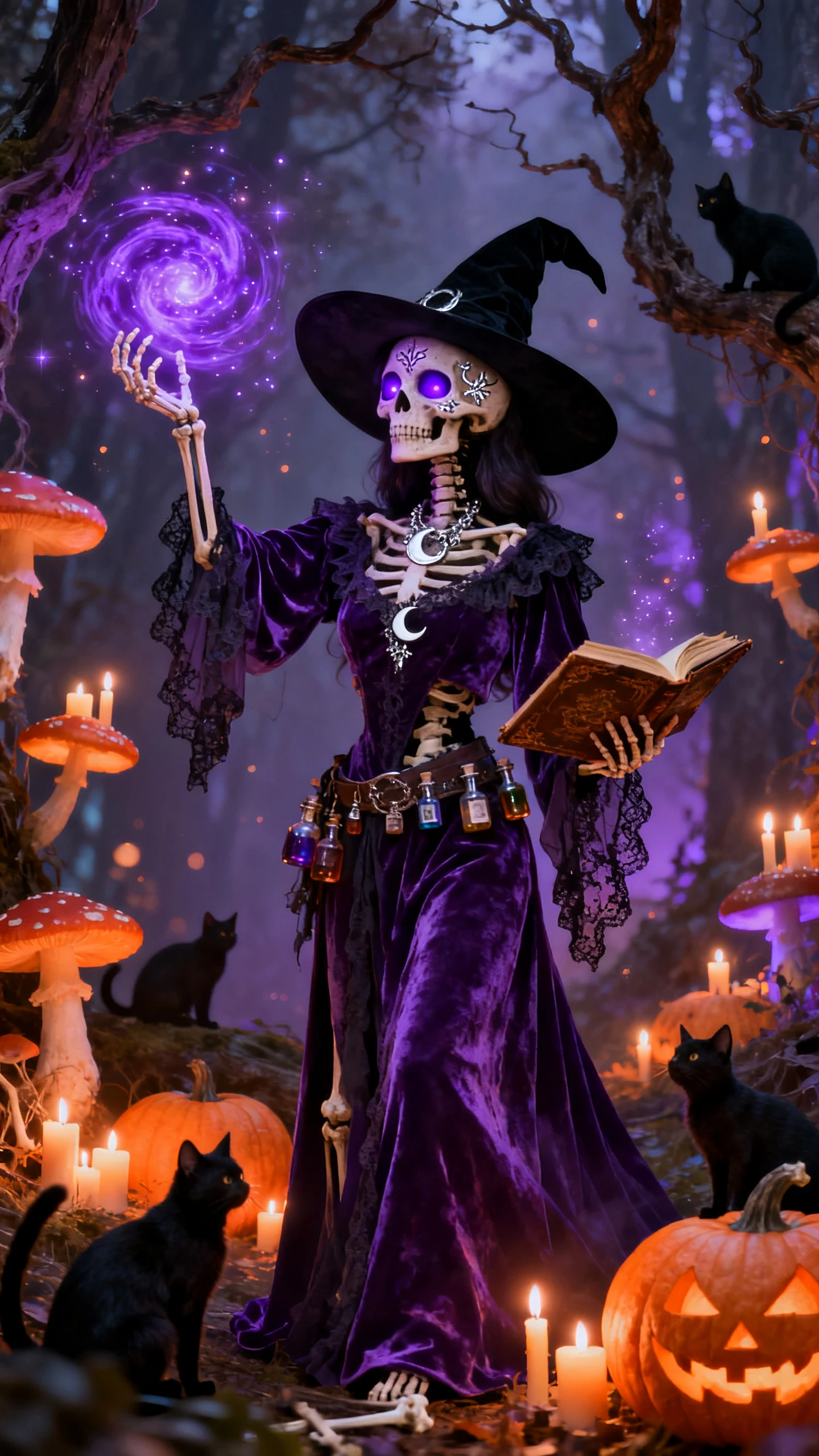
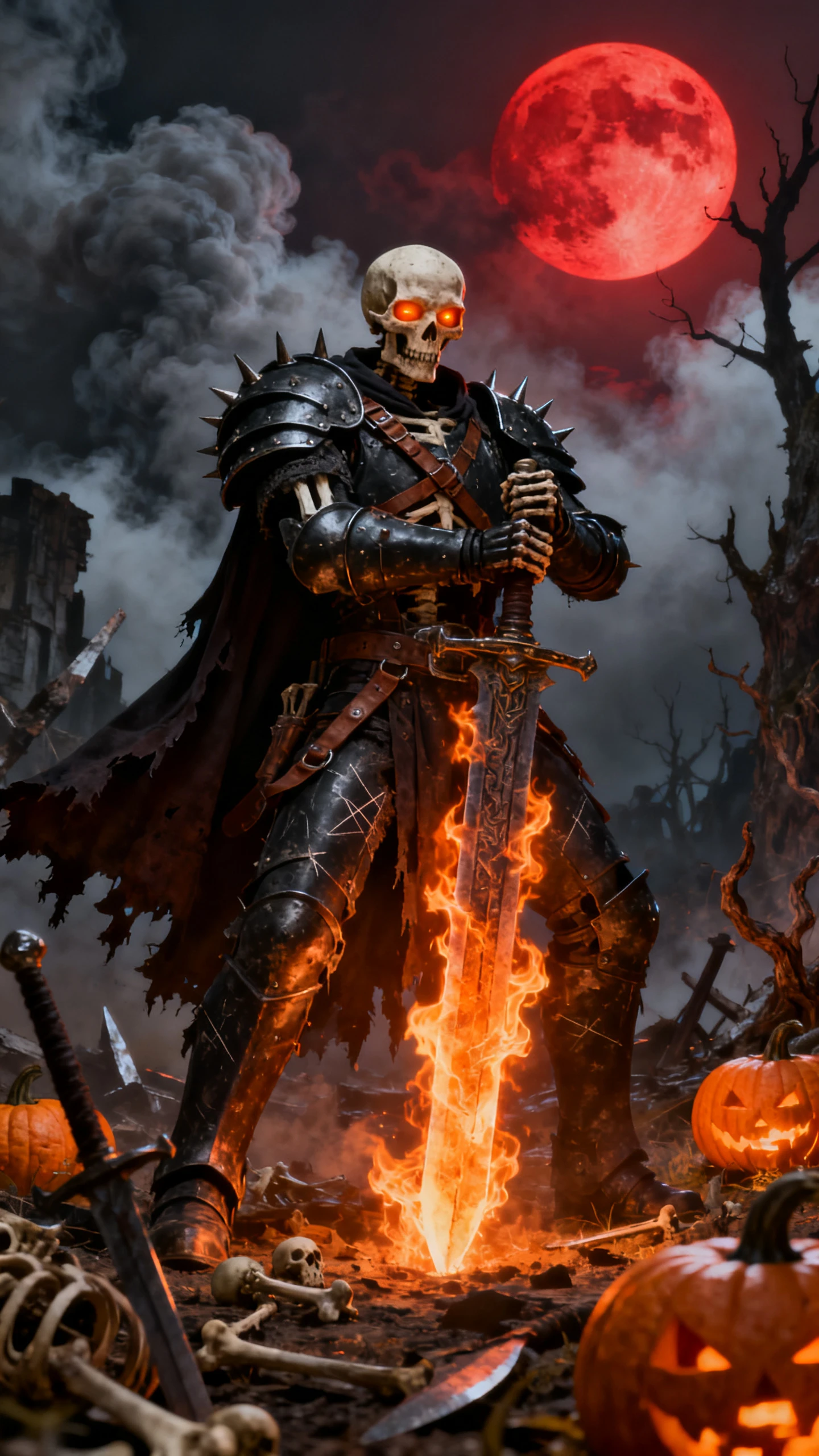
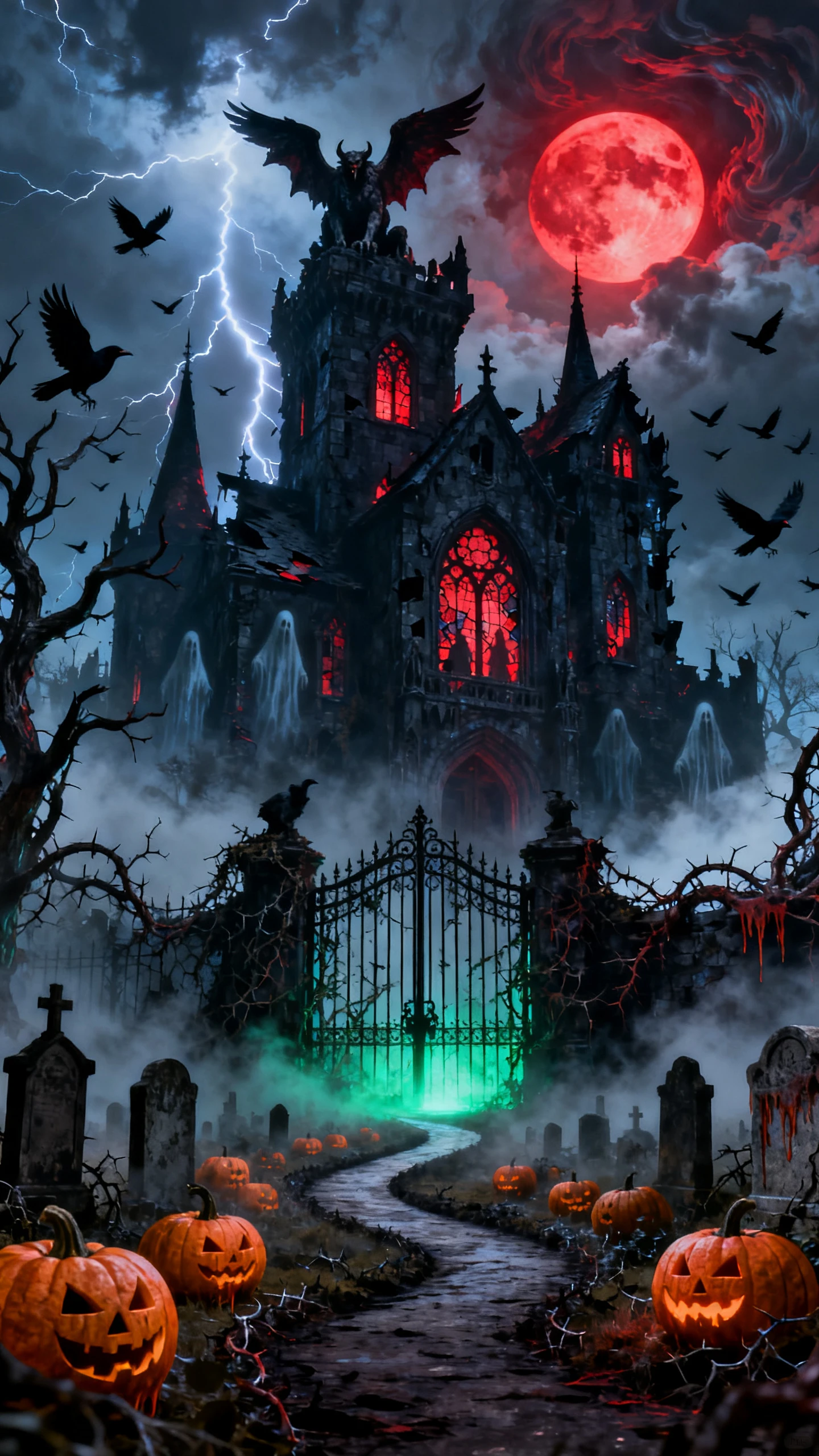
Decide what the viewer should never quite see, like the face at the window. This scary video maker then creates the scenes and the narration around that hidden face.

Give MagicLight Agent a single line and it writes the whole script, ending included. You can also try the idea with 14 story models before approving the version that moves on to scenes.
Pick a low, slow track from the library for the walk down the hallway. Skipping the music is an option too, when the narrator's voice should be the only sound in the room.
Make it in English first, then start a second project in Spanish or Hindi for viewers who would rather be scared in their own language. Saved characters can be used in the new version too.
Add a short title such as “DON’T OPEN THE BASEMENT” and test it across 21 cover templates before choosing one. A short 4- or 5-word title also stays easier to read on a phone screen.


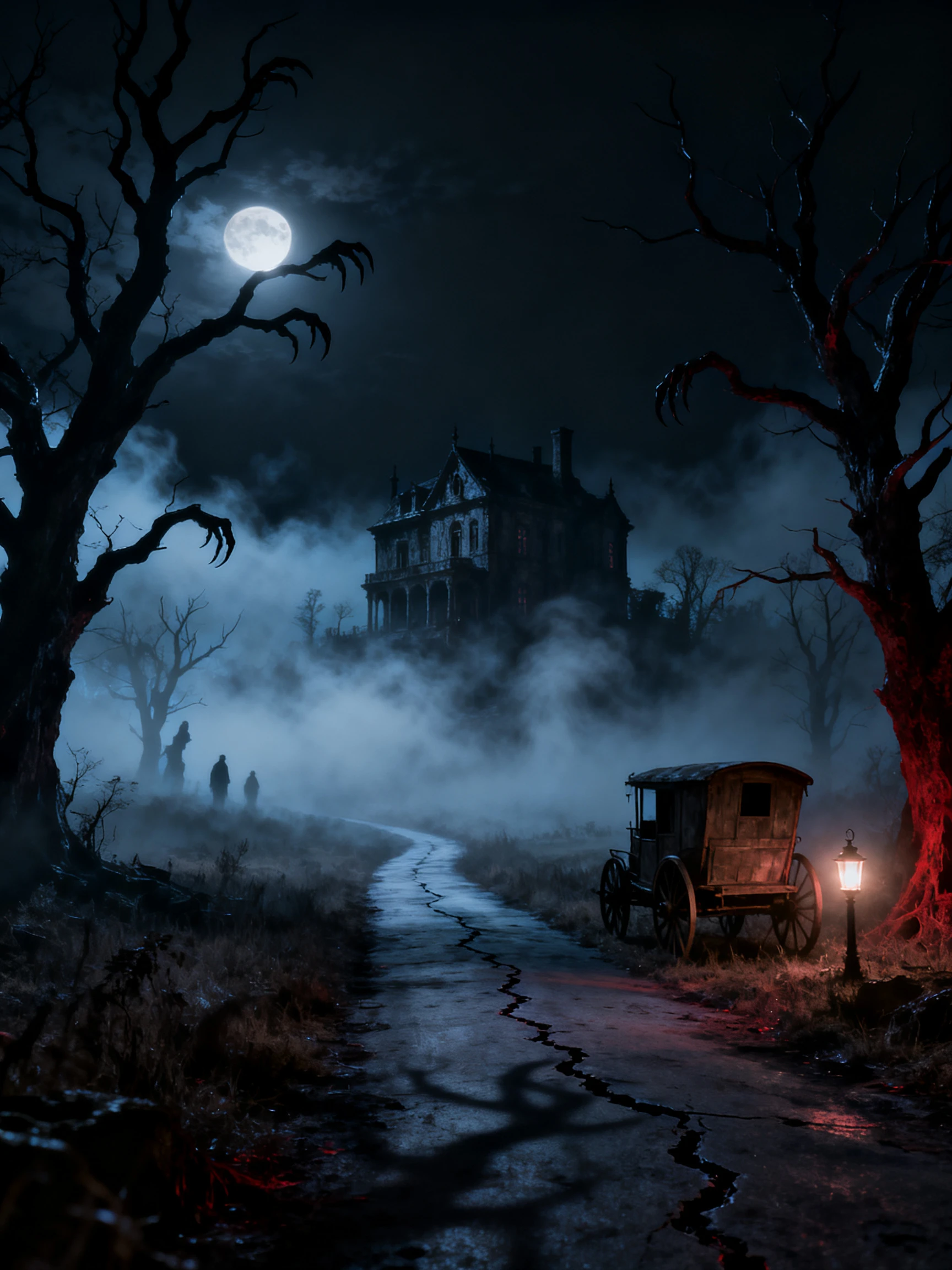
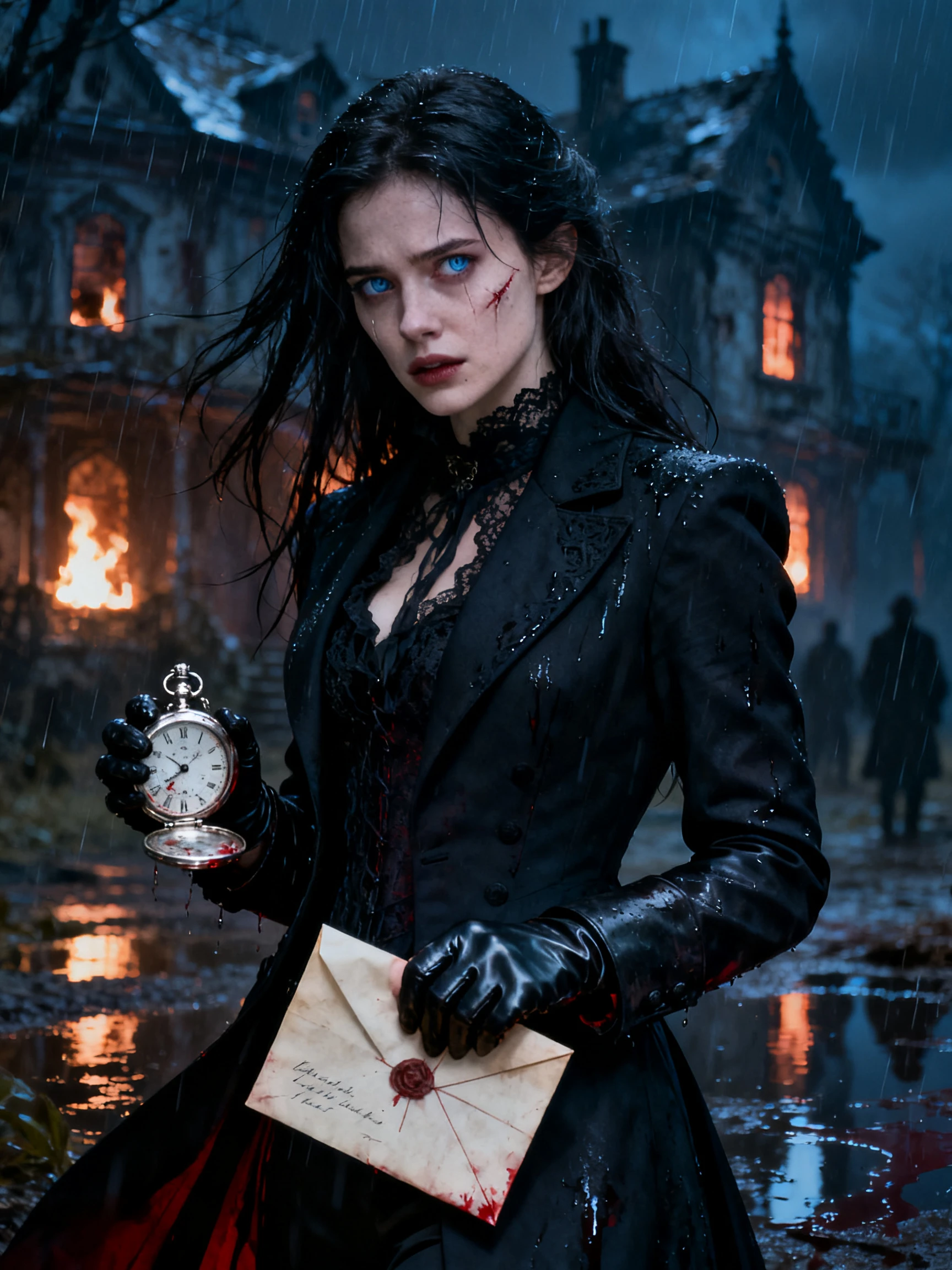
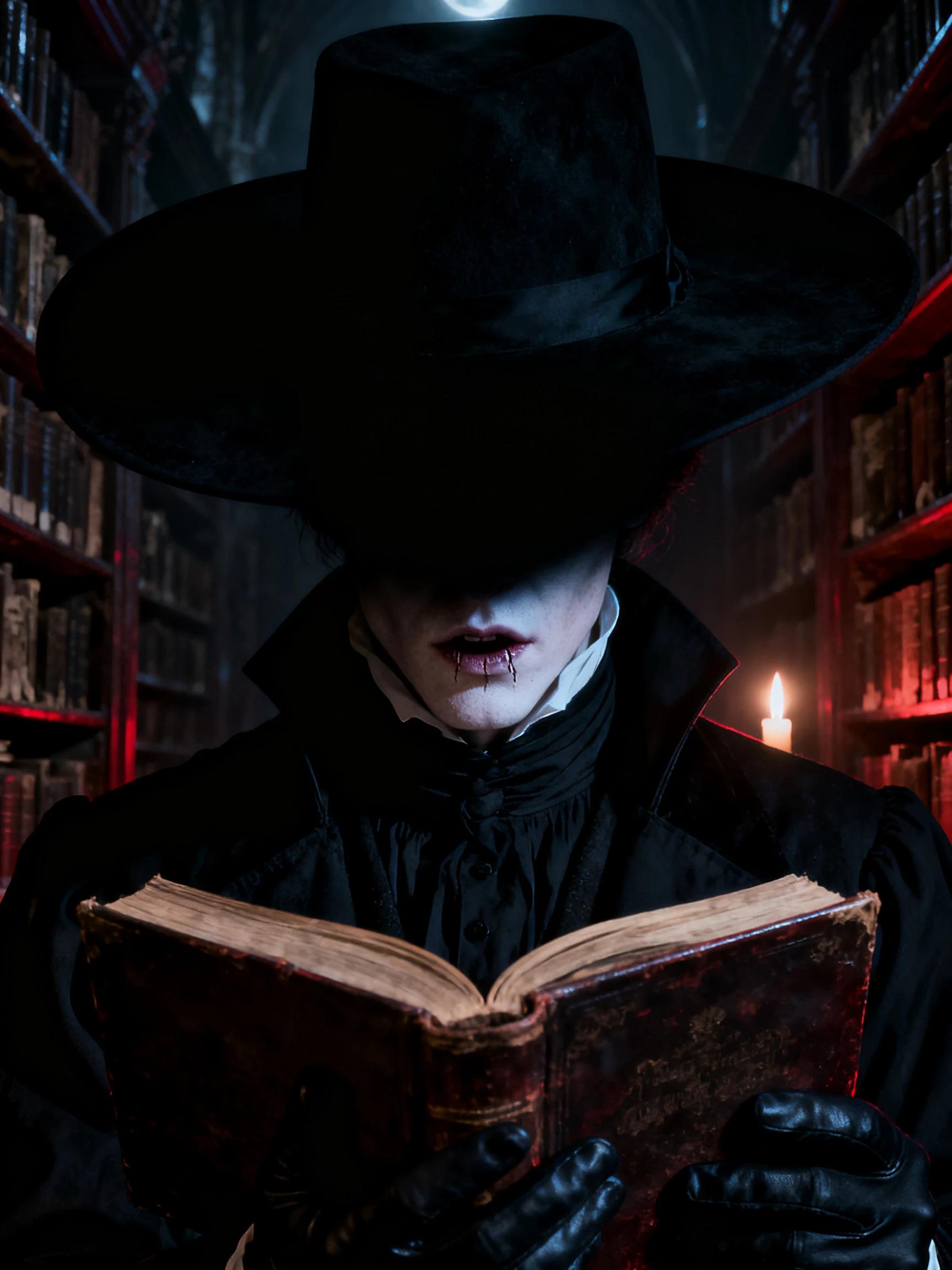
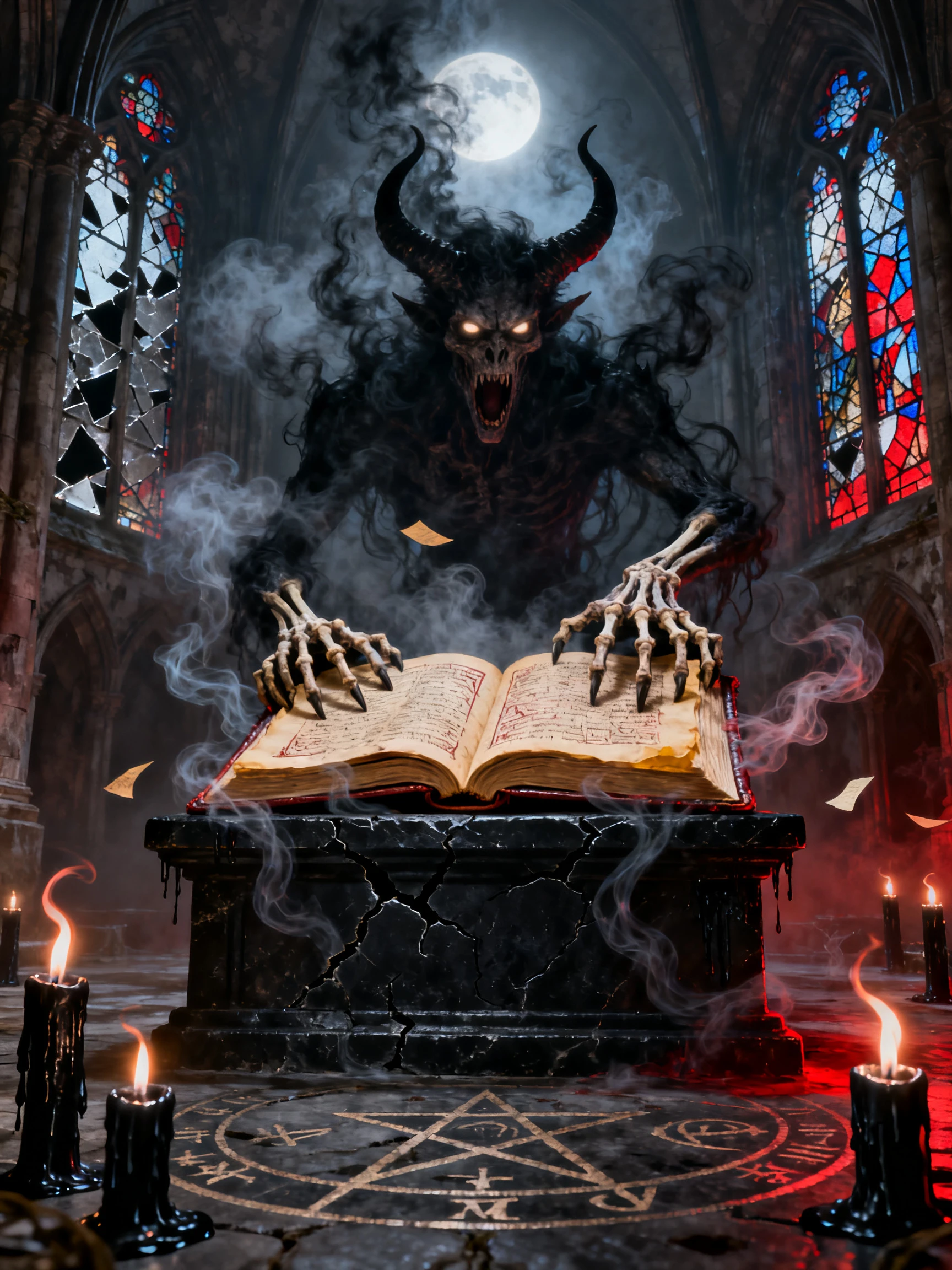
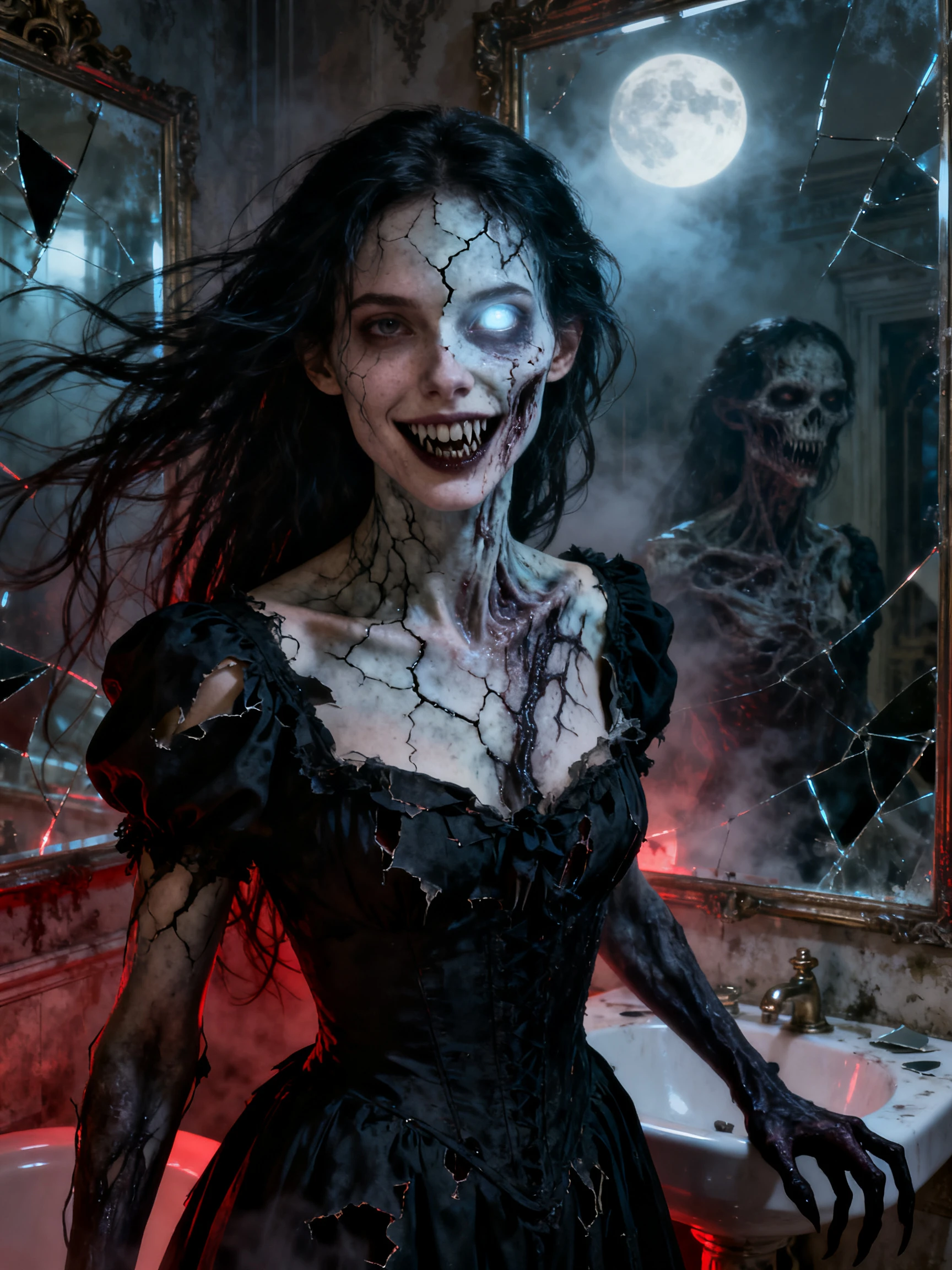
Turn one dark idea into a finished scare in 4 clear steps. This scary video maker guides you through the script, characters, scene control, camera angles, and final video.
Enter one line or paste a longer story of up to 12,000 characters. MagicLight Agent decides what kind of video it should be, then shows you the script first.
Choose Ghost Horror, Suspense, or another look from 50+ visual styles. Then choose the characters presented or use the ones from your library.
Review every scene in Nano Storyboard and choose from 50 poses. Adjust expressions, body position, and camera angles so the ghost or monster is revealed at the right moment.
Pick a subtitle style and a quiet music track before you generate the video. Put the title on a cover template, and the video downloads as a 720p or 1080p file.
Yes. A first video in Magiclight AI needs an account but no credit card. A scary ad for your shop or a ticketed haunted house is commercial use, and that is covered by the paid plans.
Yes. Magiclight AI draws every scene and character, and a narrator voice from the list tells the story. Your face and your own voice never have to appear in the video.
Yes. Paste it into Magiclight AI scary video maker, and MagicLight Agent splits it into scenes. About 2,000 words fit in one go. A story copied off a forum still belongs to the person who wrote it.
Read the script before you approve it, and cut anything graphic. Magiclight AI only draws the scenes you said yes to, and a dark hallway with a slow narrator is plenty for 10-year-olds.
Pick 9:16 when the video is headed for TikTok or Shorts, and 16:9 for a regular YouTube upload. Magiclight AI fixes the shape before the scenes are made, at the start of the project.
Yes. Save the monster to your library the first time, and Magiclight AI can use it again in later videos with the same face and claws. A long-running series can keep one villain all season.



Start with one short scary idea. Magiclight AI’s scary video maker turns it into a full story, adds scenes, and gives it a voice that fits the mood.