


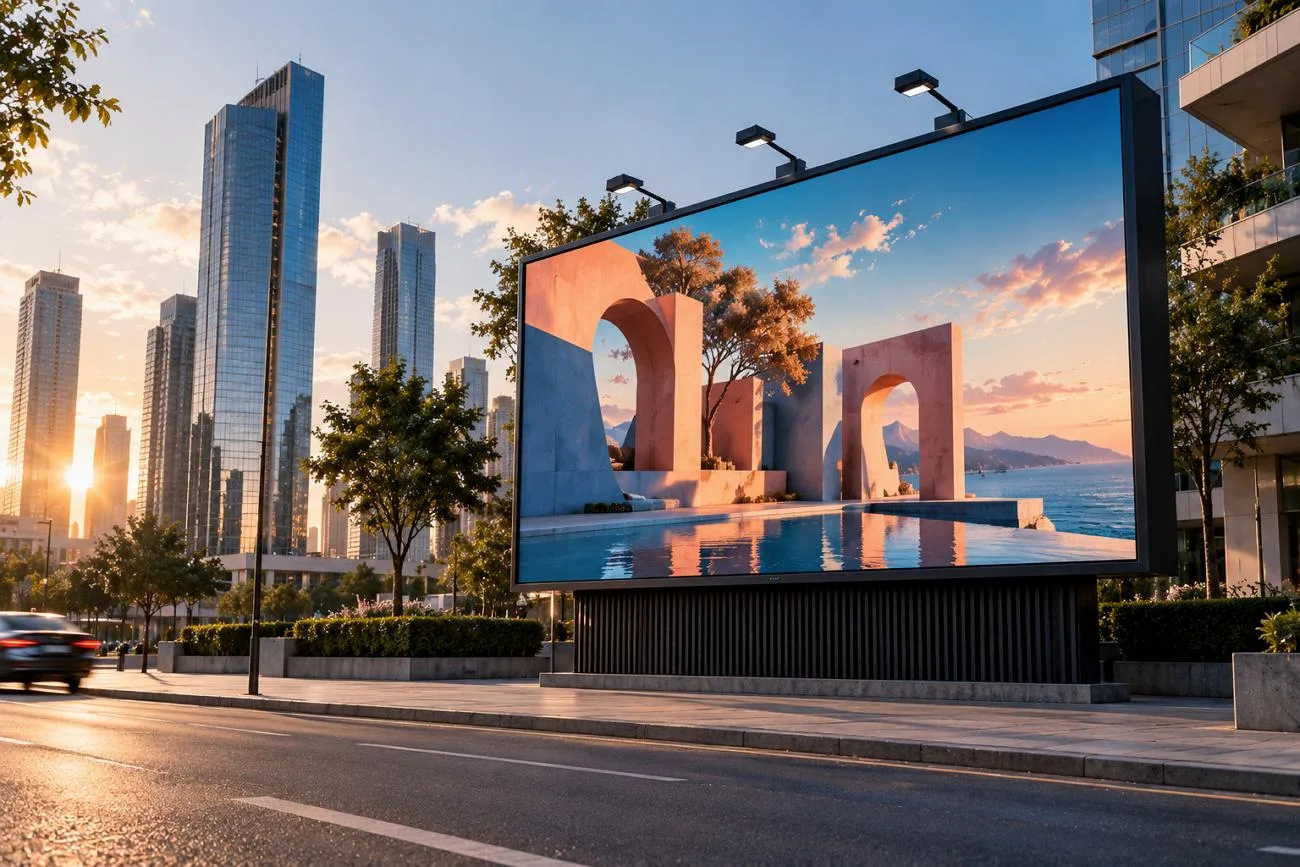
Photopea works in a browser and gives users many common editing tools for free. PSD files open with their layers, masks, and smart objects in place. The free version includes ads, yet Photopea Premium removes them and gives users a modern workspace.
Large files can run slowly because everything works inside the browser. Some users may want faster tools, easier controls, or more creative options. This guide compares each Photopea alternative for different editing and design needs.
Part 1. 6 Best Photopea Alternatives
Some alternatives to Photopea work online, giving users quick access without installing extra software. Others run on desktops and offer more control for detailed editing and creative work.
Best For: Content teams creating original images for video projects.
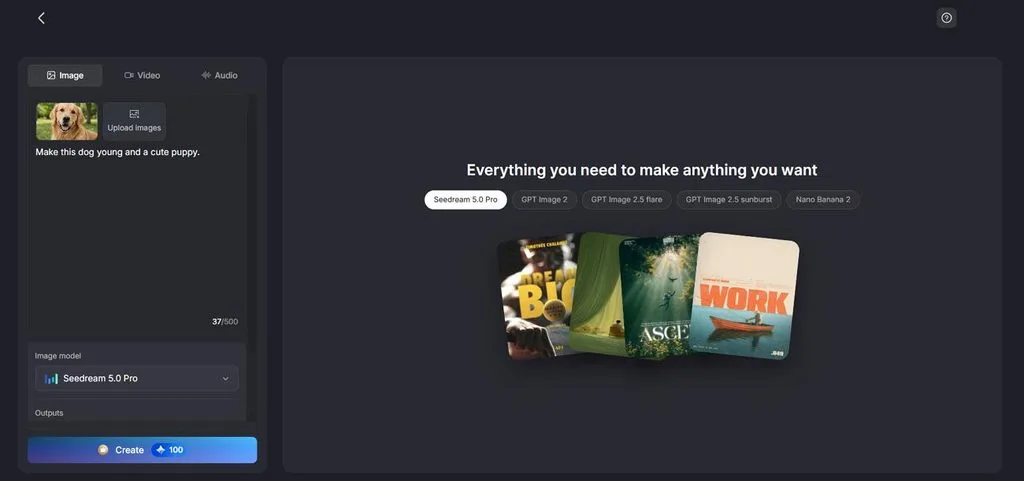
MagicLight AI creates images from written prompts instead of manual layer-based editing. Users can describe the image they want and generate it within a few steps. Reference images can guide the result toward a certain subject, product, or style.
This helps users create new visuals without building every part by hand first. It can suit people who want faster image creation from simple written ideas. MagicLight AI works best for creating fresh images rather than detailed photo retouching.
Key Features
- Reference Image Support: Add up to 10 reference images to guide the final image result. Prompts support up to 500 characters for clear and detailed image instructions.
- Image Models: Choose from 5 image models, including ChatGPT Image 2.5 and others. Different models give more options for creating images in varied styles and looks.
- Image Upload Formats: JPEG, PNG, and WEBP files can be uploaded up to 20MB each. Common file support makes existing images easier to use during image generation.
- Aspect Ratio Options: Square, landscape, portrait, and 4:3 layouts are available for generated images. Different ratios help match images with various content formats and publishing needs.
- Image to Video: Up to 5 reference images can guide the Image to Video result. Video prompts support up to 1500 characters for more detailed scene instructions.
User Reviews
- Monika Dillingham: “Creators who need quick visuals can use MagicLight without complex editing skills.”
- Rizwan: “MagicLight is an amazing tool with very powerful AI features.”
- Monica: “I use MagicLight to generate quick B roll style clips.”
- Canva
Best For: Beginners creating quick graphics with straightforward editing controls.
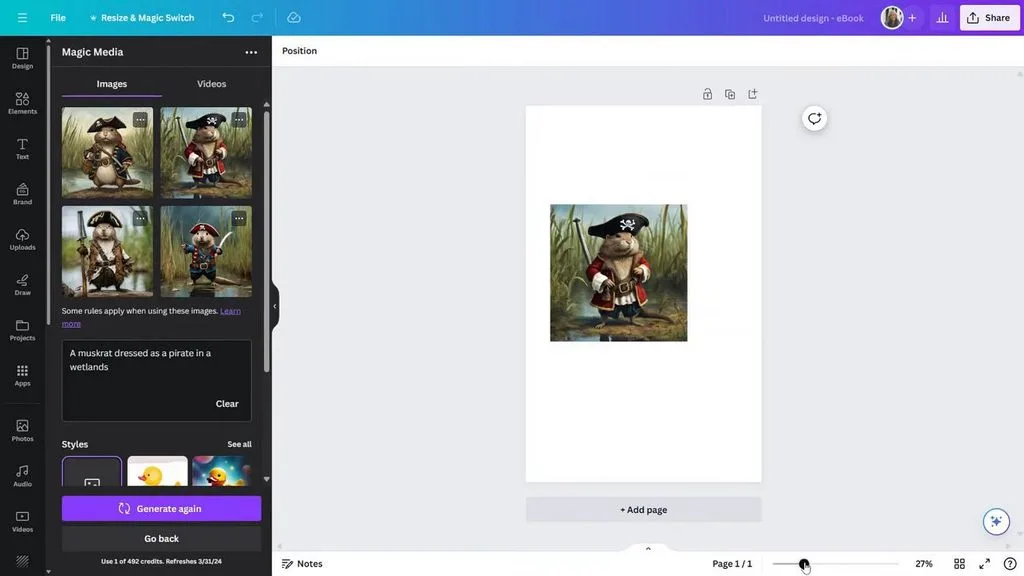
Among websites like Photopea, Canva focuses on fast layouts, graphics, and simple editing. Its newer photo tools separate image elements, making direct changes easier inside designs. Affinity adds deeper desktop controls for users needing detailed photo and design work.
Key Features
- Image subjects can be separated, moved, resized, or repositioned as individual editable elements.
- Text inside uploaded images becomes editable for fixing words without rebuilding the design.
- Image edges can extend beyond frames to fix crops or change orientation.
User Reviews
- Mike: “Great App, easy to use and loaded with helpful features”
- Nason: “So well and very well on like others works great”
- Tami Stone: “It's hard to use….”
- GIMP
Best For: Photo editors needing detailed control without browser limits.
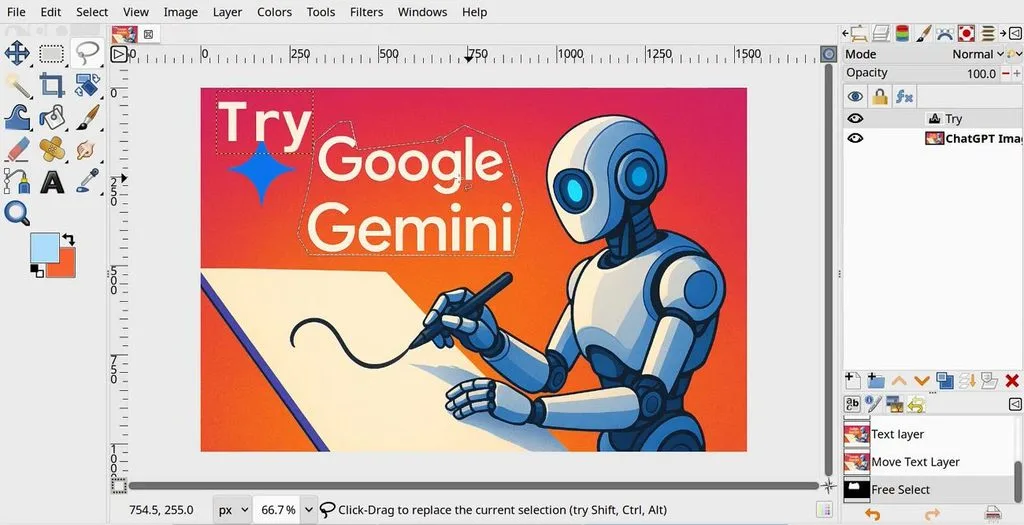
GIMP gives Photopea free users a desktop editor for detailed image work projects. Its tools support precise retouching, selections, painting, and advanced color adjustments easily offline. Version 3.0 brings a cleaner workspace and better support for modern systems.
Key Features
- Non-destructive filters stay editable after they are applied.
- Text outlines can be changed without altering original letters.
- PSD export now keeps more content intact across applications.
User Reviews
- Dmytro Korolkov: “One of the best free alternative to Photoshop…”
- Dannis Cole: “It does have a learning curve, so maybe that's why people get frustrated…”
- MissKitty: “Worked well for 15 minutes. Now crashes every use.…”
- Pixlr
Best For: Quick browser edits with focused photo retouching controls.
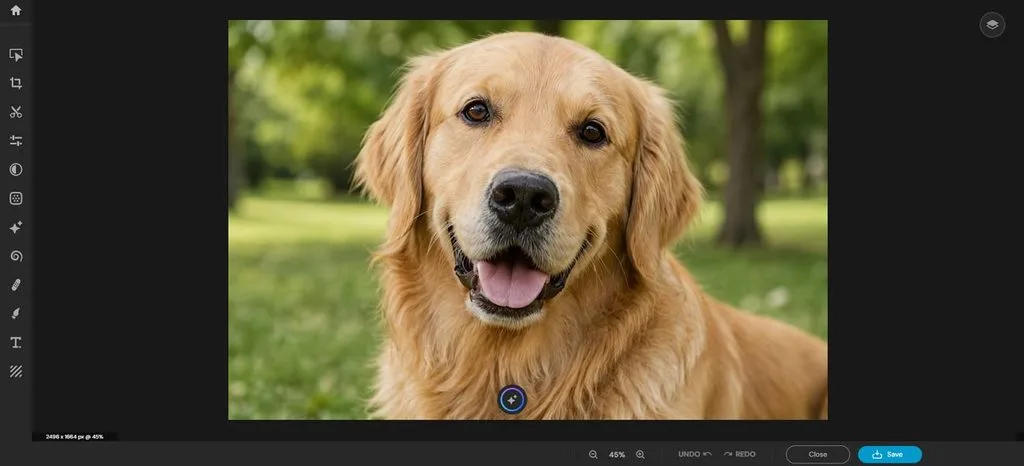
For people using the Photopea editor, Pixlr offers a browser-based option for edits. It handles common photo fixes through focused tools built for simple browser workflows. The workspace keeps retouching, selection, and layer controls easy to reach during editing.
Key Features
- Magnetic lasso follows object edges for cleaner manual selections.
- Heal tool offers spot and object modes for retouching.
- Smart Resize adapts images to preset platform dimensions quickly.
User Reviews
- Nils Thornau: “Its good for a free programm. But i havent tried all features yet.”
- Todd Calhoun: “The app does exactly what you pay for….”
- Mikkel Kirkedal: “bad AI, even with very clear instructions….”
- Figma
Best For: UI designers editing images within product mockups.
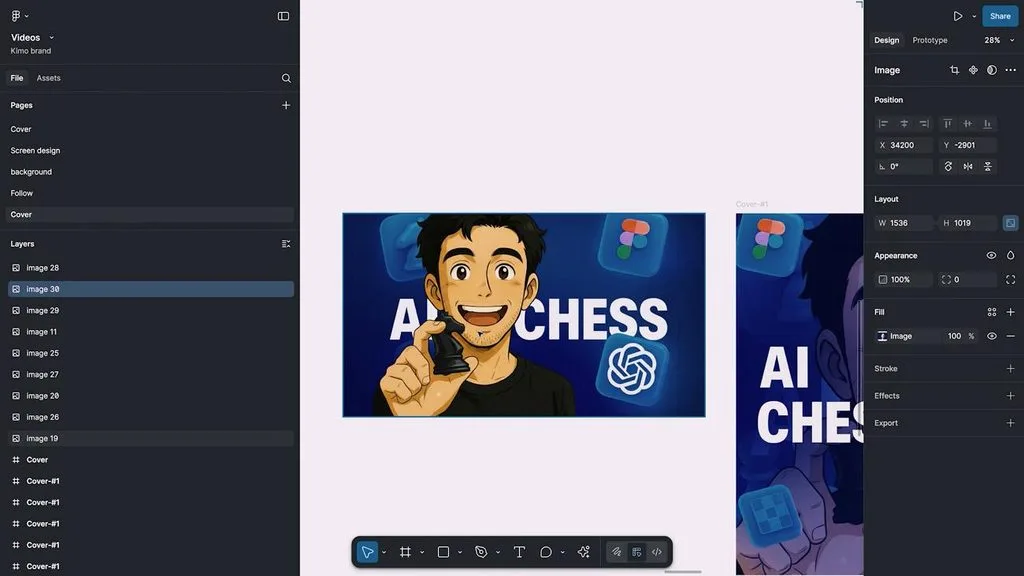
Figma gives Pea Photoshop users a design-focused workspace for editing images inside interfaces. Its canvas keeps photos beside layouts, components, and prototypes during everyday design work. Recent image controls reduce switching between design files and separate photo editing software.
Key Features
- Vectorize converts raster artwork into editable vector layers directly.
- Erase Object removes selected items from images using a lasso.
- Expand Image extends backgrounds beyond the original image boundaries.
User Reviews
- S.S: “In term od design work i can do everything here like branding…”
- Samsbusiness: “Figma is a very useful tool to use. I use it to come up with easy design concept…”
- Chad Farthouse: “The app is designed to deliberately create errors…”
- Krita
Best For: Digital artists creating illustrations, comics, and concept artwork.
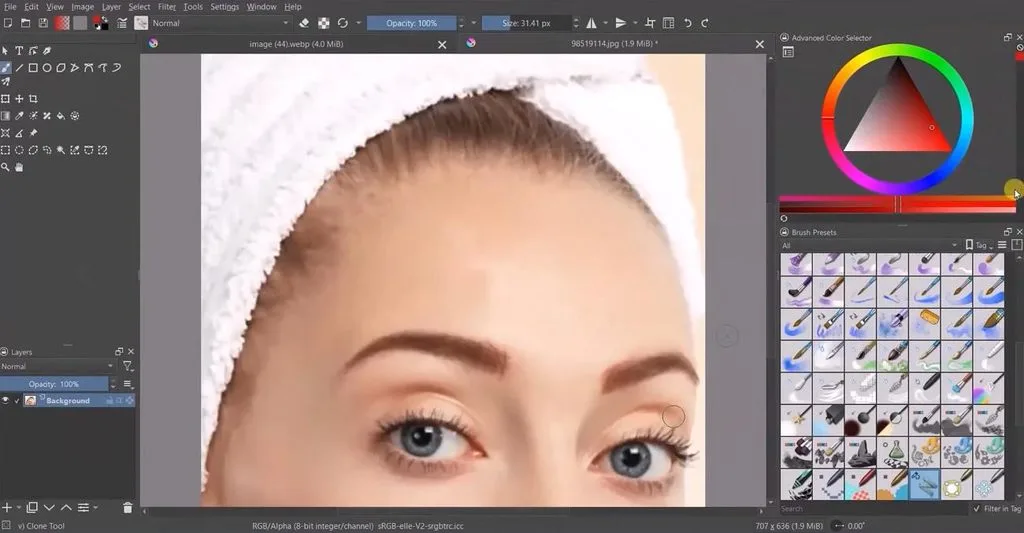
For anyone seeking a free Photopea alternative, Krita focuses heavily on illustration. Its desktop workspace suits drawing, concept art, comics, and detailed digital painting projects. Painting tools stay flexible through brush engines, assistants, and strong color management options.
Key Features
- Wrap-around mode creates seamless textures without manual canvas offsets.
- Multibrush mirrors strokes across several axes for symmetrical artwork.
- Animation workspace supports onion skinning, audio, and frame control.
User Reviews
- Ida Bohman-Bjorklund: “This really helps me as wanting to become a professional artisté.”
- Wafi Wafi: “have art and focus on my drawing. this is useful to do and helps a lot.”
- Giovana L.: “Sadly, Krita fails in the performance requirement...”
Part 2. Quick Comparison of the Best Photopea Alternatives
Several websites like Photopea make browser editing easier, but their tools and platforms differ. The table below compares each option by platform, editing focus, features, and best use:
| Tool | AI Image Creation | Image to Video | AI Models | Main Limitation |
| MagicLight AI | Yes | Yes | 20 video models & 5 image models | Limited manual layer editing |
| Canva | Yes | Yes | 3+ image-generation options | Some AI features require paid access |
| GIMP | No native generator | No | 0 native generative models | No built-in generative AI workflow |
| Pixlr | Yes | Yes | 5 listed image models | Less suited to complex PSD editing |
| Figma | Yes, through Weave | Yes, through Weave | 9+ listed image models | AI generation sits within Weave workflows |
| Krita | No native generator | No | 0 native generative models | Focuses on painting and illustration |
Conclusion
To conclude, each Photopea alternative works best for different editing, design, painting, or creative needs. Some options focus on detailed retouching, browser edits, templates, illustration, or interface design work. MagicLight AI takes another path by creating new images directly from simple written prompts. Users can also create storytelling videos by turning simple text prompts into longer connected scenes.
Frequently Asked Questions
- What are some good alternatives to Photopea?
Popular Photopea alternatives include GIMP, Krita, Pixlr, Canva, Figma, and MagicLight AI tools. Each option suits different needs, from editing photos to creating new images quickly.
- Is Photopea truly free?
Photopea free access includes the full editor, with ads beside the main canvas. Premium removes ads, adds more storage, and increases available editing history for users.
- Is MagicLight AI or Photopea better?
Photopea works better for layered editing, PSD files, and detailed manual adjustments. MagicLight AI suits prompt-based image creation and storytelling videos from generated visuals instead.





